EasyManua.ls Logo

NVision NV622 - User Manual

NVision NV622
12 pages
Print Icon
To Next Page IconTo Next Page
Loading...
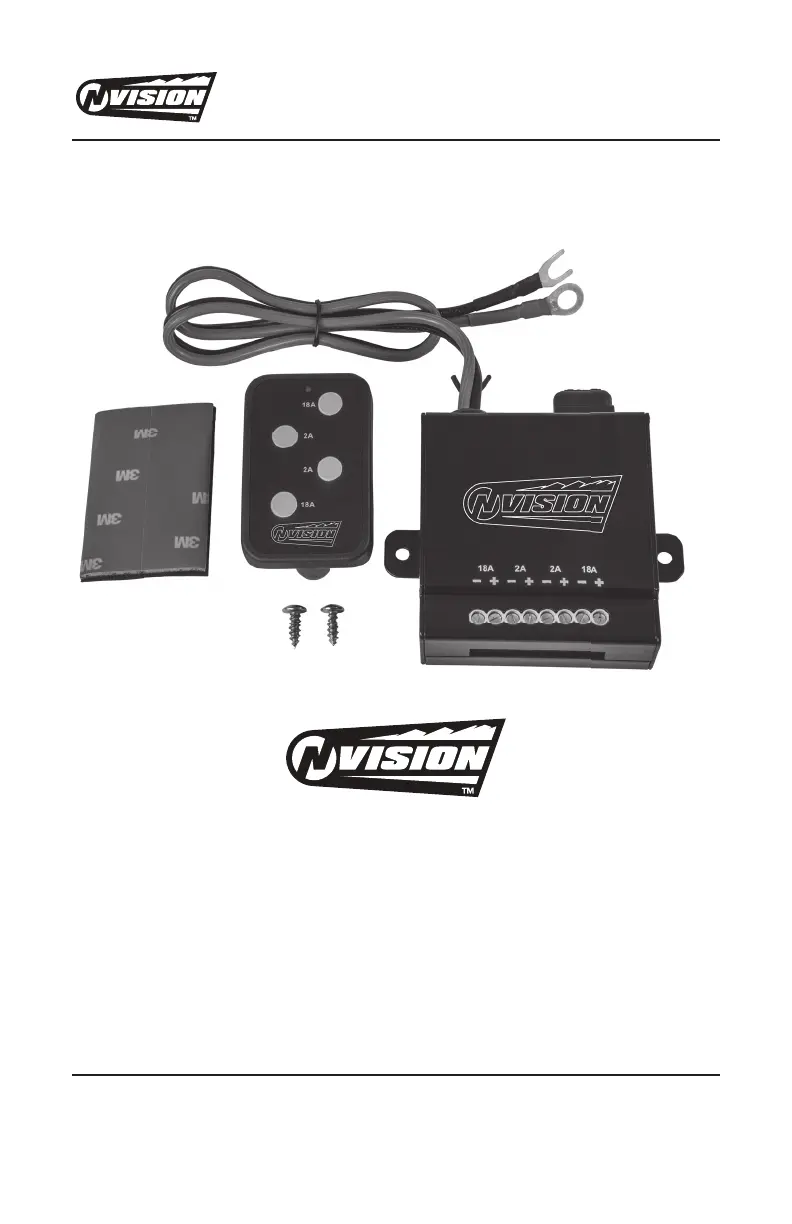
NV622 REMOTE CONTROLLED LIGHTING SYSTEM OWNERS MANUAL
NVISIONLIGHTING.COM
1-800-835-0129
Page 1 of 12
Patent Pending
© Copyright 2018
Hopkins Manufacturing Corporation
Emporia, KS 66801
www.nVisionLighting.com
REMOTE CONTROLLED LIGHTING SYSTEM
TROUSSE DE SYSTÈME DE GESTION SANS FIL ET RÉFLECTEURS
KIT DE SISTEMA INALÁMBRICO DE GESTIÓN Y REFLECTORES

Questions and Answers

  • G
    gloweryAug 3, 2025
    What to do if auxiliary lights/equipment are not working on my NVision Lighting Equipment?
    • E
      Elizabeth PattersonAug 3, 2025
      If your auxiliary lights or equipment aren't working, there are several potential causes: 1. Your vehicle battery voltage may be below 9.8V +/- 0.3V DC. In this case, you should charge the battery. 2. The main unit might not be correctly connected to the battery source. You should check the connection and polarity of the RCLS. 3. A fuse may be blown, and you should replace it. 4. The pairing between the remote and main unit may be disrupted. You can resolve this by pairing the system again.
  • R
    randall28Aug 17, 2025
    What to do if the battery LED light doesn't illuminate when I press the remote buttons on my NVision NV622 Lighting Equipment?
    • Y
      youngspencerAug 18, 2025
      If the battery LED light doesn't illuminate when you press the remote buttons, the remote control battery is likely dead. Replace the battery with a 12V A23 alkaline battery.

Summary

Product Overview

System Installation Guide

Product Specifications

Troubleshooting Common Issues

Remote Pairing Procedure

Instructions for pairing a new remote control with the existing RCLS unit.

FCC Compliance Statement

NVision NV622 Specifications

General IconGeneral
BrandNVision
ModelNV622
CategoryLighting Equipment
LanguageEnglish