7
8
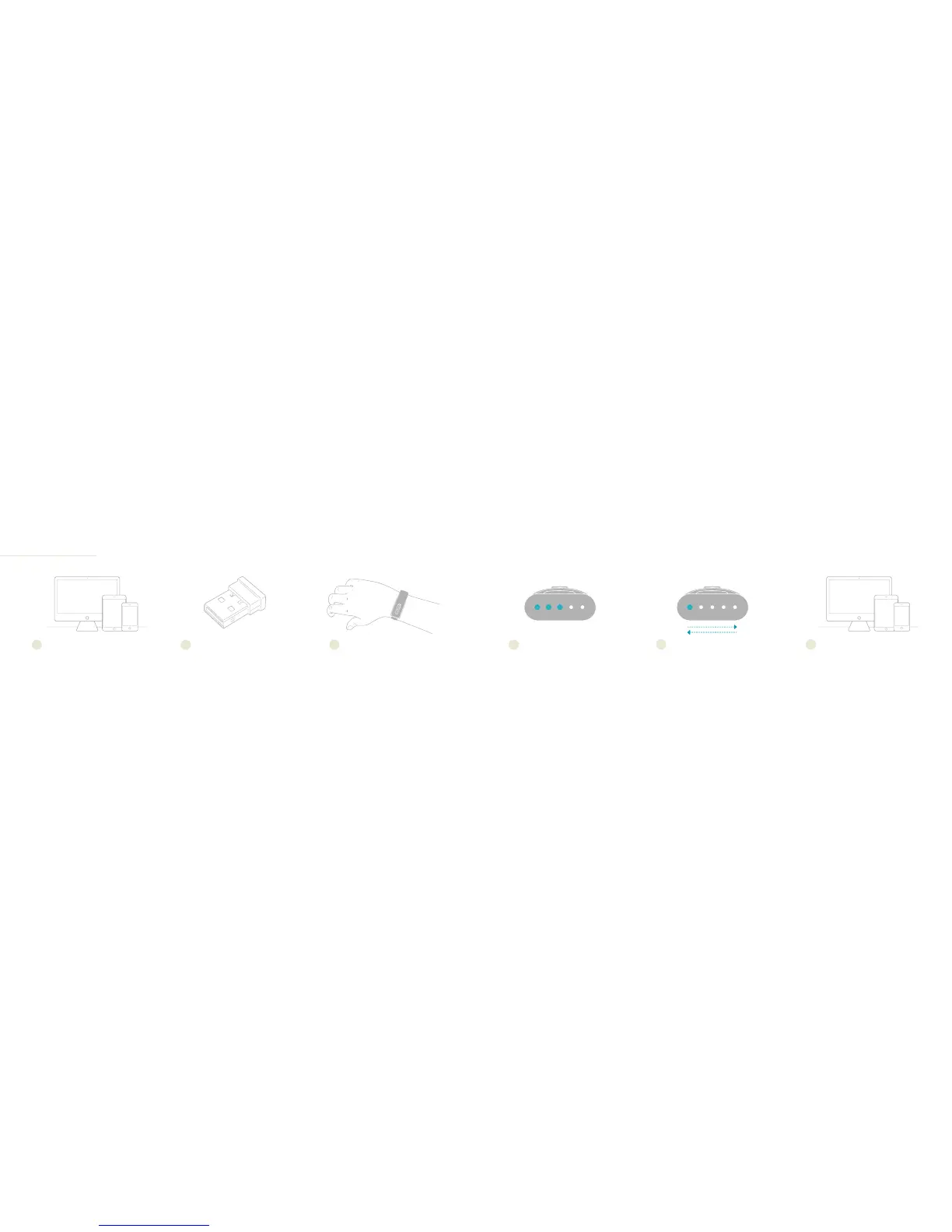
Once clasped onto your wrist,
your Nymi Band’s lights will pulse
twice indicating the battery level
of your band.
DOWNLOAD NYMI COMPANION
1
WEAR YOUR NYMI BAND
Clasp your Nymi Band onto your
wrist with the lights facing you. It
will light up. If not, unclasp and
reclasp your Nymi Band.
3
ENABLE BLUETOOTH
Turn on Bluetooth® on your device. For
Windows® PC, you need to use a Nymi-
compatible Bluetooth module. If you don’t
have one, contact help@nymi.com.
2
BATTERY LEVEL
4
APP SEARCH MODE
Your Nymi Band will place itself
into search mode. If you do not
see the above light sequence
appear, unclasp and reclasp your
Nymi Band.
5
LAUNCH NYMI COMPANION
The Nymi Companion will guide you
through setting up your Nymi Band.
6
IMPORTANT - Consult Safety Instructions Before Use.
FIRST-TIME USE
Pick one device that you would like to
use to activate your Nymi Band daily
(mobile device is recommended). Go to
got.nymi.com to download the Nymi
Companion onto it.


 To Next Page