EasyManua.ls Logo

Nywint DT17S-D7 - User Manual

Nywint DT17S-D7
24 pages
Print Icon
To Next Page IconTo Next Page
Loading...
Divert Memory
DT-ENG-17S-D7-V2
DT17S-D7
2 WIRE INTERCOM SYSTEM
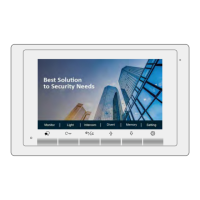
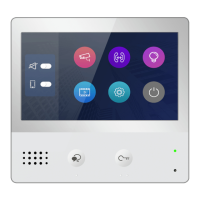
7" COLOR TFT MONITOR
Note!
• Due to newer software and chips, the functions and parameters have changed.
• Please read this manual carefully before using the product you purchase,and keep it well for future use.
• Please note that images and sketch maps in this manual may be different from the actual product.
•
•
VERSION 05/01/2022
Question and Answer IconNeed help?

Do you have a question about the Nywint DT17S-D7 and is the answer not in the manual?

Summary

Parts and Functions

Key Functions

Lists and explains the function of each component on the monitor.

Terminal Description

Mounting

Main Menu

Basic Door Release Operation

Intercom Function

Calling Other Monitors in the Same System

Details how to initiate calls to other monitors within the system.

Divert Call

Activating Divert Call Function

Guides users on how to select and activate call diversion modes.

Basic Setup Instructions

Door Station Call Tone Setting

Explains how to select and set the ringtone for door station calls.

Intercom Call Tone Setting

Explains how to select and set the ringtone for intercom calls.

Door Bell Tone Setting

Explains how to select and set the ringtone for the door bell.

Monitor Parameter Setting

Entering Installation Settings

Provides steps to access the monitor's advanced installation settings.

Machine Code Reference

Setting Items and Codes

Lists various settings and their corresponding machine codes for configuration.

Setting User Code

Bit-6 Line Terminal Setting

Explains the function of Bit-6 for line terminal configuration.

Nywint DT17S-D7 Specifications

General IconGeneral
BrandNywint
ModelDT17S-D7
CategoryIntercom System
LanguageEnglish

Related product manuals