Need help?
Do you have a question about the Nywint DX471-TD7 and is the answer not in the manual?
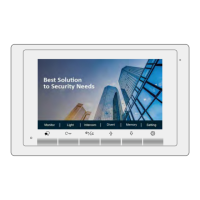
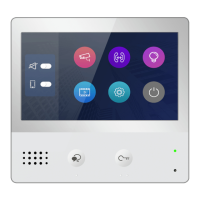
Describes the purpose of each button, speaker, and port on the monitor.
Details the function of connection ports and DIP switches for device installation and configuration.
Explains the meaning of various system status icons shown on the monitor's interface.
Configure ringtone volume and specific call tones for different device interactions and sources.
Adjust date, time, language, monitor timeout, and shortcut settings for basic device operation.
Manage device addresses, intercom settings, IP cameras, software upgrades, and system configurations.
Configure Wi-Fi connections, register monitors, and set up SIP for network communication and mobile alerts.
Access detailed device information, including model, software version, serial number, and IP address.
 General
| Operating Current | ≤500mA |
|---|---|
| Standby Current | ≤50mA |
| Operating Temperature | -10°C to +55°C |
| Material | ABS Plastic |
| Operating Voltage | 12V DC |
| Humidity | 10% to 90% RH (non-condensing) |
| Frequency Response | 300Hz to 3.4kHz |

 To Next Page