NZXT. 7
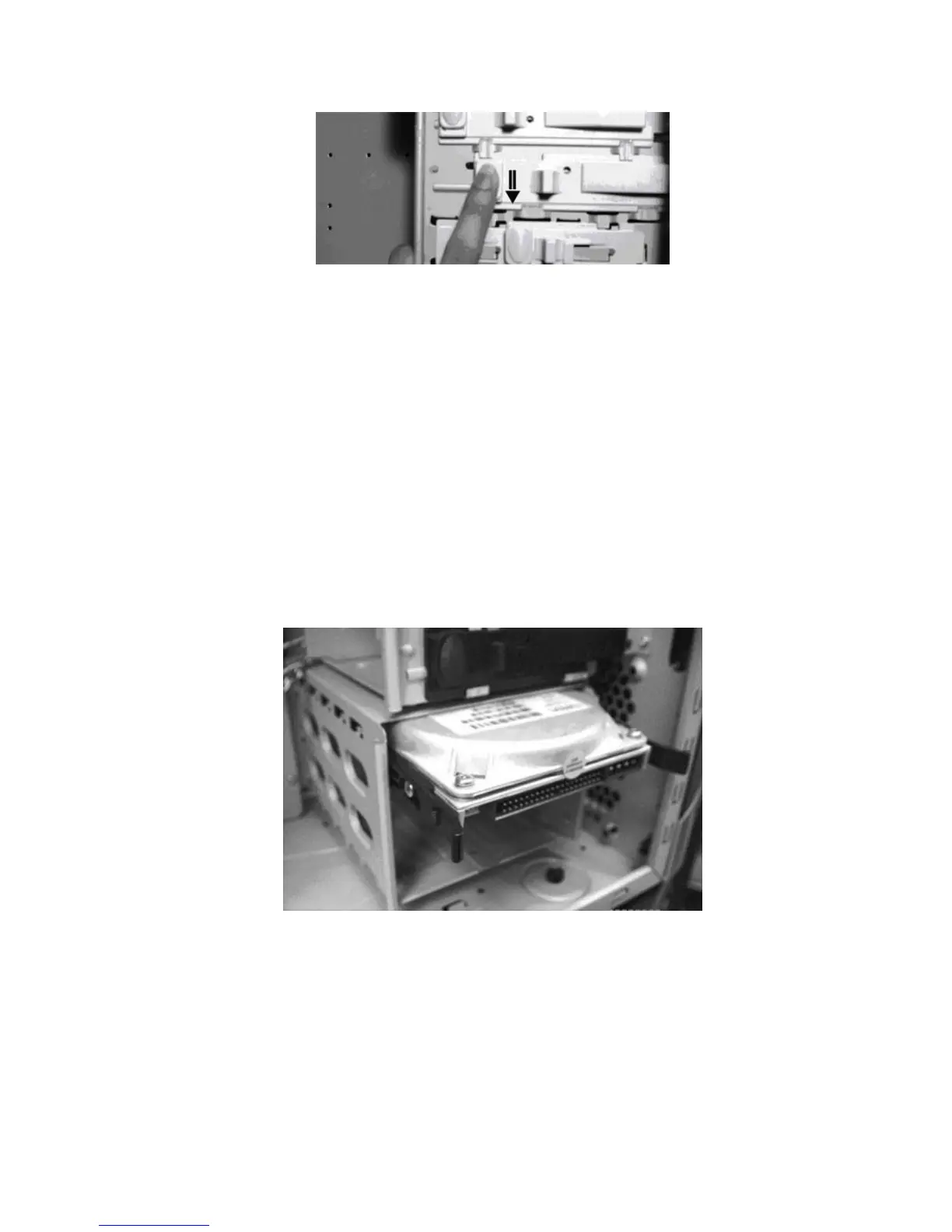
Step 2. Push towards the bottom to secure
5. After installation, the user may use screws to secure the
device.
Hard Drive Installation
The Apollo allows space for four internal 3.5” Devices such as hard
drives. Three of the four drives run on screwless slides. Please
follow the instructions below:
1. Attach the slides onto the side of the device.
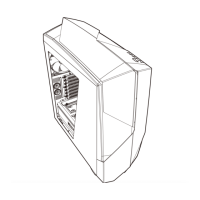
Hard Drive Sliding into Place
2. Slide the device in place and secure.


 To Next Page