NZXT. 8
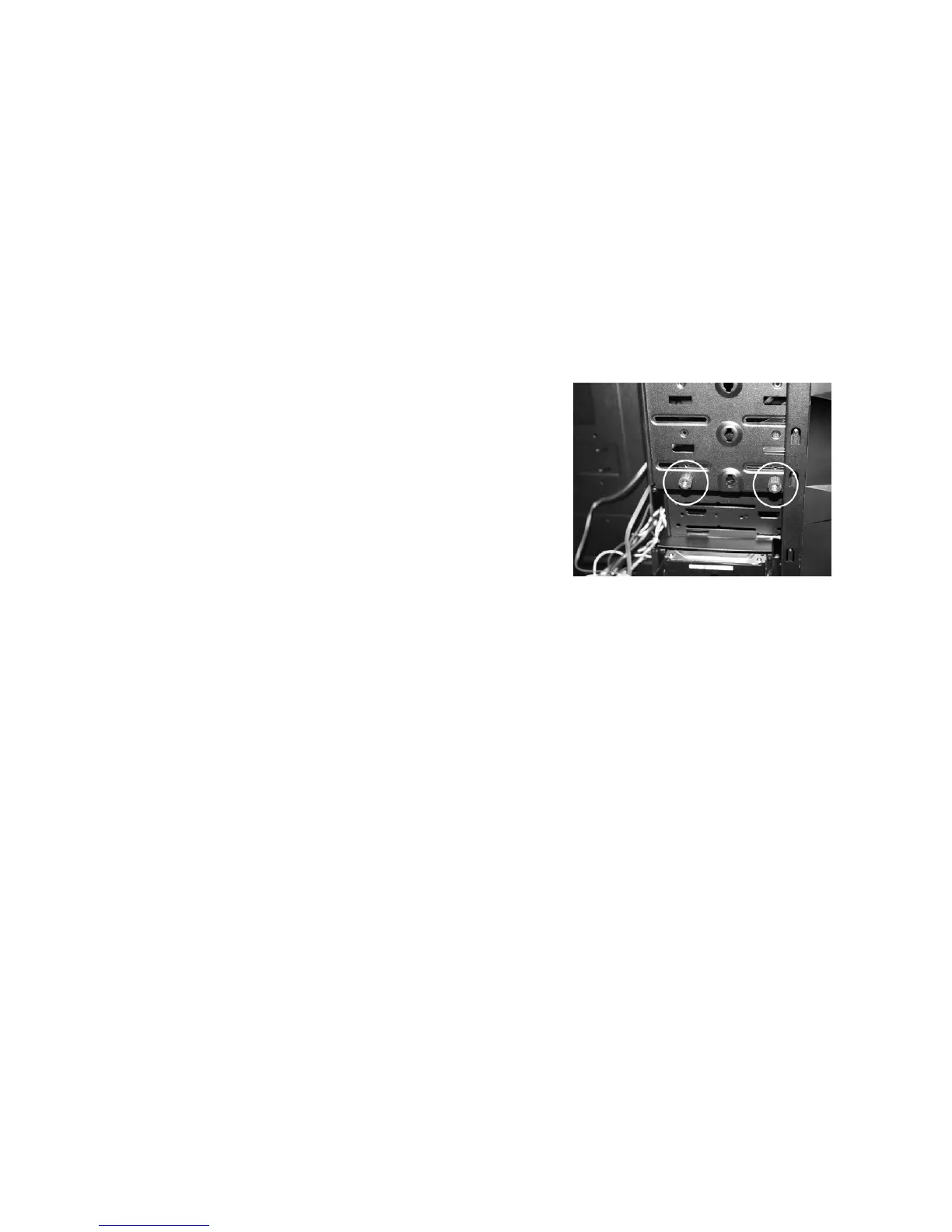
Attach the thumbscrews and turn to secure
5. Attach the corresponding amount of thumbscrews to secure
firmly
Internal 3.5” , 2.5” SSD Hard Drive Installation
In order to allow for optimal airflow and better wire management,
LEXA S allows the user to mount the hard drives towards the
motherboard panel. Please follow the directions below to install the
internal 3.5” HDD devices
1. Open the side panel to gain access inside the chassis
2. Attach the rails onto the hard drive


 To Next Page