23
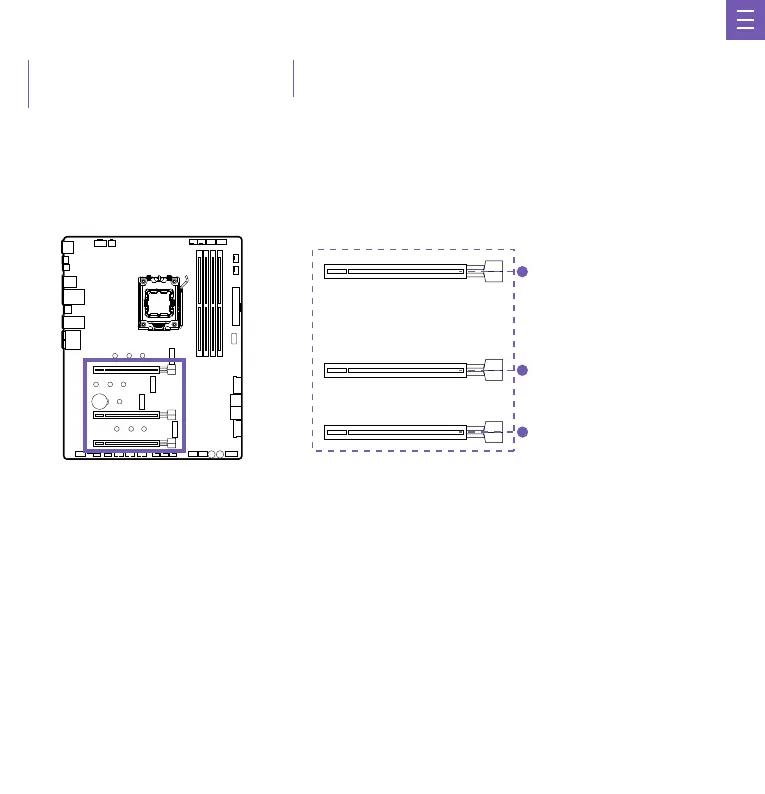
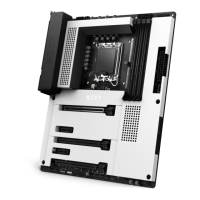
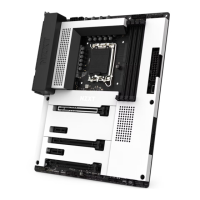
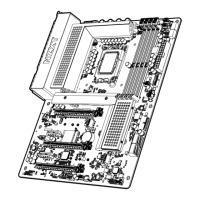
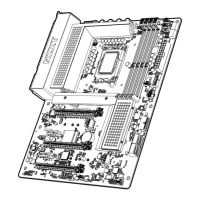
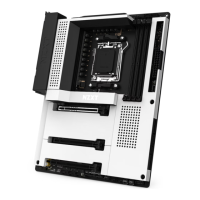
See the diagram below for the list of slots. Please install graphics cards using the PCIEX16_1 first then the PCIEX16_2.
Consulta el siguiente diagrama para ver la lista de ranuras. Instala las tarjetas gráficas utilizando en primer lugar la PCIEX16_1 y, en segundo
lugar, la PCIEX16_2.
Consultez le diagramme ci-dessous pour obtenir la liste des slots. Installez les cartes graphiques d'abord dans le PCIEX16_1, puis dans le
PCIEX16_2.
Die nachfolgende Abbildung zeigt die Liste der Steckplätze. Installieren Sie Grafikkarten bitte zuerst in PCIEX16_1 und dann in PCIEX16_2.
Consulte o diagrama abaixo para a lista de entradas. Instale as placas gráficas usando o PCIEX16_1 primeiro e então o PCIEX16_2.
슬롯 목록은 아래의 도표를 참고하십시오. 먼저 PCIEX16_1을 사용한 다음 PCIEX16_2를 이용하여 그래픽 카드를 설치하십시오.
スロットのリストについては、次の図を参照してください。グラフィックスカードの取り付けでは、まず PCIEX16_1、次 に PCIEX16_2 を使用してください。
請參見以下示意圖以獲得插槽清單。請先使用 PCIEX16_1 安裝顯示卡然後再使用 PCIEX16_2。
PCIEX16_1:
PCIEX16_2:
PCIe 5.0 x16 slot
PCIe 4.0 x2 slot
PCIEX16_3: PCIe 4.0 x2 slot
PCI EXPRESS EXPANSION SLOTS
RANURAS DE AMPLIACIÓN PCI EXPRESS
SLOTS D'EXPANSION PCI EXPRESS
PCI EXPRESS-ERWEITERUNGSSTECKPLÄTZE
SLOTS DE EXPANSÃO PARA PCI EXPRESS
PCI EXPRESS 확장 슬롯
PCI EXPRESS 拡張スロット
PCI EXPRESS 擴充插槽


 To Next Page