【
】
confirmation of COM port assignment
【
】
setting of a COM port number
・
for reading the current setting value in the ECU
・
Check which COM port the serial connection to the ECU is assigned using Windows® device manager.
Refer to the operation manual of the Windows®.
In case the serial connection is assigned to other than COM1
COM20, assign it manually to one of
them. Refer to the operation manual of the Windows® how to assign a COM port number.
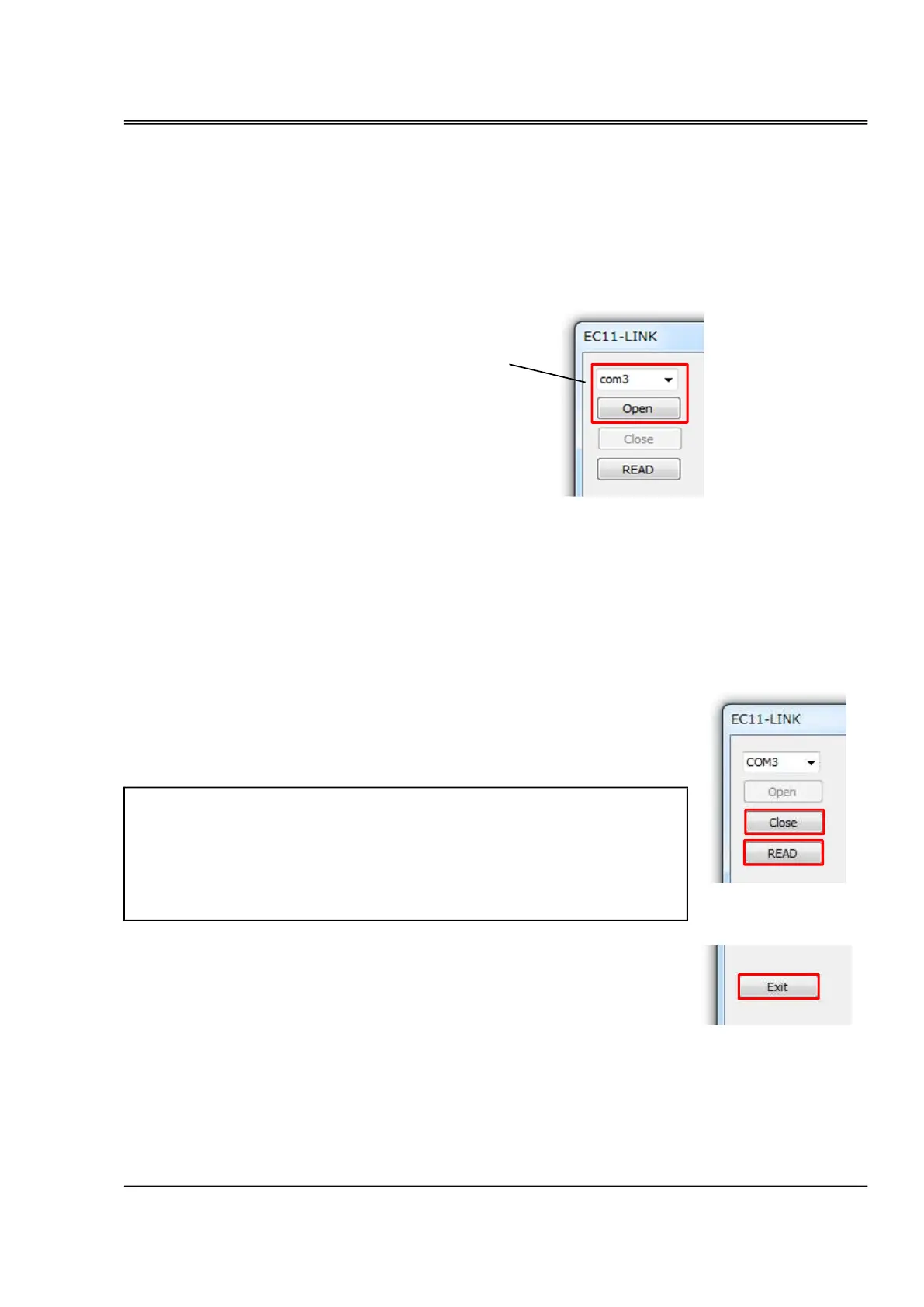
Select the same COM port you have assigned from the pull down nenu. Then click [OPEN] and the
OPERATION (EC11-LINK)
The setting values are stored in the flash memory in the ECU, and are read out
in the memoty when the ECU is turned on. When you change the setting values
via EC11-LINK, the new values are memorized in the momories at first, then by
clicking [Save Settings] button, the new values are memorized the teh flash
memories.
for disconnecting a COM port connection. Do not click until you finish EC11-
Select the same COM port number
as you have confirmed by Device
manager.


 To Next Page
 Loading...