EasyManua.ls Logo

Oakton pH/CON 510 series - User Manual

Oakton pH/CON 510 series
47 pages
Print Icon
To Next Page IconTo Next Page
Loading...
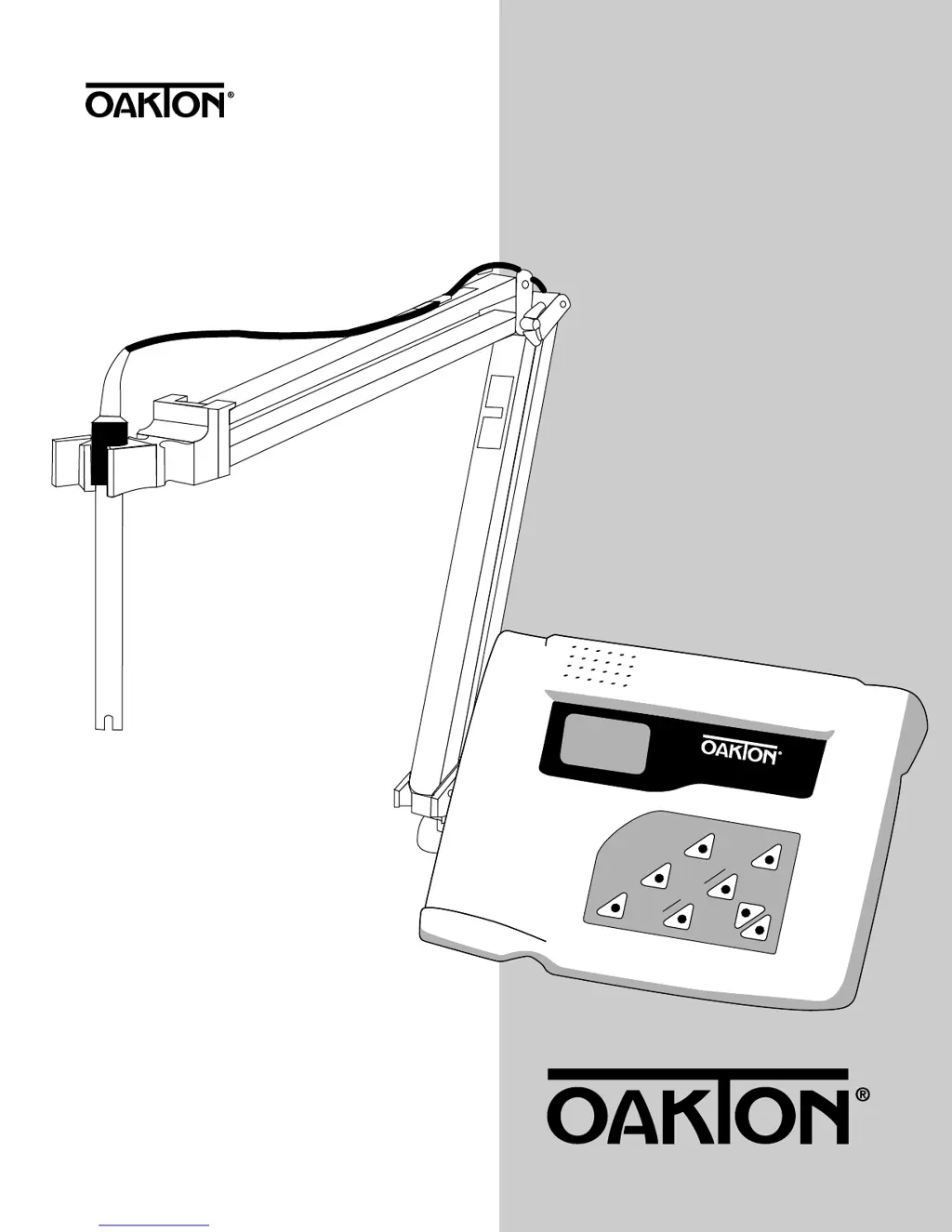
pH/mV/Conductivity/TDS/
°C/°F meter
ON/OFF
MEAS
HOLD
CAL
MODE
SET
pH/CON 510 series
RANGE
ENTER
pH/CON 510
Benchtop Meter
WD-35610-10, -12, -15, -17
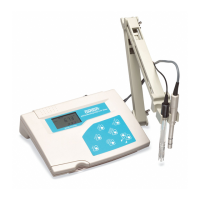
pH/CON 510 meter
10/00 ©2000 68X090817

Table of Contents

Questions and Answers

  • D
    Denise HunterJul 29, 2025
    Why is the Oakton pH/CON 510 reading unstable?
    • R
      Raymond Jordan Jr.Jul 29, 2025
      An unstable reading on your Oakton Multimeter can stem from several factors. It could be due to insufficient reference electrolyte in the electrode, which requires you to fill the electrode with reference electrolyte. Alternatively, the electrode might be broken, necessitating a replacement. Electrical field interference from nearby motors or ultrasonic devices can also cause this; try removing or switching off the interfering device. A dirty probe is another possibility; in this case, clean the electrode and hydrate if needed.
  • M
    Mr. Timothy Elliott Jr.Aug 2, 2025
    What to do if my Oakton pH/CON 510 Multimeter shows nothing when turned on?
    • L
      Lisa HernandezAug 2, 2025
      If your Oakton Multimeter displays nothing when you turn it on, the issue might be that the AC outlet power is not switched on; if so, switch on the power supply. Another possibility is that the AC adapter socket isn't properly inserted; try re-inserting it.
  • C
    cortezloriAug 6, 2025
    What causes unstable readings on my Oakton pH/CON 510?
    • J
      Jeremy AguilarAug 6, 2025
      Unstable readings on your Oakton Multimeter can be caused by several issues: air bubbles in the cell (tap the cell to remove bubbles), a dirty probe (clean the probe and recalibrate), low conductivity with the solution (avoid atmospheric contact), external noise pickup (move away from the noise), or a broken probe (replace the probe).
  • A
    Adam JohnstonAug 10, 2025
    How to fix slow response on Oakton pH/CON 510 Multimeter?
    • D
      Dustin MartinAug 11, 2025
      If your Oakton Multimeter is responding slowly, it might be due to a dirty probe. To resolve this, clean the electrode and hydrate if needed.
  • T
    Taylor SanchezAug 15, 2025
    What to do if Oakton pH/CON 510 Multimeter keypad not responding?
    • R
      rweeksAug 15, 2025
      If your Oakton Multimeter keypad is not responding, first check if the HOLD mode is active (Hold displayed on the LCD). If so, cancel HOLD mode by pressing the Hold button. If HOLD mode is not the issue, there may be an internal program error. Reset all internal programs by removing the A/C adapter from the meter and re-inserting it.
  • A
    Ariel PattersonAug 19, 2025
    Why does my Oakton pH/CON 510 Multimeter display 'OR'?
    • M
      Michael WaltersAug 19, 2025
      If your Oakton Multimeter displays 'OR' on the upper display, it could be due to a shorted probe, in which case you should test the probe. Alternatively, the probe might be in a solution with too high conductivity for the current range; try using a different solution or selecting a different range.
  • J
    Jenna SchwartzAug 25, 2025
    Why is the temperature reading erratic on my Oakton pH/CON 510 Multimeter?
    • V
      Veronica LeeAug 25, 2025
      An erratic temperature reading or “OR” on the lower display of your Oakton Multimeter can be caused by oxidation of the temperature probe connector; clean the connector with alcohol. It could also mean the temperature of the solution is out of range; in that case, heat or cool the solution.

Summary

Starting Up

Display Overview

Explains the dual display and its mode annunciators.

Probe Connections

Calibration

Important Information on Meter Calibration

Explains how recalibration affects stored data and reset options.

pH Calibration

Preparing for pH Calibration

How to prepare the meter and electrode for pH calibration.

To Calibrate pH

Step-by-step guide for performing pH calibration.

Conductivity;TDS Calibration

To Calibrate Conductivity or TDS

Step-by-step guide for conductivity/TDS calibration.

Temperature Calibration

Temperature Calibration

Instructions for calibrating the temperature sensor.

Measurement

Taking pH Measurements

Step-by-step guide for taking pH measurements.

Taking mV Measurements

Taking Conductivity or TDS Measurements

Measurement Features

Set up Mode

Set up Mode Overview

Sub Groups Available from pH Measurement Mode

Reset to Factory Default (pH) (P4.0)

Resets pH parameters to factory default settings.

pH Configuration (P3.0)

Resetting to Factory Default Settings (pH) (P4.0)

Conductivity (TDS) Configuration (P7.0)

Temperature Settings (P8.0)

Resetting to Factory Default Settings (Conductivity or TDS) (P9.0)

Probe Care

Troubleshooting

Error Messages

Lists error messages, their causes, and corrective actions.

General Troubleshooting

Common issues and solutions for meter operation.

pH Troubleshooting

Specific problems and solutions related to pH measurements.

Conductivity;TDS Troubleshooting

Specific problems and solutions for conductivity/TDS.

Specifications

Oakton pH/CON 510 series Specifications

General IconGeneral
pH Resolution0.01 pH
pH Accuracy±0.01 pH
Conductivity Resolution0.1 µS/cm; 1 µS/cm; 0.01 mS/cm
Conductivity Accuracy±1% of full scale
Temperature CompensationAutomatic, 0 to 100°C
DisplayLCD
Power Supply4 x 1.5V AAA batteries
TDS Accuracy±1% of full scale
Salinity Resolution0.1 ppm; 1 ppm; 0.01 ppt; 0.1 ppt
Salinity Accuracy±1% of full scale
Temperature Range0 to 100°C
Temperature Resolution0.1°C
Temperature Accuracy±0.5°C
Operating Temperature0 to 50°C
Weight300 g
Conductivity Range0 to 199.9 µS; 200 to 1999 µS; 2.00 to 19.99 mS
TDS Range0 to 199.9 ppm; 200 to 1999 ppm
TDS Resolution1 ppm
Salinity Range0 to 100 ppt

Related product manuals