X-200 PRO User Manual
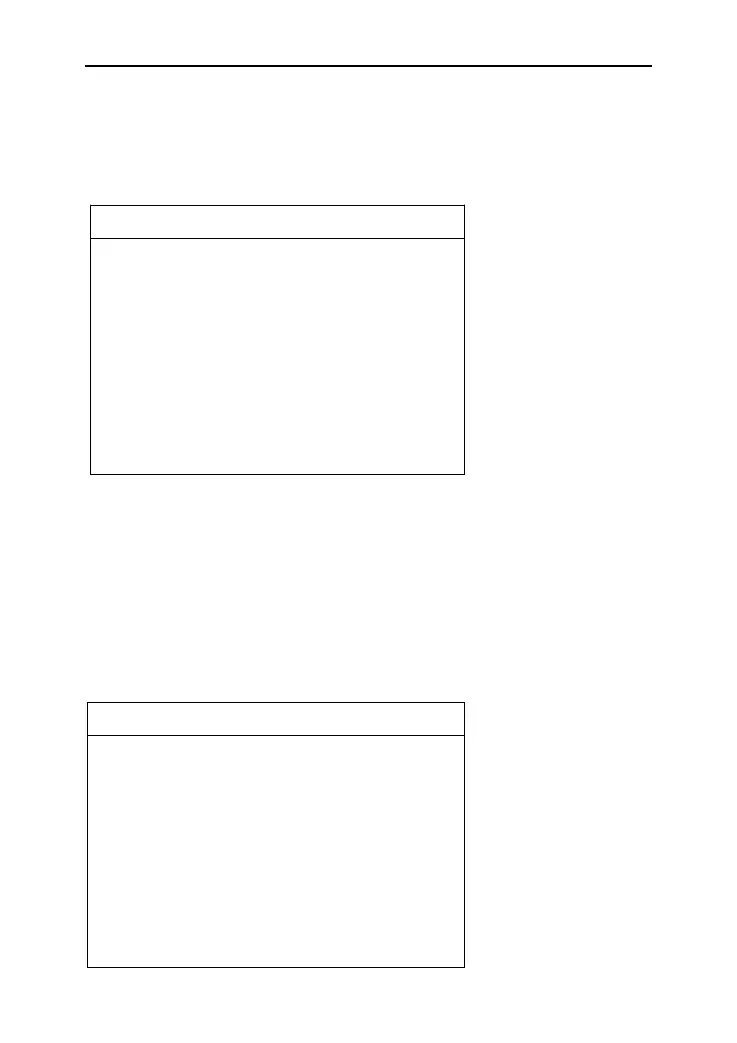
According to your needs, select the Metric/Inch through the
up and down keys, and press ENTER to switch, as shown below:
If you have problems during the testing, please use the Data
Recording function to record the testing process and send the data
to us. If you want to use Data Record function, select “ON” by the
up and down keys and press ENTER to switch, as shown below:
Note: Please select "OFF", otherwise there will be not enough
capacity in TF card after using it for a long time.


 To Next Page