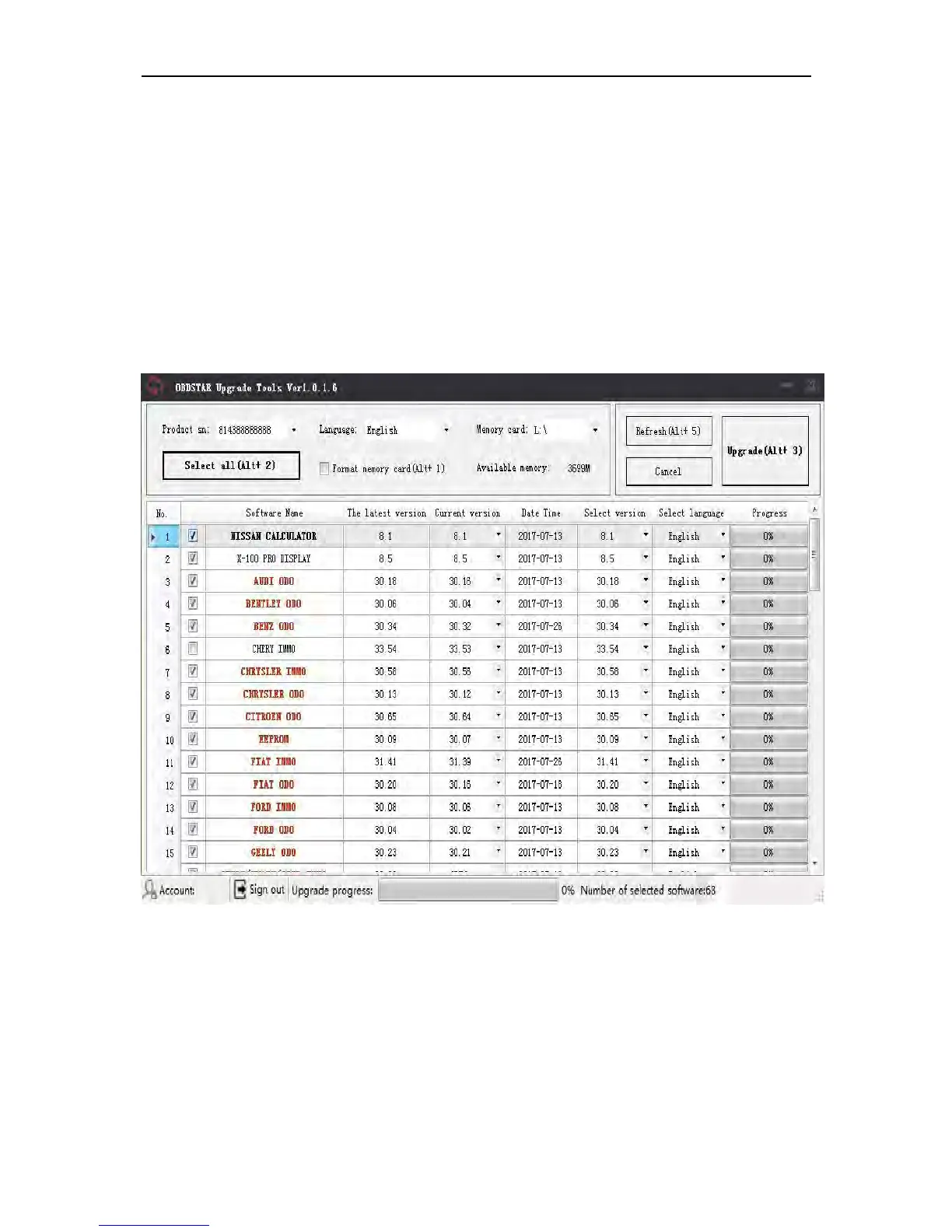
2.3 Software updating
Operation steps as following:
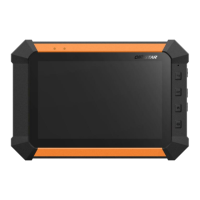
Step 1: Remove the TF card from your device.
Insert your TF card into computer.
Step 2:Open update tool and login
Step 3: Click the source menu, choose the program you want to
update, click it and confirm.
Step 4: Click and select all the software then click “update”.
Step 5: Wait for several minutes then the updating finished.
Note:For new update software and questions during
updating, please contact your distributor.


 To Previous Page