1.3 Hardware Specification
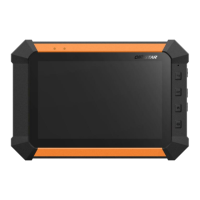
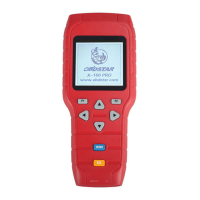
★ Dimension: 19.2cm(L) *9.3cm(W) *2.9cm(H)
★ CPU: ARM7
★ Power Supply: DC12V
★ Operation Power:DC12V
★ Operating Temperature: -10~60℃
★ Display Screen: 160×160 TFT Screen
1.4 Functions Setting
Power on, and then press ENTER on the screen,then go
to the function setting, setting information as shown below:


 To Next Page