6
www.observint.com
SECTION 2: INSTALLATION
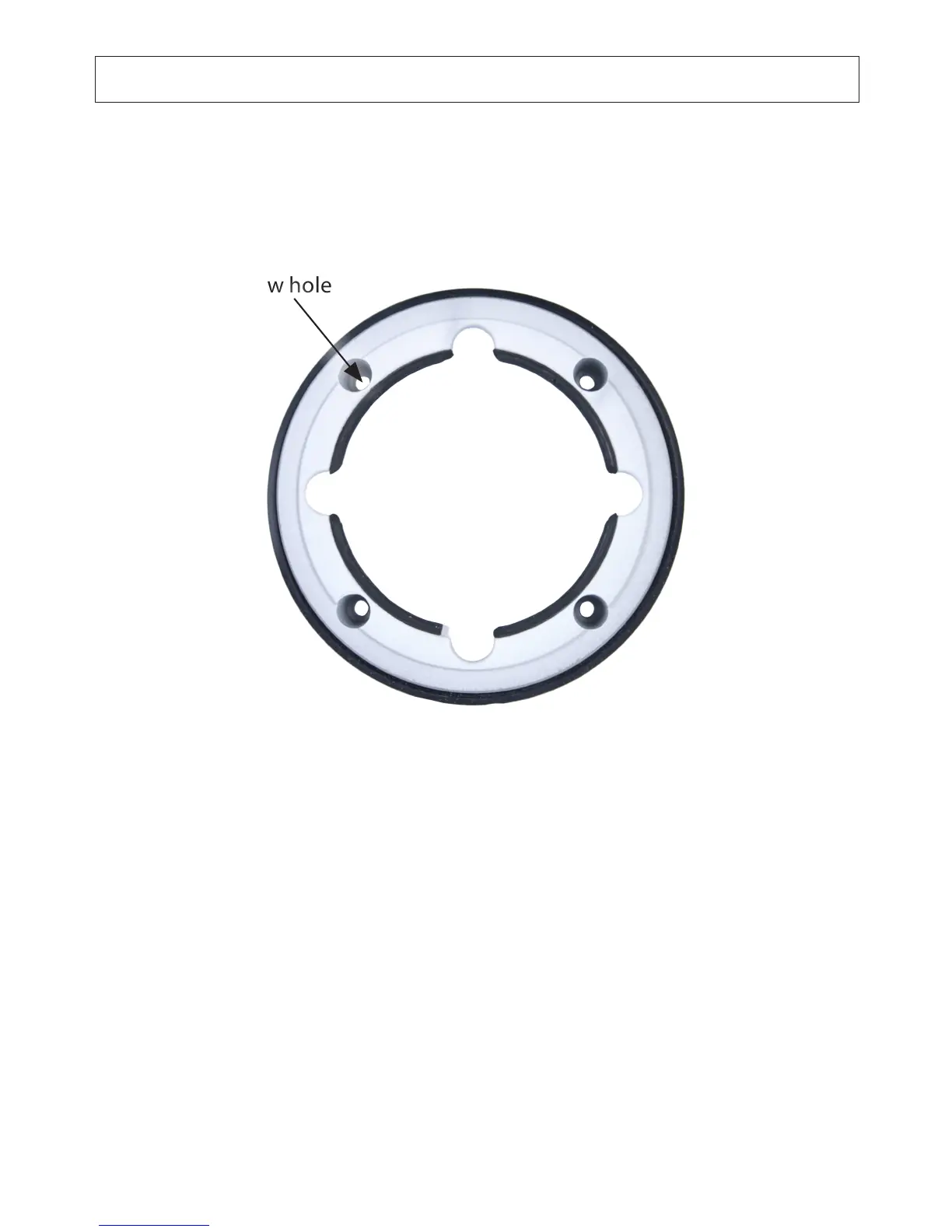
3. Using the base as a template, mark the location of the four mounting screw holes.
Mounting
screw hole
Camera Base
4. Drill mounting screw holes into the mounting surface.
a. If the mounting surface is a soft material, such as a drywall, use a 3/16” bit to
drill the mounting holes. Use a hammer to tap the wall inserts provided into
each hole until they are ush with the surface.
OR (continue on next page)


 To Next Page