EasyManua.ls Logo

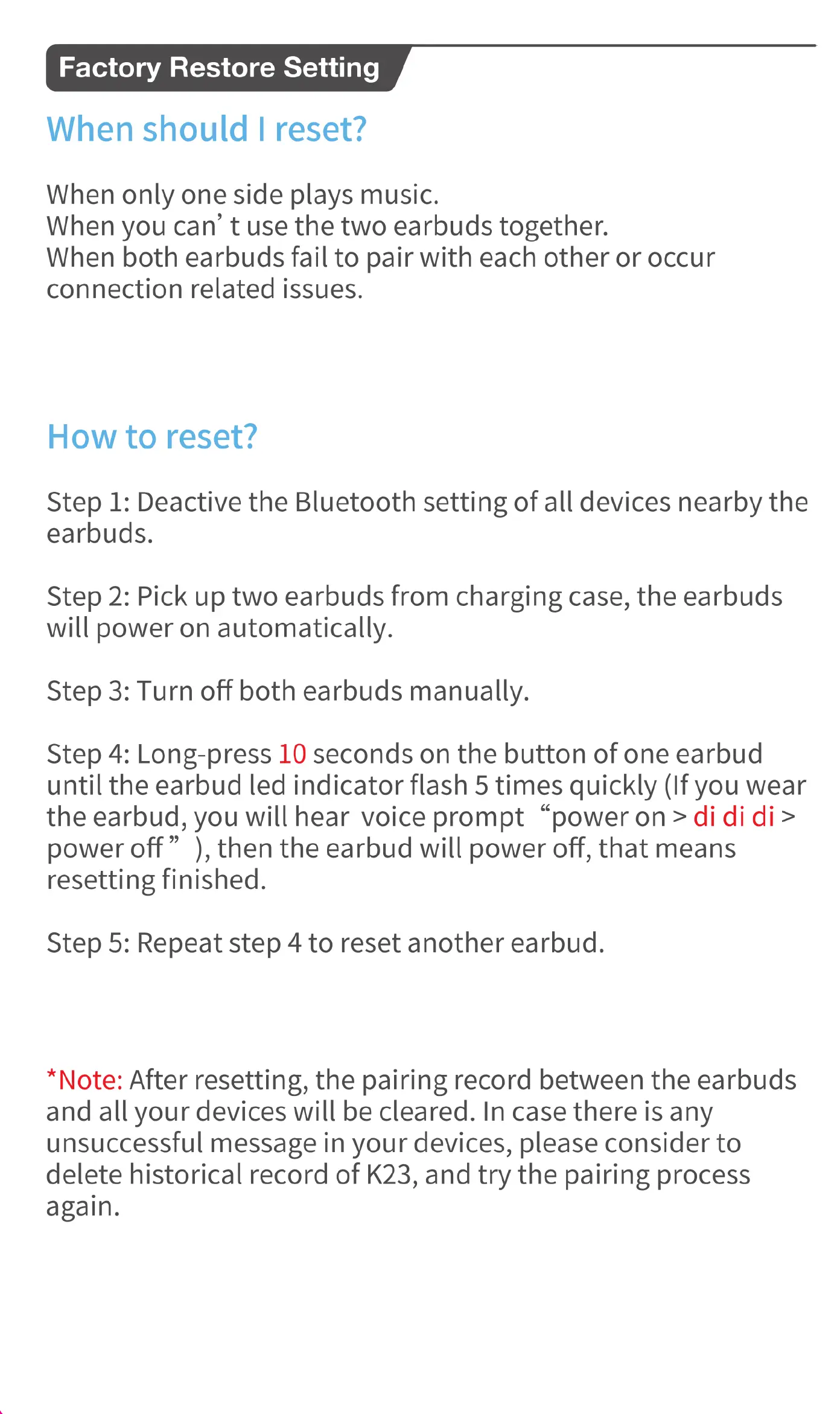
occiam K23 - Factory Restore Setting; How to reset?

occiam K23
14 pages
Print Icon
To Next Page IconTo Next Page
To Previous Page IconTo Previous Page
Loading...
Factory
Restore
Setting
When
should
|
reset?
When
only
one
side
plays
music.
When
you
can’
t
use
the
two
earbuds
together.
When
both
earbuds
fail
to
pair
with
each
other
or
occur
connection
related
issues.
How
to
reset?
Step
1:
Deactive
the
Bluetooth
setting
of
all
devices
nearby
the
earbuds.
Step
2:
Pick
up
two
earbuds
from
charging
case,
the
earbuds
will
power
on
automatically.
Step
3:
Turn
off
both
earbuds
manually.
Step
4:
Long-press
10
seconds
on
the
button
of
one
earbud
until
the
earbud
led
indicator
flash
5
times
quickly
(If
you
wear
the
earbud,
you
will
hear
voice
prompt
“power
on
>
di
di
di>
power
off”
),
then
the
earbud
will
power
off,
that
means
resetting
finished.
Step
5:
Repeat
step
4
to
reset
another
earbud.
*Note:
After
resetting,
the
pairing
record
between
the
earbuds
and
all
your
devices
will
be
cleared.
In
case
there
is
any
unsuccessful
message
in
your
devices,
please
consider
to
delete
historical
record
of
K23,
and
try
the
pairing
process
again.

Related product manuals