Introduction 9
Switching on/off
The machine has a short warming up time making it possible to switch on
whenever you need it.
▼ Switching on the machine
1
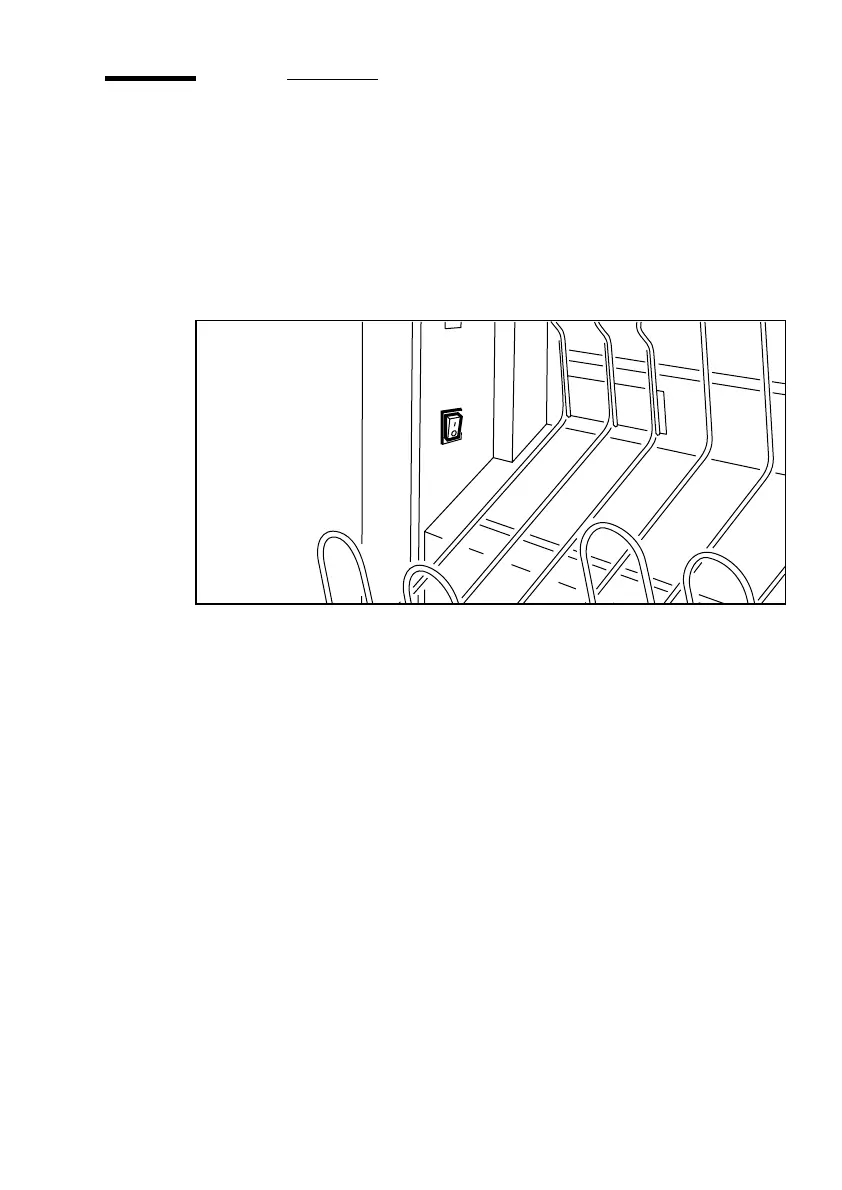
Press the main switch to position ‘1’ (see figure 2). The green indicator
lights up.
[2] On/off switch
The machine is ready for use, when only the arrow on the operating panel
lights up.
▼ Switching off the machine
1
Press the main switch to position ‘0’ (see figure 2). The green indicator
goes off.


 To Next Page