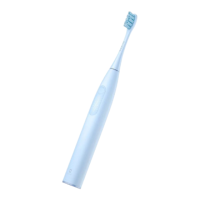
Battery Removal Instructions
1. Ensure the product is powered off before
removing the battery.
2. Dispose of the battery safely after removal.
3. A professional should follow these steps to remove
the battery from the product:
- Use a heat gun to warm the charging board, then
use tweezers to pry open the charging board along the
edge of the bottom cover.
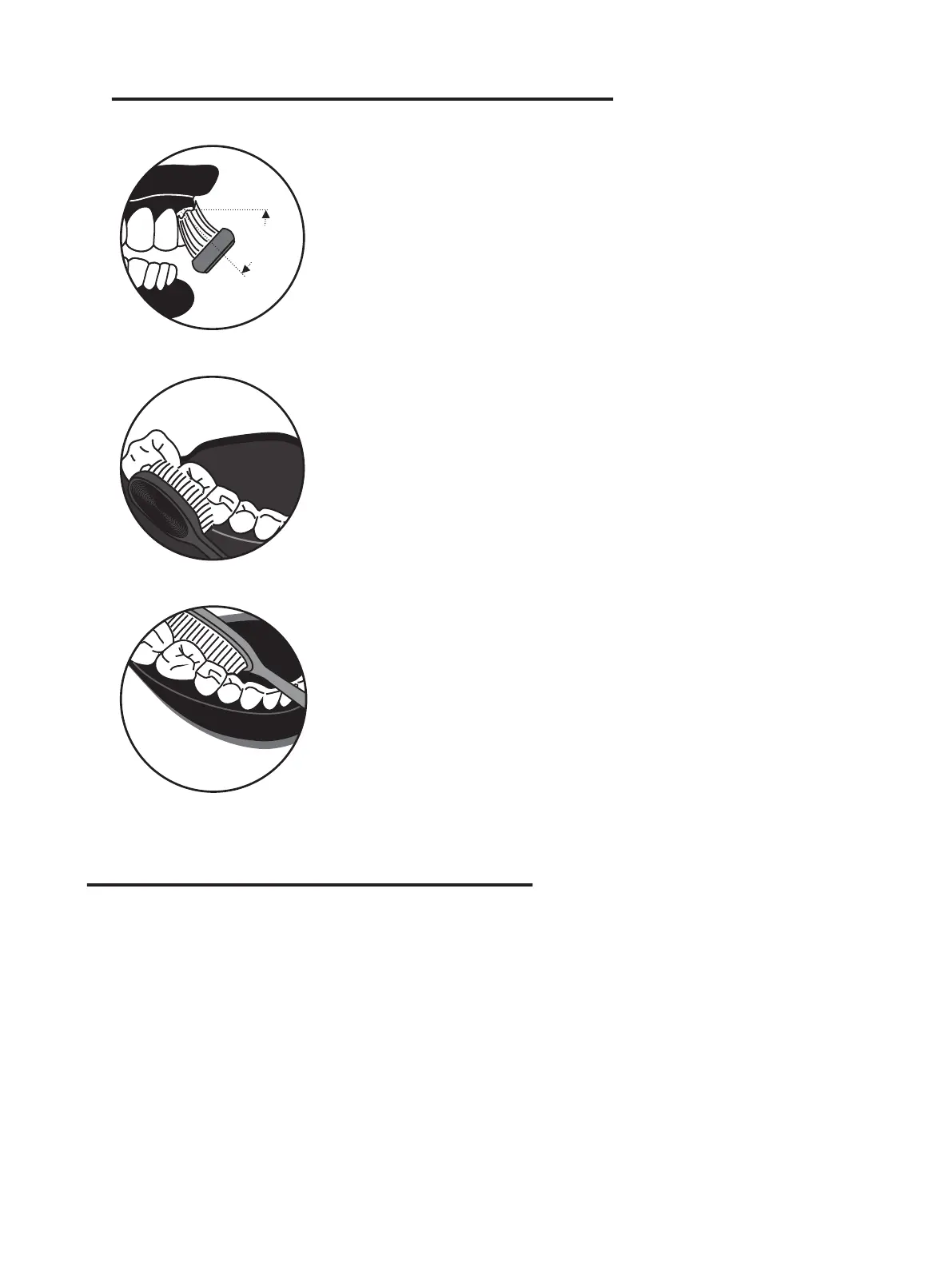
Recommended Brushing Method
Position the brush head at a 45° angle to
the gum line and move the toothbrush
slowly. During this process, manual up-
and-down brushing is not necessary.
Hold the toothbrush handle gently and
move it in a circular motion, avoiding
excessive pressure.
After brushing, rinse your mouth with
clean water.
- Use a cross screwdriver to remove the screws se-
curing the bottom cover and take it off.
- Use a tool to pry the clips on both sides inward and
push the motor shaft forcefully until the mechanism is
removed.
- Use wire cutters to cut the charging wires at the
bottom of the battery, then pry open the clips and
remove the battery.



 To Next Page