4
First time use
Short press on ON/OFF button to activate toothbrush and Bluetooth, after being
activated, the device will be constantly in stand-by status.
Brushing Plan
Toothbrushing will start default mode with “Standard Cleaning Plan” with 2 mins if no
new customized brushing plan setting in APP. There will be a reminder with vibration to
remind user to change the brushing area in every 30s. Toothbrush will stop operating
automatically after 2 mins.
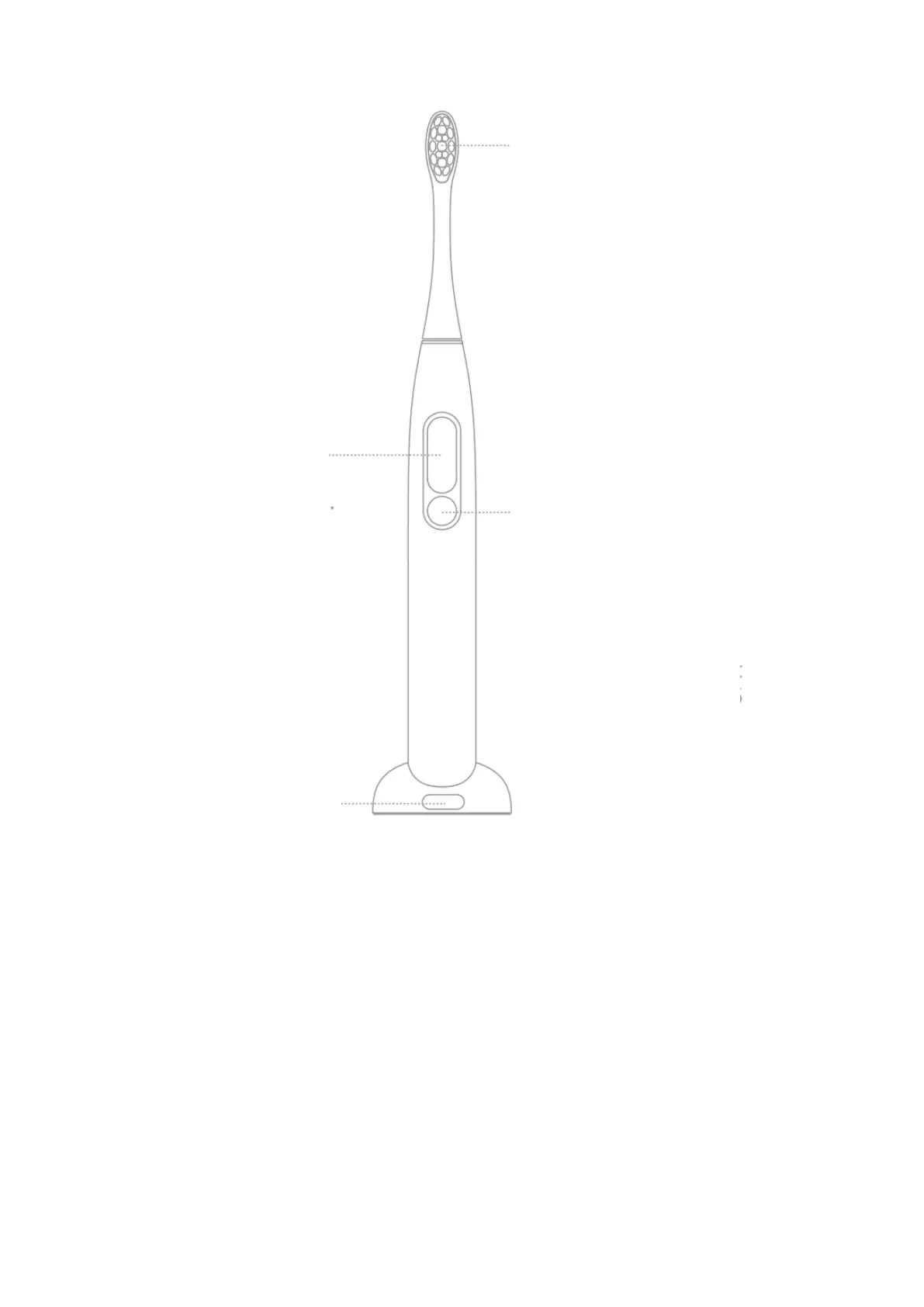
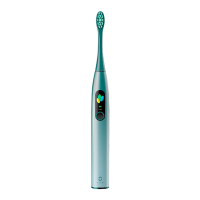
Touch Screen
Support up/down, left/right
operation. Please slide on
the screen frame with your
finger-pulp.
2-in-1
Charger base + wall mount.
Brush Head
When replacing the brush
head, please pull it out or
insert it vertically instead of
rotating left-right.
The dentist recommends
replacing brush head every 2
to 3 months.
On/Off/Pause
When toothbrush wakes
up, short press the button
during the running state
will pause the operation;
and short press again
within 15 seconds to
continue running; more
than 15 seconds of
misoperation will enter
sleep mode.


 To Next Page