8
Brushing Plan & App Settings
You can either choose or customize a brushing plan through the supporting Oclean App.
You can also upgrade the firmware to continuously update its performance.
Low Battery Prompt
When battery percentage is lower than 20%, you’ll see low battery prompt appears on
your toothbrush display frequently, you will need to charge the toothbrush. When the
battery percentage is lower than 1%, you will be prompted by motor vibration, and the
screen will not be on.
How to Charge
Remove the charging base from the wall mount and connect it to the mobile phone
charger. When the bottom of the toothbrush is placed gently above the charging base, it
will automatically position itself. The display will show the battery percentage when the
toothbrush is charging. A full charge usually takes about two hours.
Important Charging Tips
The toothbrush runs with a fast-charge mechanism. It is recommended that the
toothbrush be place on the charging base only when it is necessary. Please do not put
the toothbrush on the charging base for a long time, as it may cause the built-in battery
to decay prematurely so that the user experience is affected.
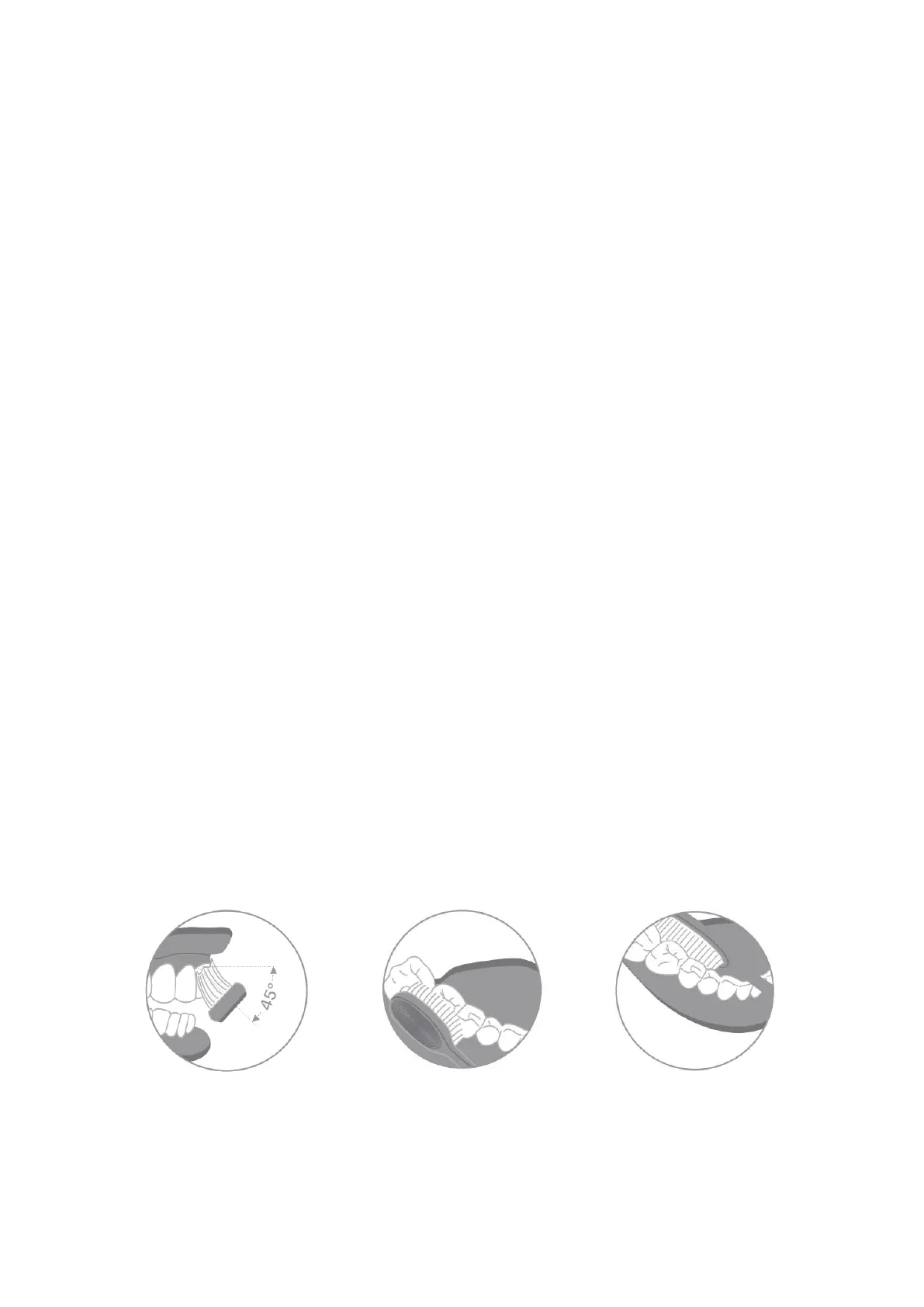
Recommended Tooth Brushing Method


 To Next Page