7
• Mode Setting
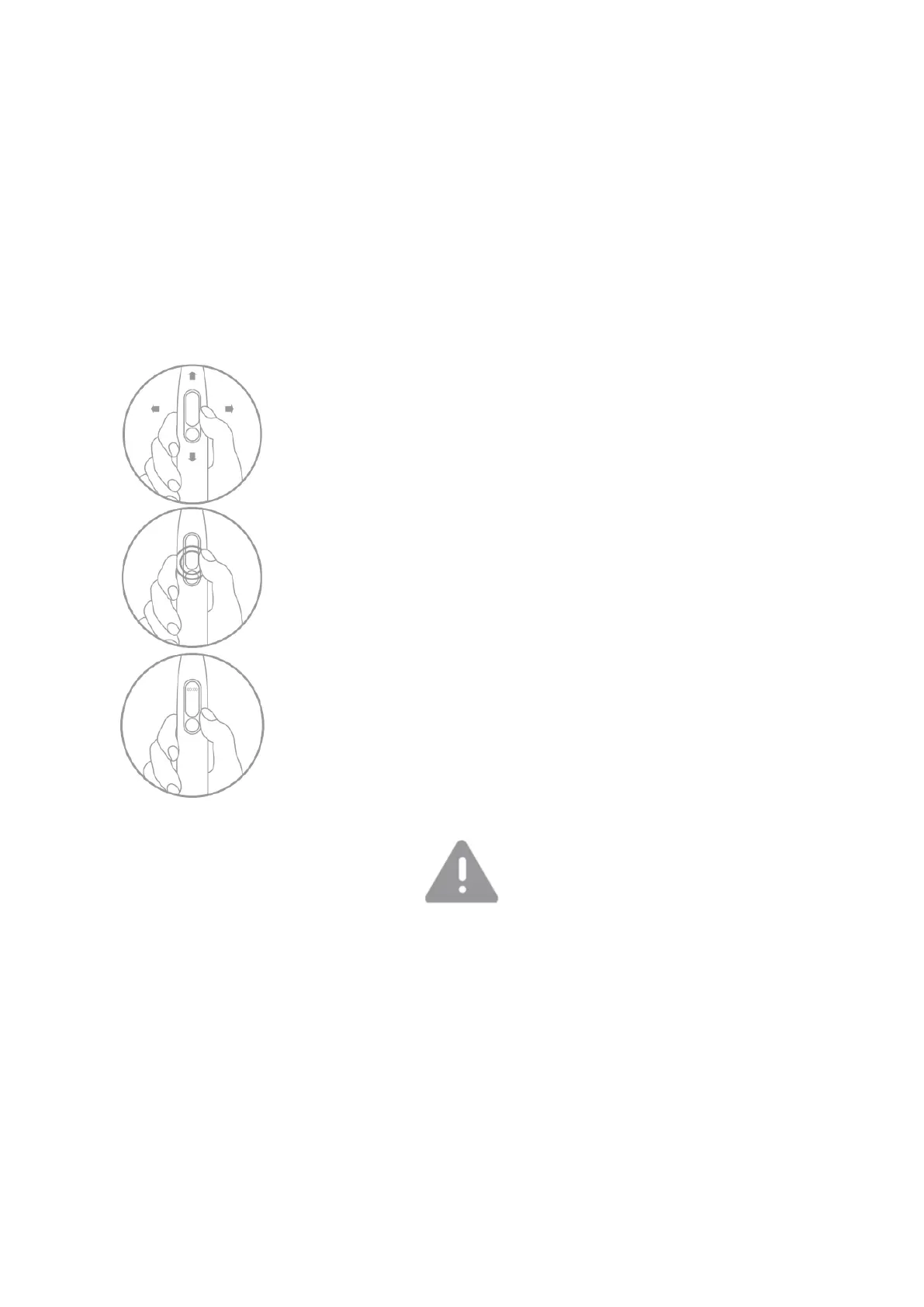
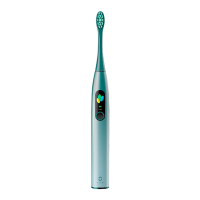
Enter the mode-setting section by sliding up and down on the display. Each of the
modes, such as Cleaning, Whitening and Massage, has 32 levels of cleaning
intensity. After the new setting is completed, it will automatically register in the
memory.
Brushing intensity: Sliding up/down on the screen, the intensity will be changed
by 1 level (+1 or -1); Side-sliding up/down on the screen side, the intensity will be
changed by 5 levels (+5 or -5).
Long press on screen or short press on power button to confirm
the settings
Time Adjustment
Connect with the app and pair with the toothbrush to
synchronize. After the message, the toothbrush will be updated
automatically for local area time.
• No disassembly, impact, extrusion or throwing into fire.
• Please stop using the toothbrush if the battery has expanded.
• Please don’t put the battery in high temperature environment.
• Do not use the battery if water entered the device.


 To Next Page