MAINTENANCE
• Inspect the electrical cord and wiring for damage or discoloration. NEVER use a blower that has a
damaged cord as it could cause an electrical shock or re.
• Inspect for loose fasteners.
• Clean safety screens of the unit.
• Listen for abnormal sounds and shut unit o immediately upon hearing unusual noises.
• Keep unit clean.
• Use compressed air or a vacuum to remove lint and other debris from the motor, inlet, or fan wheel.
• Do not use a pressure washer, water hose, or other water source to clean the unit.
• The blower has sealed bearings and cannot be lubricated. No oiling is necessary.
For information about authorized repair and maintenance call OdorStop at 1 (888) 956-7468.
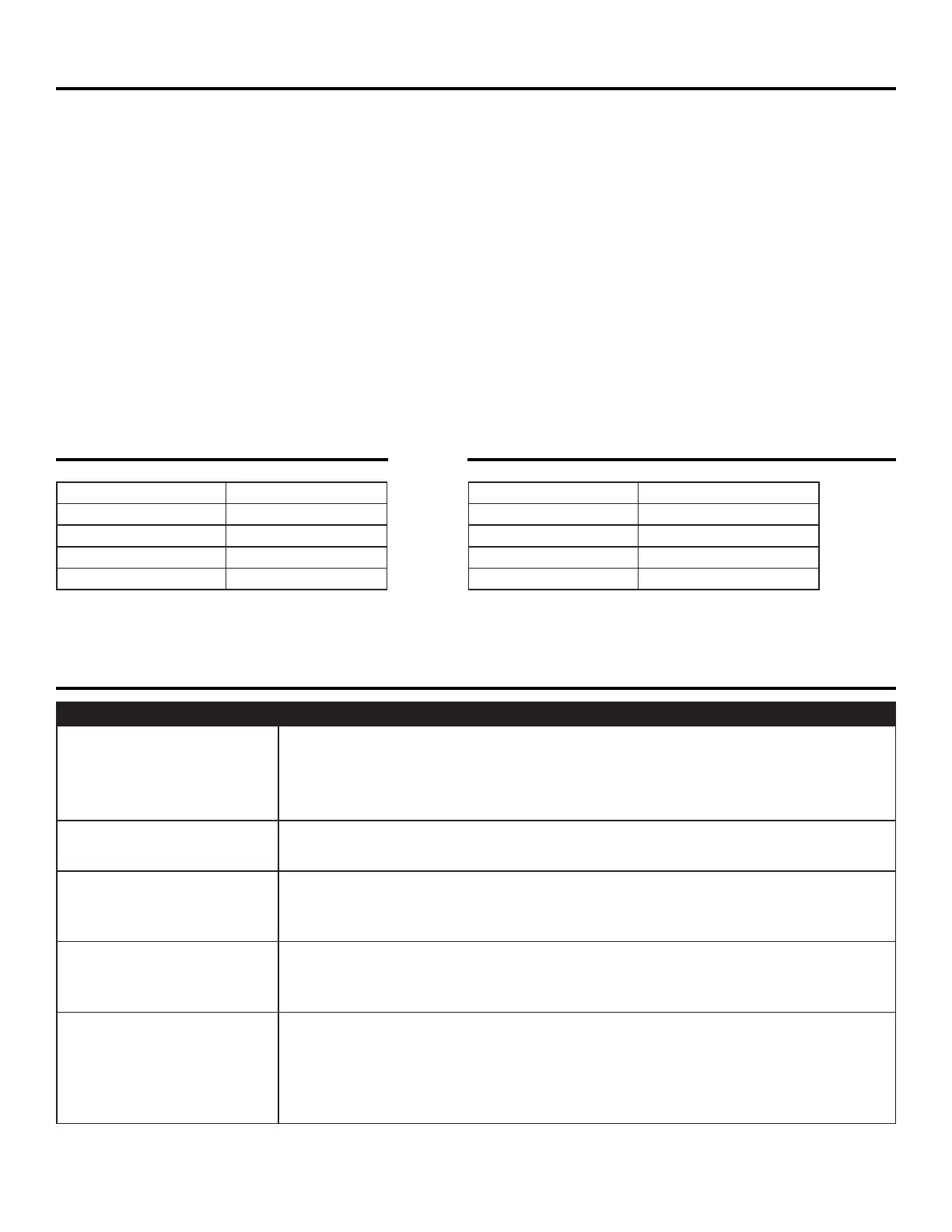
OS1000 SPECIFICATIONS OS2800 SPECIFICATIONS
HP: 1/5
Power: 115 Volts, 60 Hz
Switch: 3 Speed
Amps: 1.7 / 1.9 / 2.5 amps
RPMs: 1100 / 1300 / 1400
Specications are subject to change without notice.
TROUBLESHOOTING
PROBLEM POSSIBLE CAUSE/SOLUTION
Blower does not turn on
• Switch not turned on – turn on
• Circuit breaker or GFCI has tripped - reset
• Loose wire – tighten
• Faulty switch - replace
Blower starts and then
shuts off
• Obstructed inlet/outlet – removed obstruction
• Faulty motor - replace
Blower vibrates
• Motor shaft is bent – replace motor
• Fan blade is bent – replace
• Excessive dirt built up on fan blade – clean
Blower makes
scraping noise
• Damaged housing – replace housing or entire unit
• Damaged fan blade – replace
• Damaged motor shaft – replace motor
Motor makes noises, but
blower won’t turn on
• Damaged/faulty motor or motor shaft – replace
• Broken/loose wire to capacitor – tighten
• Damaged/faulty capacitor – replace
• Damaged housing/fan so fan will not spin – replace housing or fan wheel
• Motor shaft set screw holding fan wheel is loose - tighten
For problems not listed above, contact our service department at 1(888) 956–7468.
HP: 3/4
Power: 115 Volts, 60 Hz
Switch: 3 Speed
Amps: 4.4 / 5.2 / 6.8 amps
RPMs: 1000 / 1125 / 1500


 To Next Page
 Loading...