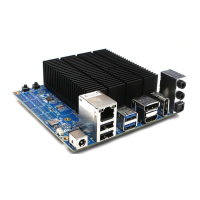
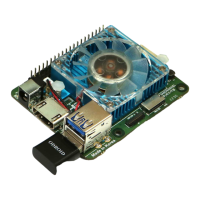
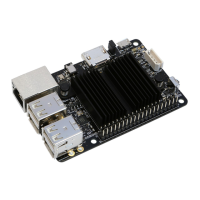
• No operating system license or installation media are included in the ODROID-H4 package.
This implies that you must purchase the license of the operating system you wish to install or
download a free operating system such as Debian or Ubuntu.
• In order to install an operating system, you will need an installation media such as a USB stick
or CD/DVD. These can be purchased at a store or downloaded from the website of the provider
and written to a USB stick or CD/DVD media.
• To install from CD/DVD media, you have to connect a USB CD/DVD drive to a USB host port
on ODROID-H4. Installation media will need to be created using another computer and the
appropriate software.
Burning an operating system to USB stick
• This section assumes that you will install an operating system from a USB stick and are going
to burn an operating system image to the USB stick on another computer. There are various
software depending on operating system, but this section uses a popular burning software
called “Etcher” that supports multiple operating systems and is easy to use.
• You can download the “Etcher” software from its official site and install it in your computer.
Then, open “Etcher” once the installation is completed.
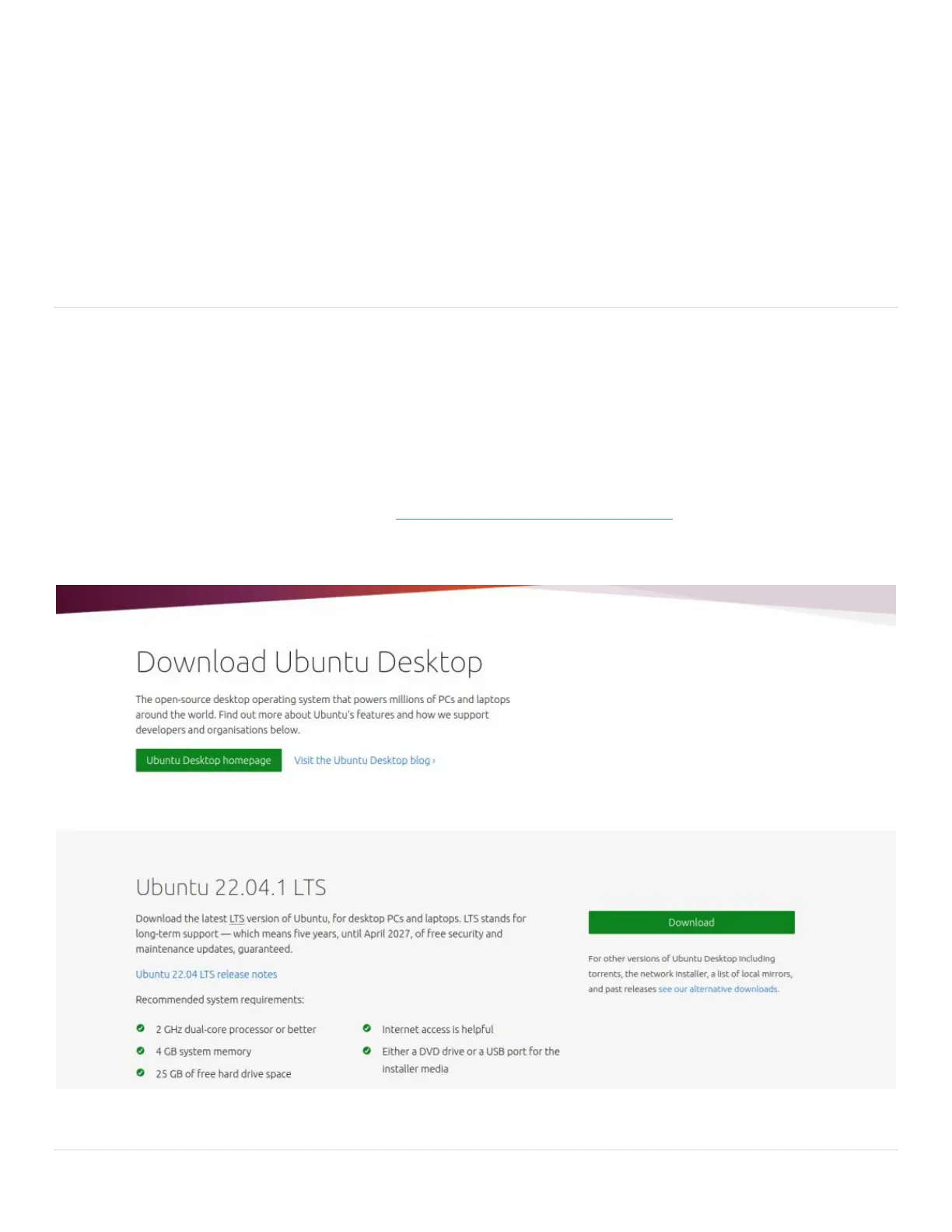
• Before burning an installation image, you must have the image as a file on your computer. If
not, you must purchase or download the image from the provider. For example, you can
download the Ubuntu image from Official Canonical Ubuntu images. We tested Ubuntu 22.04
LTS images. Ubuntu 22.04(ubuntu-22.04-desktop-amd64.iso) had newer Linux Kernel with
improved video drivers and it gave us better GPU performance.
Flash Ubuntu to your USB stick


 To Next Page
 Loading...