EN
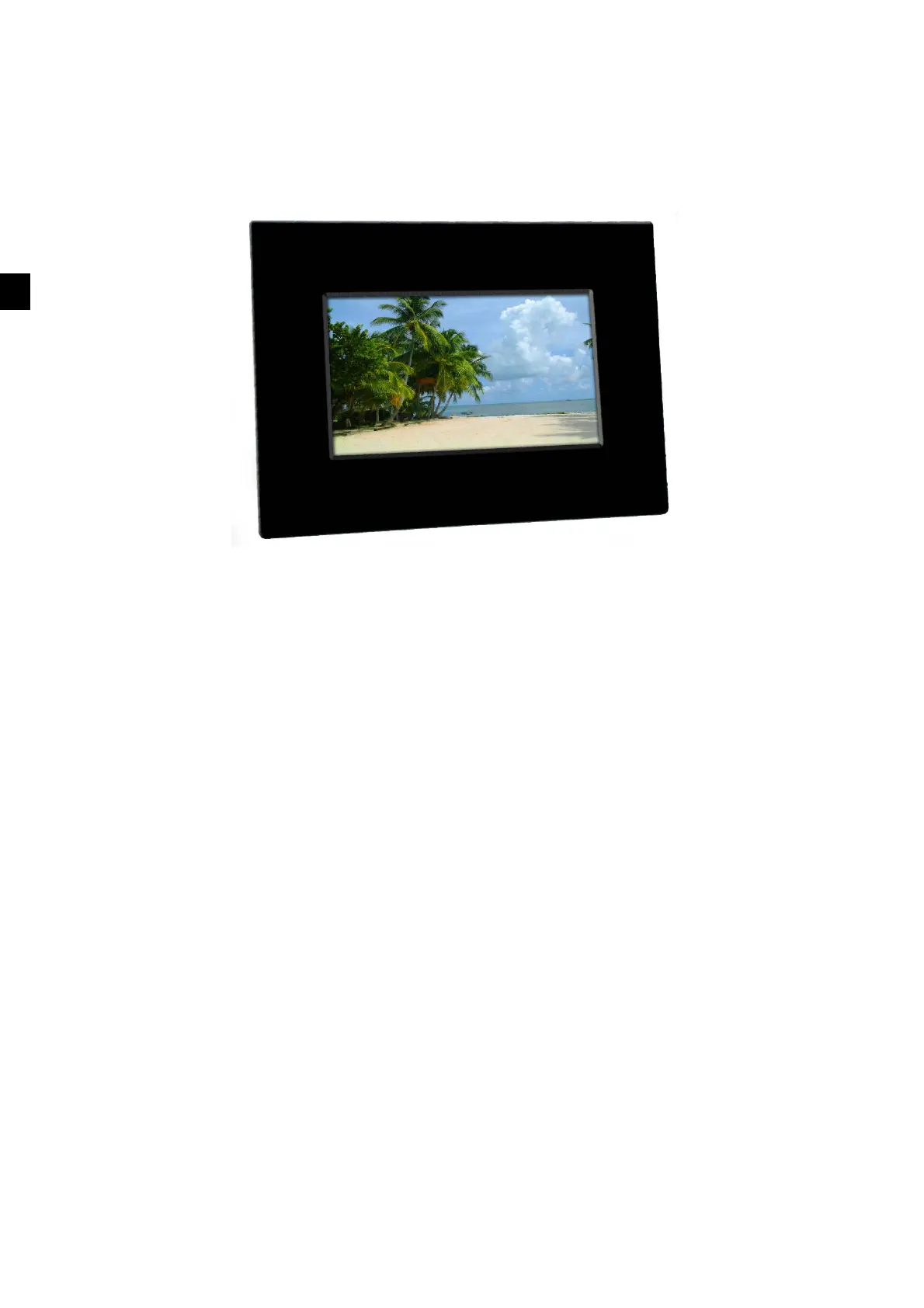
DIGITAL PHOTO FRAME
U
U
U
S
S
S
E
E
E
R
R
R
M
M
M
A
A
A
N
N
N
U
U
U
A
A
A
L
L
L
CONGRATULATIONS on your purchase of our 7-inch LCD Digital Photo Frame. Please read all warnings
and instructions in this user manual as well as those on the product before you use this product for the first time.
Failing to follow these warnings could result in personal injury or damage to the Digital Photo Frame.
Remember to keep this user manual in a convenient location for future reference.
Important: Save the original box and all packaging material in case you need ship the product at a later date.
IMPORTANT PRODUCT SAFETY INSTRUCTIONS
How to handle the Digital Photo Frame
Always handle the Digital Photo Frame with care. Avoid touching the LCD screen as the natural oil from your
skin is difficult to remove.
Always position the Digital Photo Frame on a stable and level surface. Otherwise, the Digital Photo Frame may
fall, which could result in damage or injury.
Avoid exposing the Digital Photo Frame to direct sunlight or high temperatures, which can damage it or shorten
its useful life. Do not place the product near heat sources such as radiators or other heat-generating devices.
Orient the Digital Photo Frame away from direct sunlight to reduce glare.
Avoid exposing the Digital Photo Frame to rain, water, moisture or high humidity. Do not place it in a bathroom
or kitchen near a sink or where it may come in contact with water.
Never place heavy or sharp objects on the LCD panel, frame or power cord.
Overloading outlets
Do not overload electrical power sources when using the Digital Picture Frame. Overloading wall outlets or
extension cords can result in overheating, fire or electric shock. Use only earthed or polarized outlets.
Protecting the power cord
Minimize wear on the power supply cord. The power supply cord should be routed away from foot traffic and
contact with other objects. Do not route the power cord under rugs or carpet. The cord should never be severely



 To Next Page
 Loading...