ODYS MP3 player X35
25
EN
4.7 FM Radio
To enter the main menu, insure that the player is switched to on and
press the "MODE" key for 1 sec.
Select "FM-MODE" using the < > keys and confirm your selection by
pressing the "MODE" key.
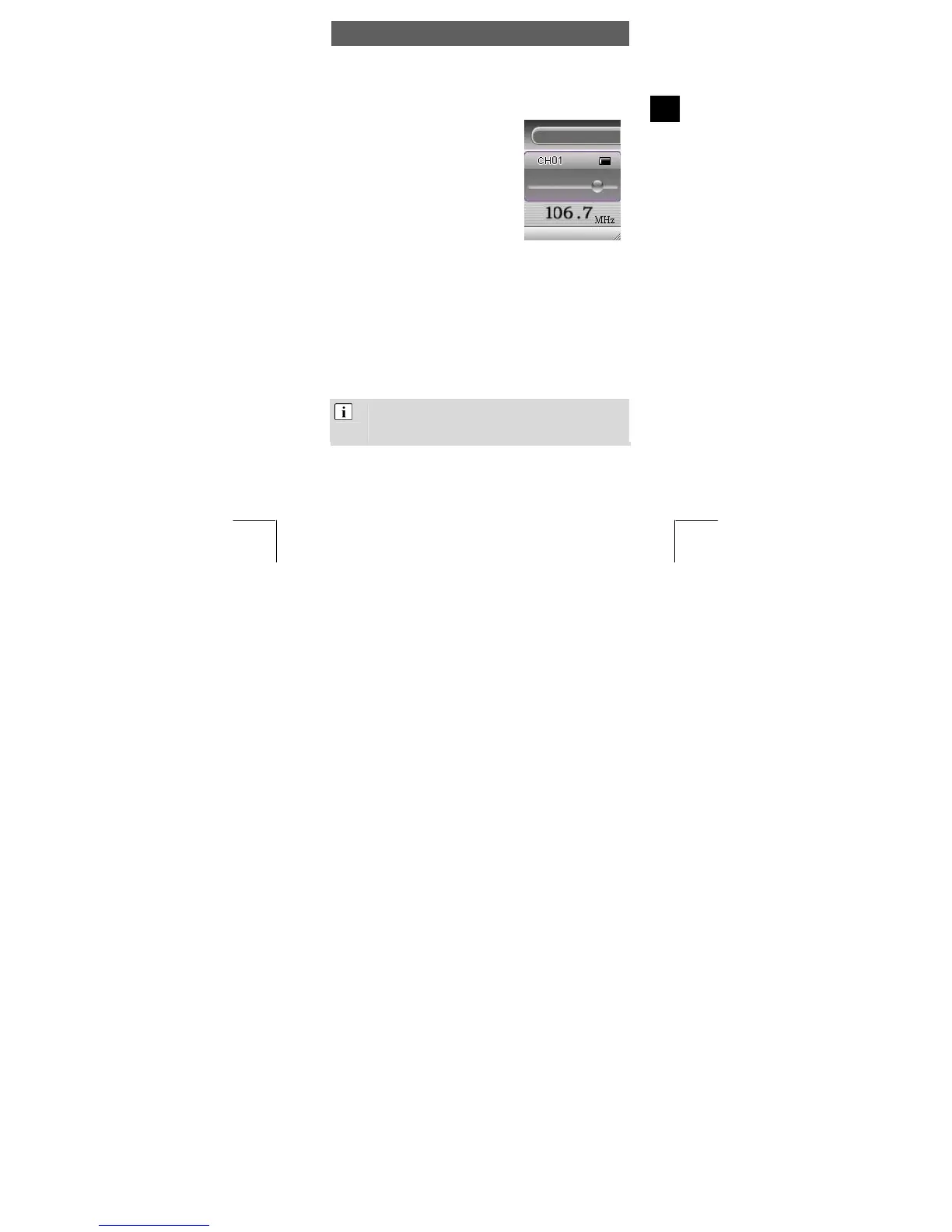
Use the < > key to select a desired
frequency. Press and hold the desired
direction key to speed through the
respected frequency direction. Use the
opposite direction key to stop searching. If
you were able to store stations, these can
be selected using the "PLAY" key. The
actual memory position will be shown in
the upper portion of the display.
Shortly press the "MODE" key to switch to the submenu.
Select Station
If you have saved any radio stations, you can choose one of these
stations with the PLAY button. Otherwise, you can save stations to one
of the 30 memory locations (channels P01 ... P30) as follows.
Save Station
Press to change the frequency and find a channel.
Use the MODE button and to select the function Save Station.
Confirm using the MODE key.
Quickly selecting saved stations in preset mode:
Use the PLAY button to switch to preset mode.
Press to select the stored radio stations.
FM Radio



 To Next Page