ODYS MP3-Player X38
4.3 P
Impleme
JPEG in
the / buttons to select the
u and
utton.
o visible files
•
desire
r. Push
• in to
file.
• the
hoto mode
nt to browse the JPEG picture and to support the format of
common use.
EN
• Use
photo mode in the main men
confirm using the menu b
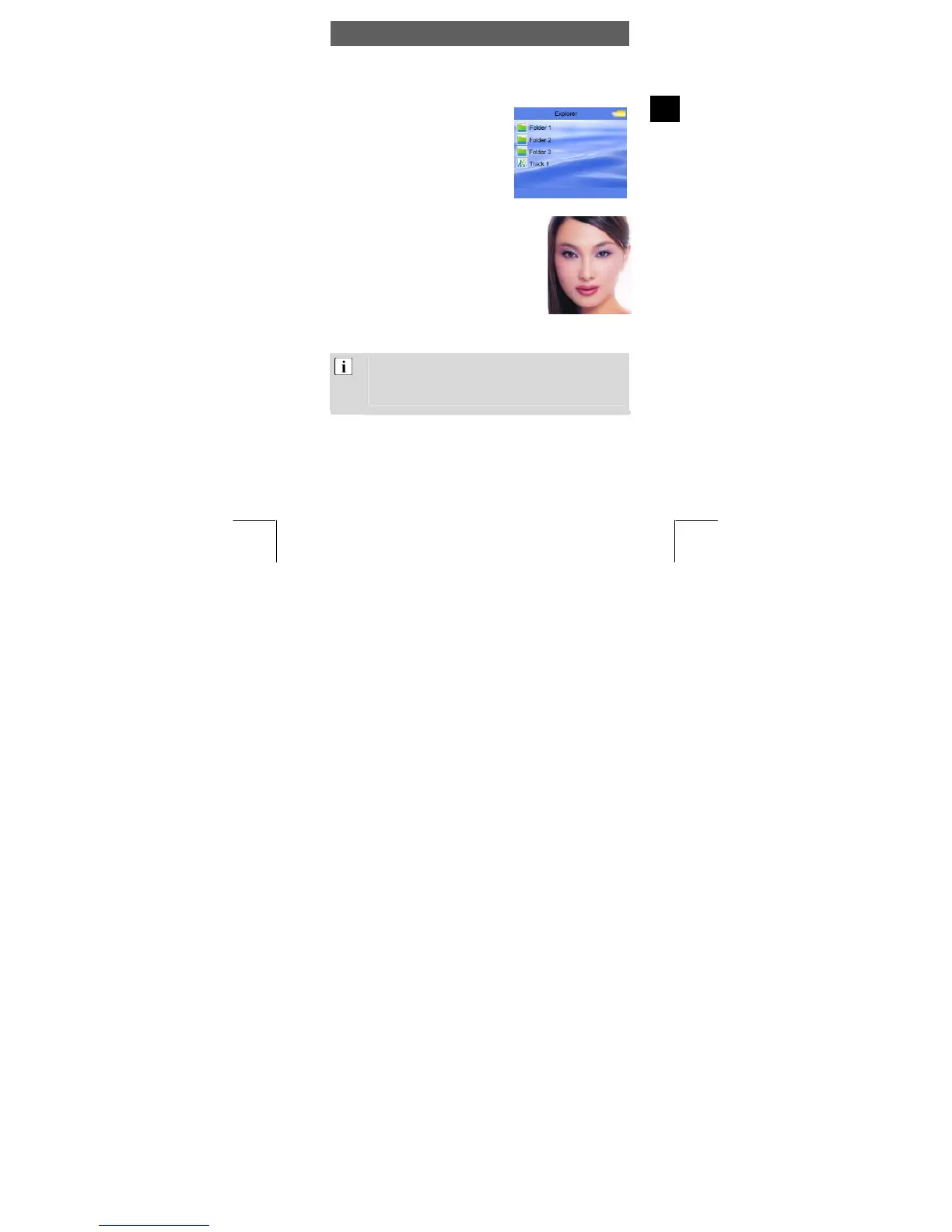
• The display will now show the player’s
folders and image files (browser
screen). If there are n
then the player memory is empty.
Use / to navigate through the
folder structure and search for the
d file.
Press the menu button to open a folde
the Vol button to leave a folder.
Confirm using the menu button aga
select and play the desired picture
• Briefly press the / buttons to switch to the
next or to the previous image.
Briefly press the menu button to return to
browser screen.
• To revert to the main menu, press the menu
button for approx. 1 second.
The desired image file should ideally be of the 220 x 176
pixel format. Other dimensions and pixe
l numbers are also
possible. The pictures will then not fill the entire display.
Deleting files on your player is described in Section 4.10.
15



 To Next Page