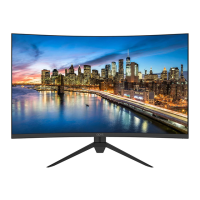
ODYS XP34 PRO
17
6.4 Advanced settings menu
The fourth menu item is the advanced settings.The HDR (High
Dynamic Range) and RGB function can be set here.
The fourth menu item is the Input menu. Here you can select
the input with the ▲▼ keys and confirm with the ► key.
6.5 Input source selection
This device includes various input sources that can be called up
with the ▲ key on the monitor or in the main menu.
Navigation ▲▼ and OK buttons.
In the input source menu, press the ▲▼ direction buttons to
select the desired screen mode and press the ► button to enter
the selected mode.



 To Next Page