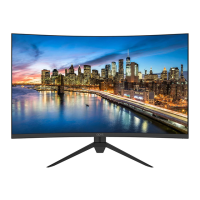
ODYS XP34 PRO
18
6.6 System setup menu
General system settings can be made here, such as language
audio settings, or a reset.
Press the ▲▼ buttons to select a setting, press the ◄►
buttons to change the setting and Enter to confirm.
Press the Back key to return to the previous menu.
Description of the individual menu items
7 Standby
The ODYS XP34 PRO has a built-in standby function. This is
activated automatically after the monitor detects no signal. This
happens approx. 10 seconds after no signal is present and is
announced with the notes "No signal" and then "Energy saving
mode".
OSD Height Position, Vertical
Position, OSD Timeout and
Transparency changes
To perform a software update from
a USB stick, select this option



 To Next Page