EasyManua.ls Logo

Ogden ETR-9090 - User Manual

Ogden ETR-9090
22 pages
Print Icon
To Next Page IconTo Next Page
Loading...
MANUAL NO. 14A
SOFTWARE VERSION
3.3 AND HIGHER
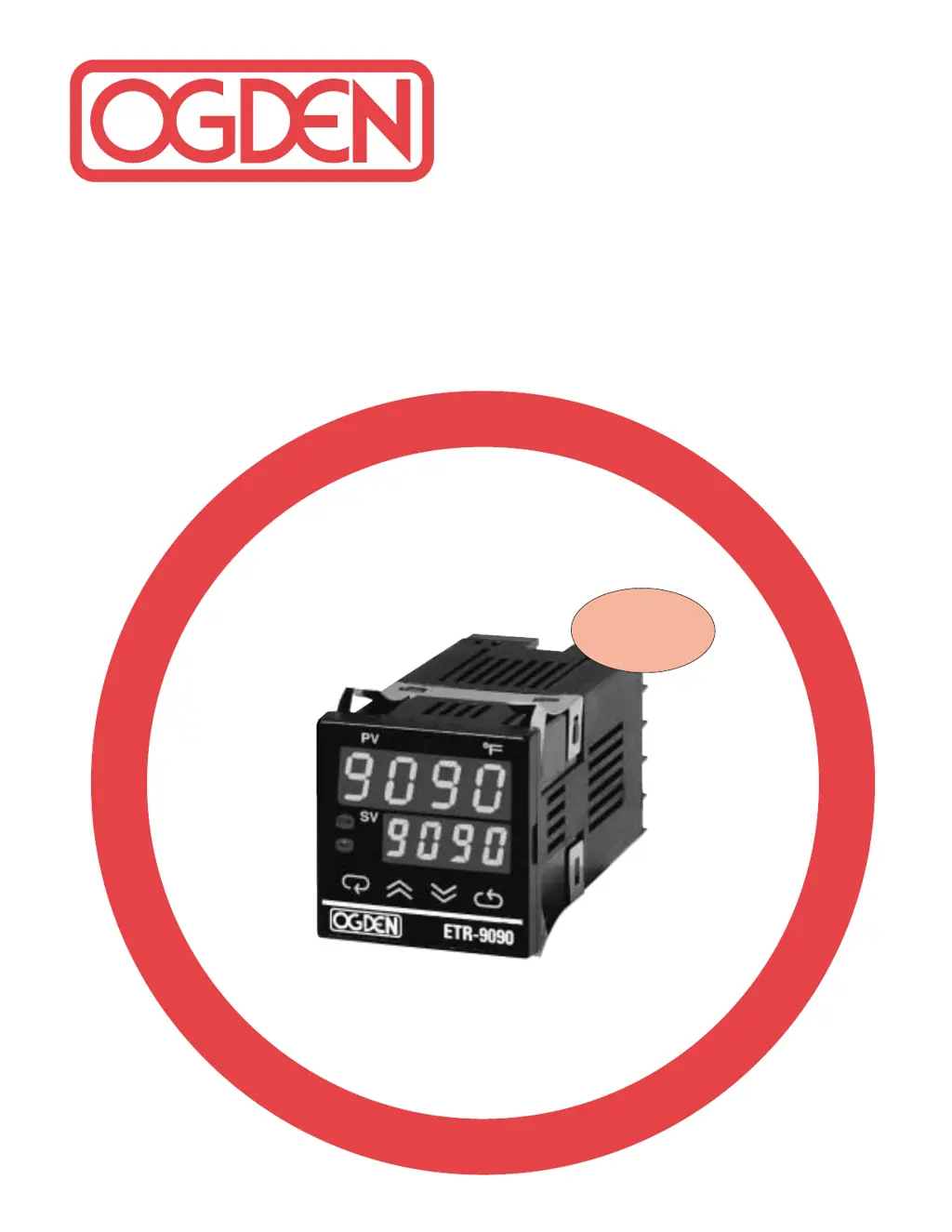
Model ETR-9090
Microprocessor Based
SMARTER LOGIC
®
Auto Tune PID Controller
INSTRUCTION MANUAL
S
M
A
R
T
E
R
S
M
A
R
T
E
R
L
O
G
I
C
L
O
G
I
C
L
O
G
I
C
®

Questions and Answers

  • V
    Victoria NguyenAug 20, 2025
    Why does my Ogden Computer Hardware display blink and change values by itself?
    • M
      marvinharrisAug 20, 2025
      If your Ogden Computer Hardware display blinks or entered values change on their own, it could be due to electromagnetic interference (EMI) or radio frequency interference (RFI). Try suppressing arcing contacts in the system to eliminate high voltage spike sources, and separate sensor and controller wiring from 'dirty' power lines, ground heaters. Alternatively, the EEPROM might be defective, requiring replacement.
  • S
    Sarah HeathAug 22, 2025
    What to do if there is no heat or output from my Ogden Computer Hardware?
    • R
      Rebecca ReevesAug 22, 2025
      If your Ogden Computer Hardware shows no heat or output, first check the output wiring and output device to ensure they are correctly connected and functioning. Also, verify that the correct output device is being used. If the output device is defective, it should be replaced. Finally, inspect the output fuse outside of the instrument and replace it if it's open.
  • A
    April WeissAug 25, 2025
    Why is the display unstable on my Ogden Computer Hardware?
    • D
      dukedavidAug 25, 2025
      If your Ogden Computer Hardware display is unstable, it could be due to a defective analog portion or A-D converter, in which case you should replace the related components or board. Another possibility is a defective thermocouple, RTD, or sensor; check these components. Also, check the sensor wiring connections for any intermittent issues.
  • S
    Sarah SmithAug 26, 2025
    Why is there a considerable error in temperature indication on my Ogden ETR-9090?
    • B
      Brandon GeorgeAug 27, 2025
      If your Ogden Computer Hardware has a considerable error in temperature indication, check the sensor or thermocouple type and ensure the proper input mode was selected. Also, the analog portion A-D converter may be defective, requiring replacement of related components or the board.
  • B
    brian51Aug 28, 2025
    What to do if heat or output stays on but indicator reads normal on Ogden Computer Hardware?
    • A
      Audrey MirandaAug 28, 2025
      If the Ogden Computer Hardware's heat or output stays on even though the indicator reads normal, it's possible that the output device or power service is shorted. Check these components and replace them if necessary.
  • J
    Jasmine Fox DDSAug 30, 2025
    What does it mean if the process display shows an error on my Ogden Computer Hardware?
    • W
      Whitney WellsAug 30, 2025
      If the Ogden Computer Hardware process display shows an error, it could be due to analog hybrid module damage. Replace the module and check for external sources of damage, such as transient voltage spikes.
  • T
    Tammy ChandlerAug 31, 2025
    Why does the display go in reverse direction on my Ogden ETR-9090?
    • M
      Mrs. Beth MossAug 31, 2025
      If your Ogden Computer Hardware display goes in the reverse direction (counts down as the process warms), it's likely due to reversed input wiring of the sensor. Check the wiring and correct it.
  • M
    Miss Robin LeeSep 2, 2025
    How to fix Ogden ETR-9090 Computer Hardware when LEDs will not light?
    • J
      James WeberSep 2, 2025
      If the LEDs on your Ogden Computer Hardware won't light, first check the power line connections to ensure the instrument is receiving power. If the connections are good, the power supply may be defective and require replacement.
  • M
    matthew88Sep 4, 2025
    What to do if process display shows error related to auto tune on Ogden ETR-9090 Computer Hardware?
    • T
      Tonya LivingstonSep 4, 2025
      If the Ogden Computer Hardware process display shows an error related to auto tune, and the proportional band is set to 0, repeat the procedure and increase the proportional band to a number larger than 0.
  • T
    Terry CarterSep 6, 2025
    Why are some segments of the display or LED lamps not lit on my Ogden Computer Hardware?
    • P
      Patricia GrantSep 6, 2025
      If some segments of the display or LED lamps on your Ogden Computer Hardware are not lit or lit erroneously, it could be due to a defective LED display or LED lamp, which would need to be replaced. Alternatively, the related LED driver might be defective, in which case you should replace the related transistor or IC chip.

Summary

OGDEN ETR-9090 Instruction Manual

Introduction to the Ogden ETR-9090 Controller

Critical Safety Warnings

Essential safety warnings regarding potential hazards, fire, and severe injury.

Ogden ETR-9090 Catalog Numbering System

Model Configuration Options

Details available input signal types and control output options for model configuration.

Ogden ETR-9090 Technical Specifications

Sensor Input Ranges and Accuracy

Specifies maximum temperature ranges and accuracy for various sensor types.

Key Features and Functionality

Memory, Auto-Tuning, and Status Indicators

Highlights non-volatile memory, auto-tuning, status indicators, and lock-out features.

Front Panel Interface Overview

Describes front panel elements like buttons, displays, and touch keys for operation.

ETR-9090 Controller Installation Guide

Safety Precautions and Warnings

Details warnings and cautions for electrical shock, fire hazards, and environmental conditions.

Mounting and Wiring Procedures

Provides instructions for panel mounting, dimensions, and essential wiring precautions.

Wiring Power and Sensor Inputs

Thermocouple and RTD Wiring Guide

Explains how to connect thermocouples and RTDs, including cable color codes.

Output Configuration and Alarm Settings

Sensor Placement and Type Selection

Discusses optimal sensor placement and importance of sensor type for measurements.

Operating the ETR-9090 Controller

Front Panel Keypad Functions

Details the functions of each key on the controller's front panel for adjustments.

Control Function and Display Flow

Parameter Access and Navigation Chart

Illustrates the hierarchical flow for accessing and adjusting controller parameters.

ETR-9090 Parameter Menu Details

Alarm, Input, and Hysteresis Settings

Explains parameters related to alarm selection, input type, and hysteresis.

Comprehensive Parameter Definitions

PID Control and Action Parameters

Defines parameters like Proportional Band, Integral, Derivative, and Control Action.

Controller Operation and PID Tuning

Span Adjustment and Auto-Tuning Process

Guides on setting the process range and performing automatic tuning for PID control.

ON-OFF Control and PID Parameter Tuning

Explains ON-OFF control and how to adjust PID parameters for optimal performance.

PID Tuning Methods and Process Response

Manual PID Tuning (Ziegler-Nichols)

Outlines manual PID tuning steps using steady state cycling for parameter determination.

Tuning Guide and Manual Mode Operation

Ramp Rate Adjustment and Parameter Lockout

Covers ramp rate control, manual mode usage, and parameter security lockout levels.

ETR-9090 Alarm Mode Configurations

Alarm Types and Descriptions

Details various alarm modes including process, deviation, and dwell time functions.

Ramp;Soak and Single Event Functions

Inhibited Alarms and Function Examples

Explains inhibited alarms and provides examples for ramp/soak and single event functions.

Adjusting the Display Shift

Using the Display Shift Function

Explains how to adjust the displayed process value for calibration or sensor offset.

Controller Calibration Procedure

Calibration Steps and Values

Provides step-by-step instructions and required values for calibrating the controller.

Troubleshooting Common Issues

Causes of Instrument Malfunctions

Lists common problems and their probable causes, emphasizing qualified personnel.

ETR-9090 Troubleshooting Symptom Guide

Display and Output Error Solutions

Details symptoms like display errors, no heat/output, and suggested solutions.

Ogden ETR-9090 Specifications

General IconGeneral
BrandOgden
ModelETR-9090
CategoryComputer Hardware
LanguageEnglish