What does sensor break error mean on my Ogden ETR-9090?
- CCarrie LopezSep 8, 2025
If the process display shows an error related to a sensor break on your Ogden Computer Hardware, replace the RTD or sensor. You can also use manual mode operation.
What does sensor break error mean on my Ogden ETR-9090?
If the process display shows an error related to a sensor break on your Ogden Computer Hardware, replace the RTD or sensor. You can also use manual mode operation.
What to do if manual mode is not allowable for an ON-OFF control system on Ogden ETR-9090 Computer Hardware?
If the Ogden Computer Hardware process display shows an error because the manual mode is not allowable for an ON-OFF control system, increase the proportional band.
What if the process value is beyond the low range setpoint on my Ogden ETR-9090?
If the Ogden Computer Hardware process display shows an error, and the process value is beyond the low range setpoint, re-adjust the value.
What to do if process value is beyond the high range setpoint on Ogden Computer Hardware?
If the Ogden Computer Hardware process display shows an error, and the process value is beyond the high range setpoint, re-adjust the value.
Why is the control abnormal or operation incorrect on my Ogden Computer Hardware?
If your Ogden Computer Hardware control is abnormal or the operation is incorrect, it could be due to a defective CPU or EEPROM (non-volatile memory), or a defective key switch. Check these components and replace if necessary. Also, carefully review the operation procedure.
What does check sum error mean on my Ogden ETR-9090 Computer Hardware?
If the Ogden Computer Hardware process display shows a check sum error, it indicates that values in memory may have changed accidentally. In this case, you should check and reconfigure the control parameters.
Essential safety warnings regarding potential hazards, fire, and severe injury.
Details available input signal types and control output options for model configuration.
Specifies maximum temperature ranges and accuracy for various sensor types.
Highlights non-volatile memory, auto-tuning, status indicators, and lock-out features.
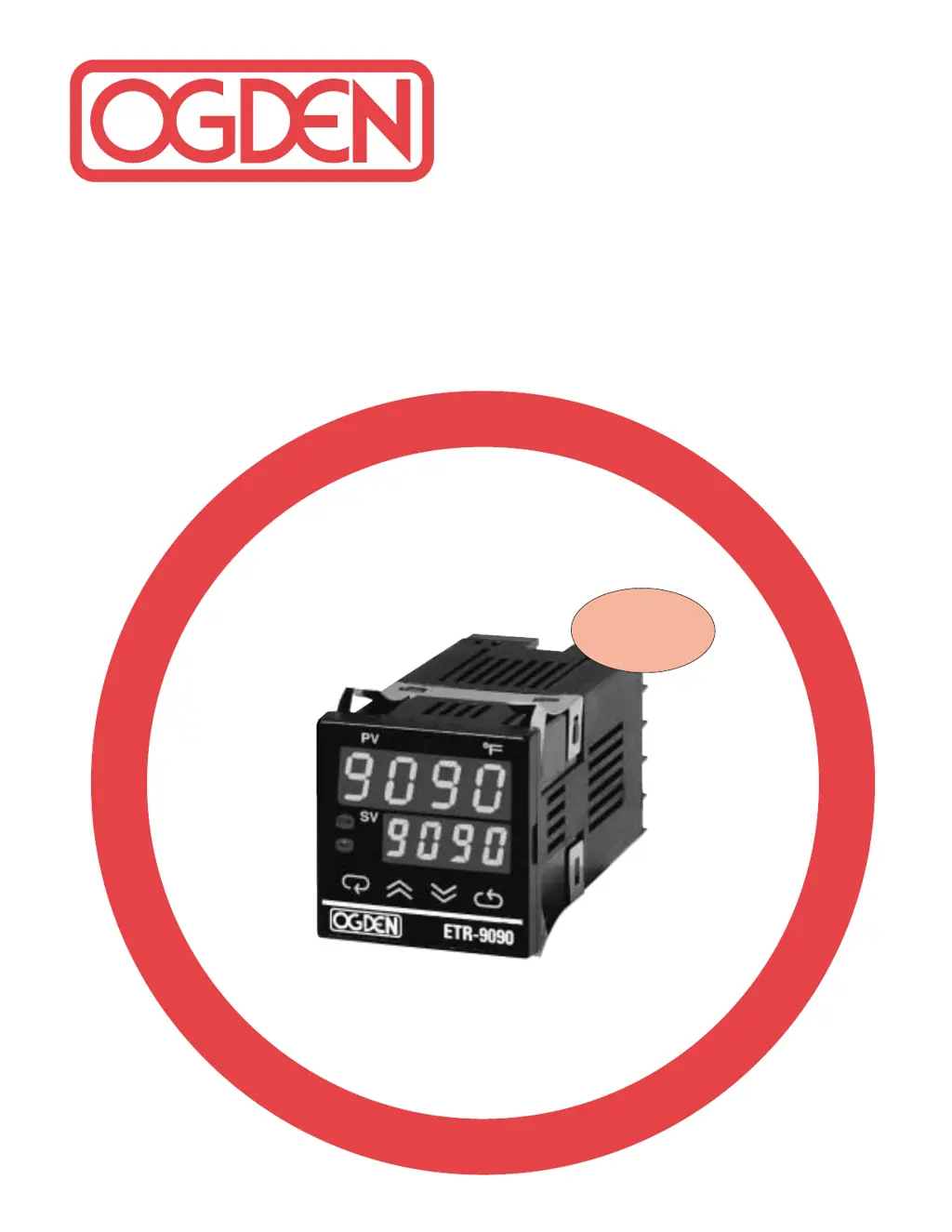
Describes front panel elements like buttons, displays, and touch keys for operation.
Details warnings and cautions for electrical shock, fire hazards, and environmental conditions.
Provides instructions for panel mounting, dimensions, and essential wiring precautions.
Explains how to connect thermocouples and RTDs, including cable color codes.
Discusses optimal sensor placement and importance of sensor type for measurements.
Details the functions of each key on the controller's front panel for adjustments.
Illustrates the hierarchical flow for accessing and adjusting controller parameters.
Explains parameters related to alarm selection, input type, and hysteresis.
Defines parameters like Proportional Band, Integral, Derivative, and Control Action.
Guides on setting the process range and performing automatic tuning for PID control.
Explains ON-OFF control and how to adjust PID parameters for optimal performance.
Outlines manual PID tuning steps using steady state cycling for parameter determination.
Covers ramp rate control, manual mode usage, and parameter security lockout levels.
Details various alarm modes including process, deviation, and dwell time functions.
Explains inhibited alarms and provides examples for ramp/soak and single event functions.
Explains how to adjust the displayed process value for calibration or sensor offset.
Provides step-by-step instructions and required values for calibrating the controller.
Lists common problems and their probable causes, emphasizing qualified personnel.
Details symptoms like display errors, no heat/output, and suggested solutions.
| Brand | Ogden |
|---|---|
| Model | ETR-9090 |
| Category | Computer Hardware |
| Language | English |