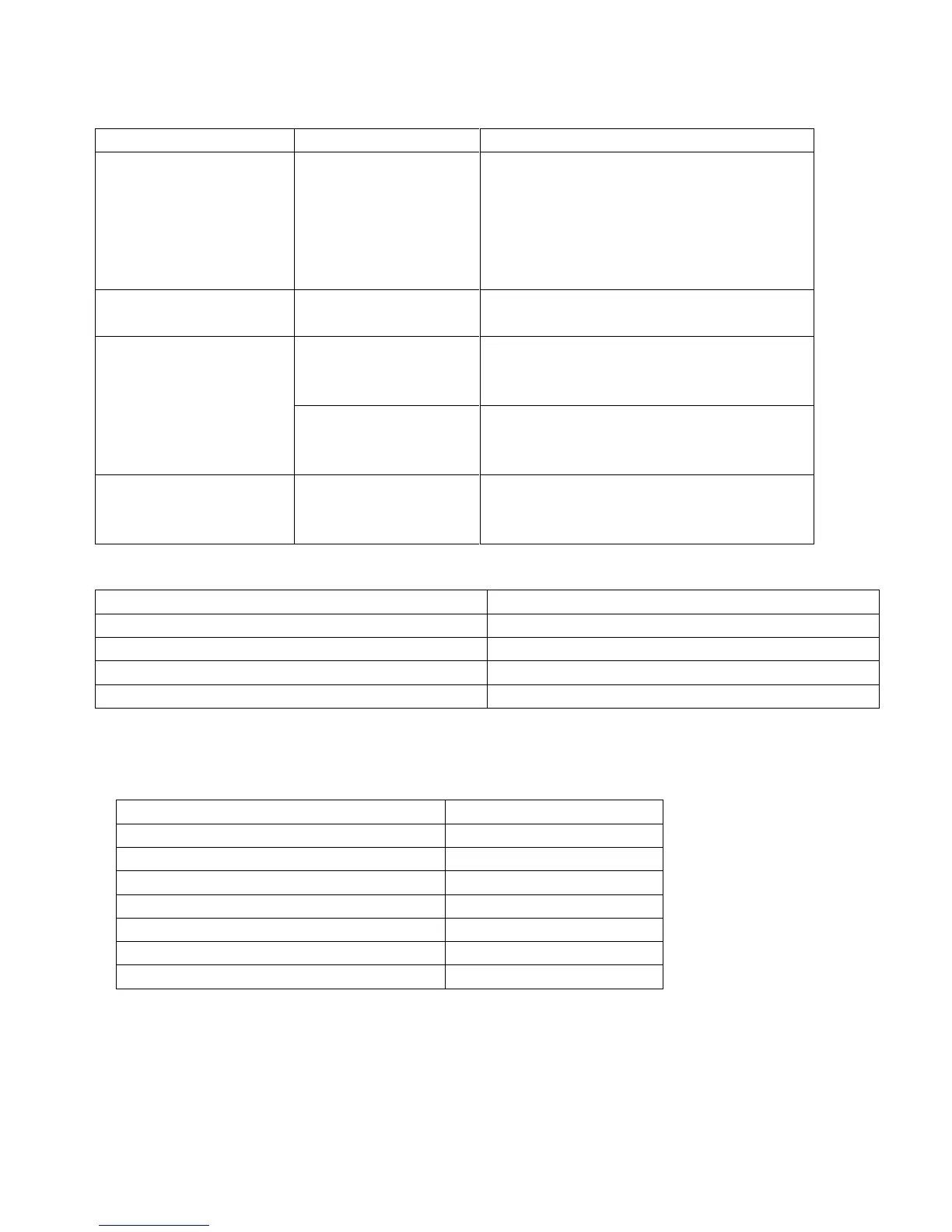
The device suddenly
turned off
Turn on the recorder and check
settings;
charge the battery
The memory card is full, delete the
files or format card (Backup important
files to a backup device).
Captured images are
not saved
Power is off before
the images are saved
Memory card cannot be
used
Memory card is
write-protected
Disable write protection on the
microSD card
Memory card contains
non-DCF images from
other cameras
Format the memory card; before
formatting, make sure to backup files
Buttons are not
responding
Short-circuit when
connecting device
with other equipment
Long press the Power button
Recording, Battery Charged
Recording, Charging Battery
Spare Double-Sided Sticker
Mounting Bracket with GPS Receiver
NOTE: We reserve the rights to change package contents without notice


 To Next Page