3.4 GPS: On/OFF
GPS Tracking (only available with optional GPS Module installed)
1. Plug the GPS Module into the device. Satellite searching will begin automatically.
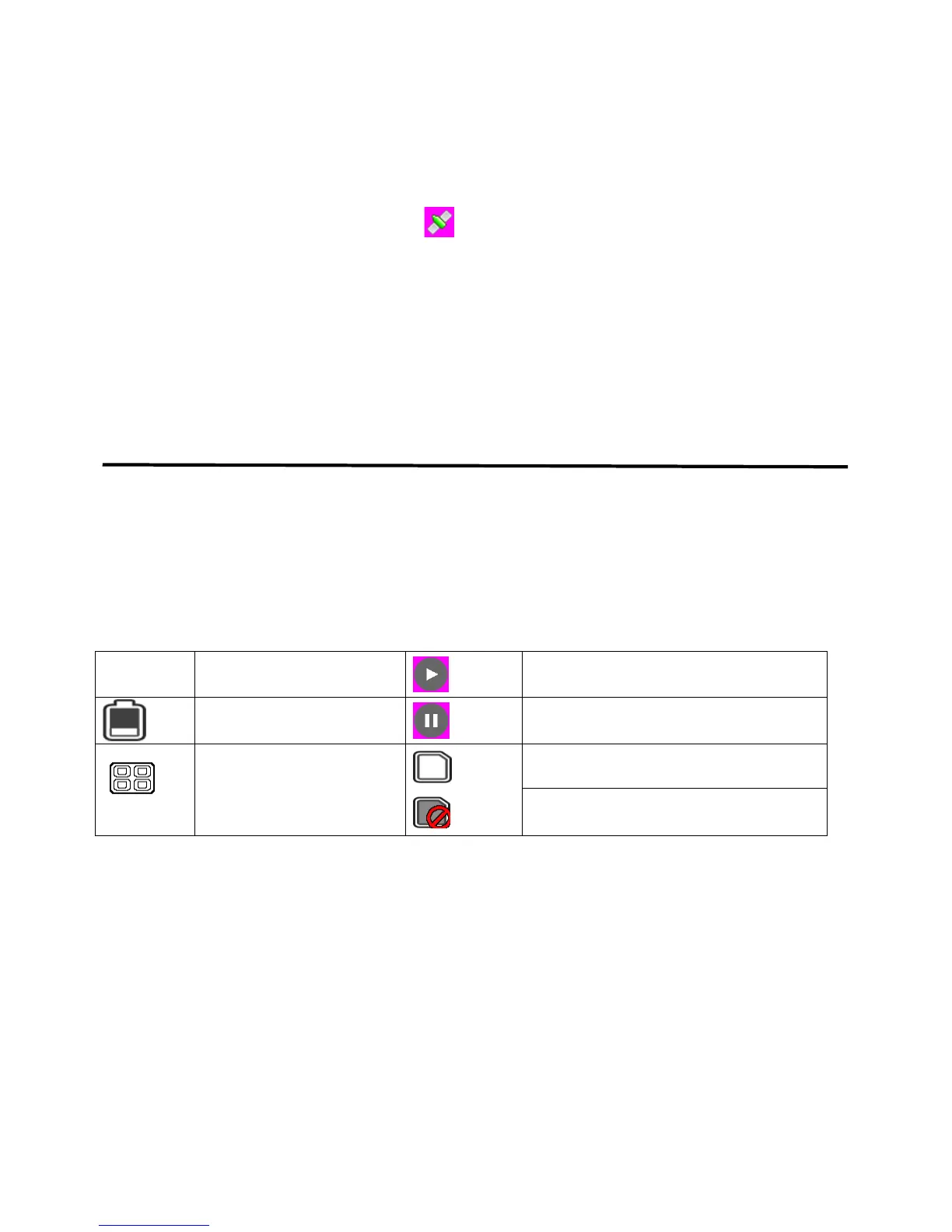
2. When a GPS signal is located, will be showed on the display.
3. When taking picture in Camera mode, the location will be automatically logged on the
microSD card.
3.5 Taking a Picture
Long press the OK button to take a picture
4. Reviewing Videos and Pictures
4.1 Review Video on Camera Screen or TV
• Long press the Down button and select Movie Reviewing to display the latest video files
on the LCD screen
• Long press the Up button to access video options: Delete File, Protect File, AutoPlay.
• Press the OK button to confirm
• Long press the Down button twice to return to previous mode
4.2 Reviewing the Pictures
• Long press the Down button to enter Picture Review mode, then long press the Down button
again to review the pictures
• Long press the Up button to access picture options: Delete File, Protect File, AutoPlay
• Press the OK button to confirm
• Long press the Down button to return to previous mode


 To Next Page