1.1 Connecting Cables
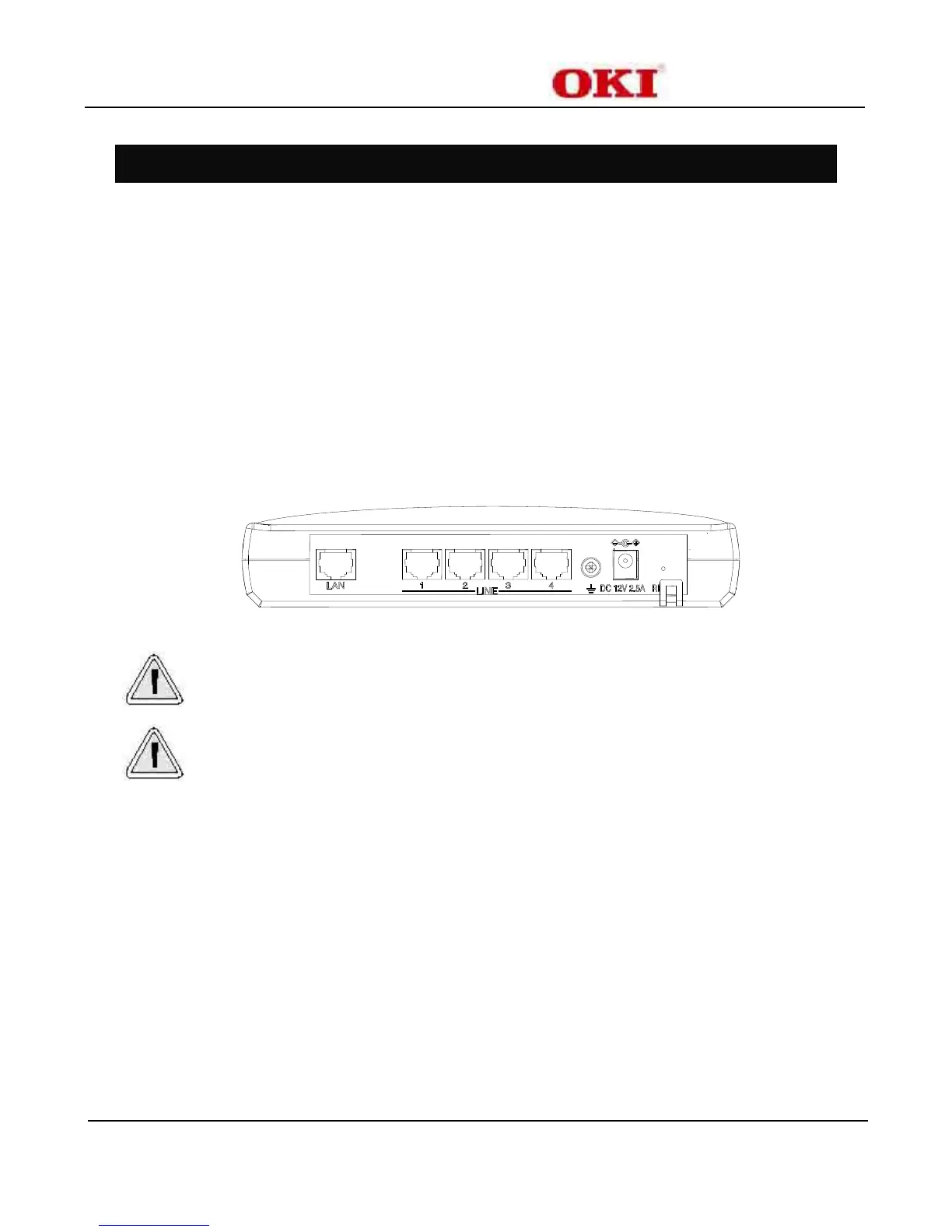
The following connections must be made to complete BV1270SIP-OD cabling.
• Power Cable
• Ground Cable
• Interface Cables
• RS-232C Cable
• LAN Cable
With the exception of the power cable, all cables must be prepared during the installation process. In
addition, cable restraints should be installed.
Figure 1-1: BV1270SIP-OD Ports
Follow all instructions when performing cabling procedures. Improper installation methods can result
in damage to the BV1270SIP-OD and injury to installation personnel.
There are some possibility to influence the electric wave trouble to other equipment depending on the
connection environment. The ferrite cores are recommended to be installed in Power cable, interface
cable, and LAN cable.


 To Next Page