1.TROUBLESHOOTING FOR THE HARDWARE
Replacing the Waste Toner Box 57
1 TROUBLESHOOTING FOR THE HARDWARE
6
Clean the LED print head.
Perform steps 5 to 11 on P.64 “Cleaning the Main Chargers and LED Print Heads”.
5
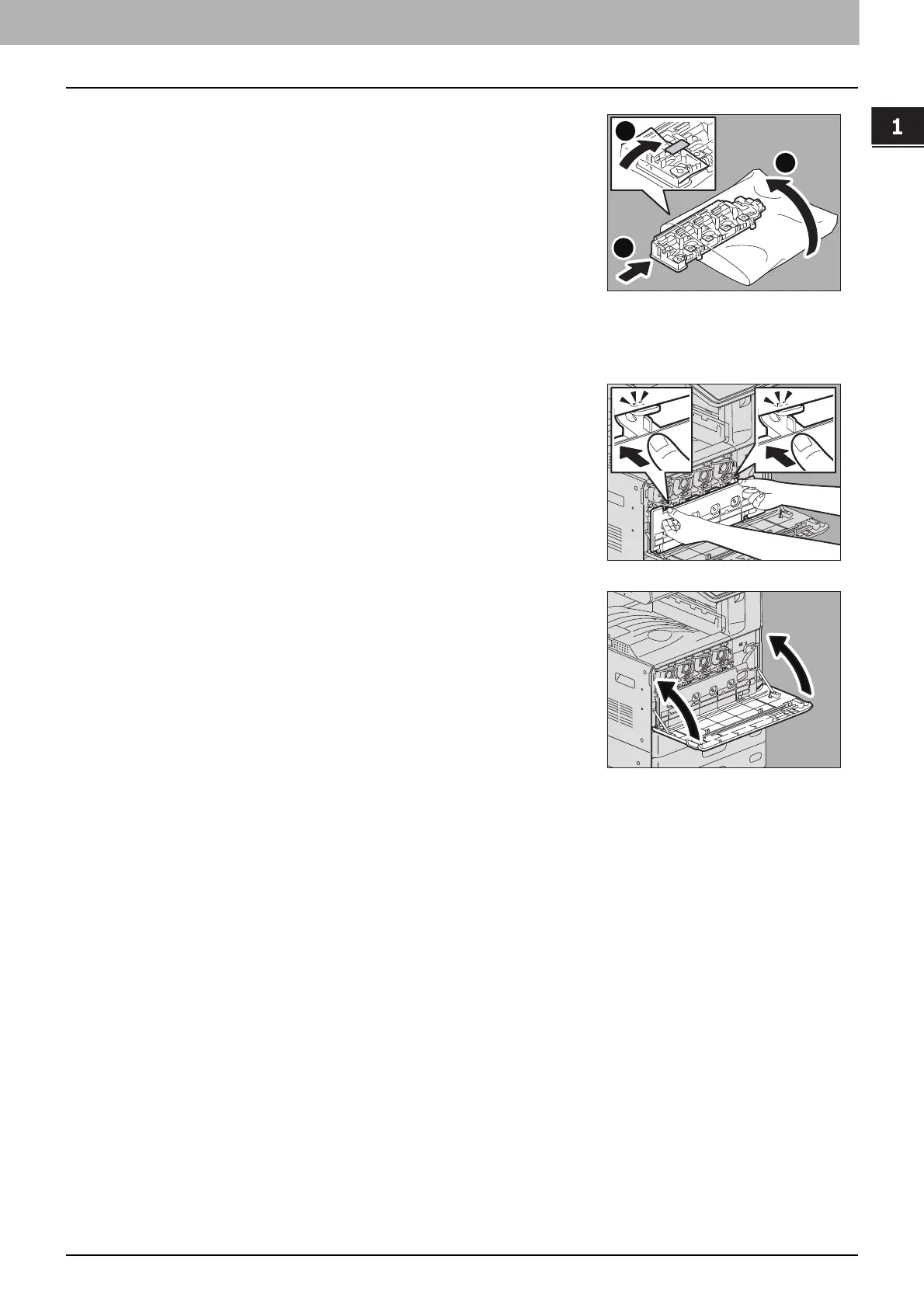
Put the used waste toner box in the plastic bag and
seal it with adhesive tape.
7
Push the new waste toner box securely until the
upper latches click.
8
Close the front cover pressing both edges.
2
1
3


 To Next Page