OKIN Refined Electric Technology Co., Ltd
Page 2 of 8
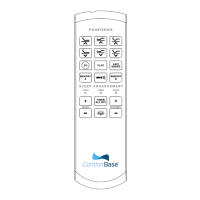
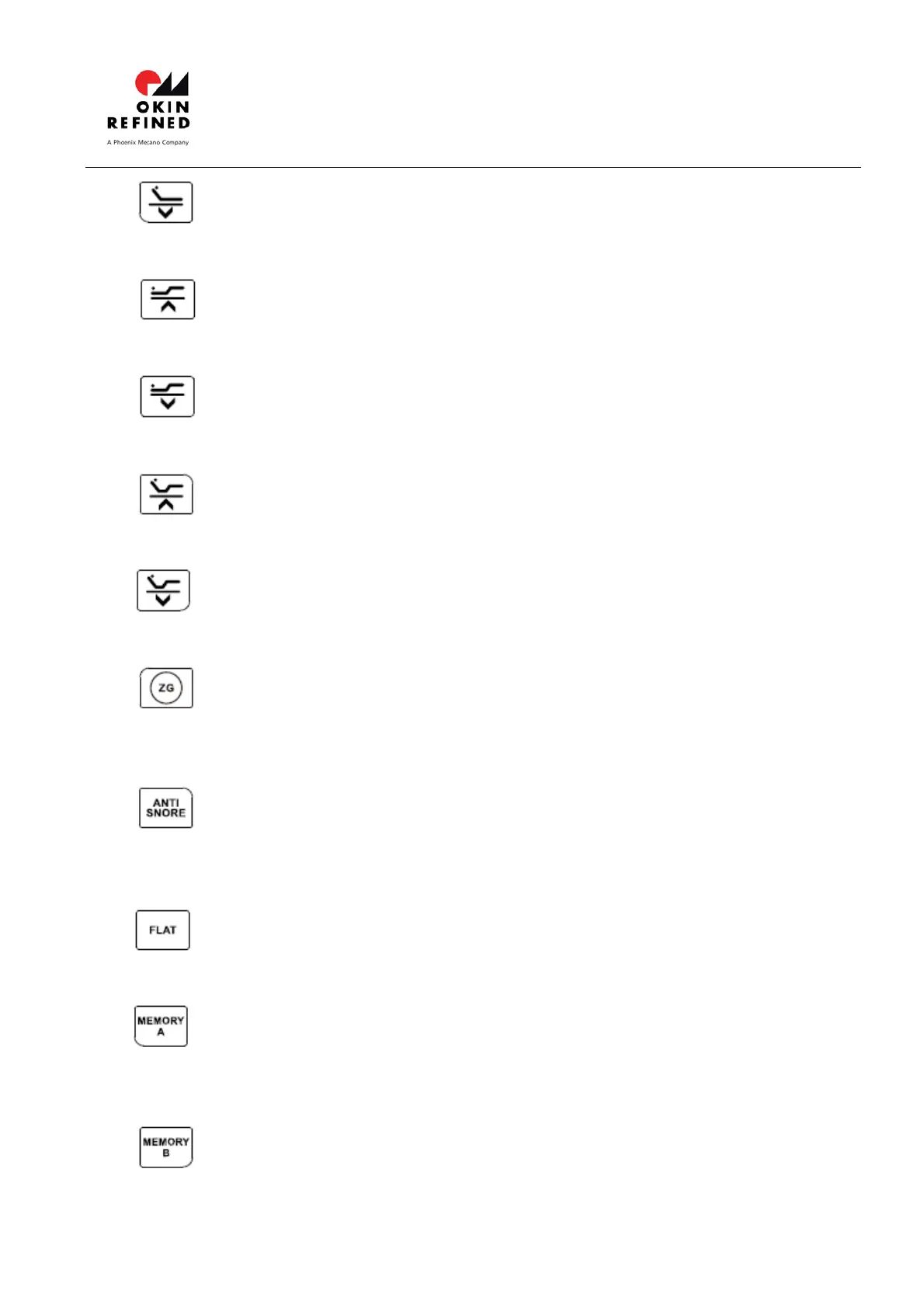
B. HEAD DN button:Press and hold the button, the Head actuator will go down. Stop
when released.
C. FOOT UP button:Press and hold the button, the Foot actuator will go up. Stop
when released.
D. FOOT DN button:Press and hold the button, the Foot actuator will go down. Stop
when released.
E. HEAD & FOOT UP button:Press and hold the button, the Head and Foot actuator
will simultaneously go up. Stop when released.
F. HEAD & FOOT DN button:Press and hold the button, the Head and Foot actuator
will simultaneously go down. Stop when released.
G. ZERO GRAVITY button: Click the button, the Head and Foot actuator will start up
and keep running until arriving to the zero gravity position. Running can be stopped by
clicking any button.
H. ANTI SNORE button: Click the button, the Head and Foot actuator will start up and
keep running until arriving to the ANTI SNORE position. Running can be stopped by
clicking any button.
I. FLAT button: Click the button, the Head and Foot actuator will start up and keep
running until arriving to the FLAT position. Running can be stopped by clicking any button.
J. MEMORY A button: Click the button, the Head and Foot actuator will start up and
keep running until arriving to the Memory A position preset by user. Running can be
stopped by clicking any button.
K. MEMORY B button: Click the button, the Head and Foot actuator will start up and
keep running until arriving to the Memory B position preset by user. Running can be


 To Next Page
 Loading...