4345-E P-25
SECTION 6 OPERATING HISTORY
2. Daily Operating History (Pre Day)
Eeospkku6002
EIOSPKKU6004R01
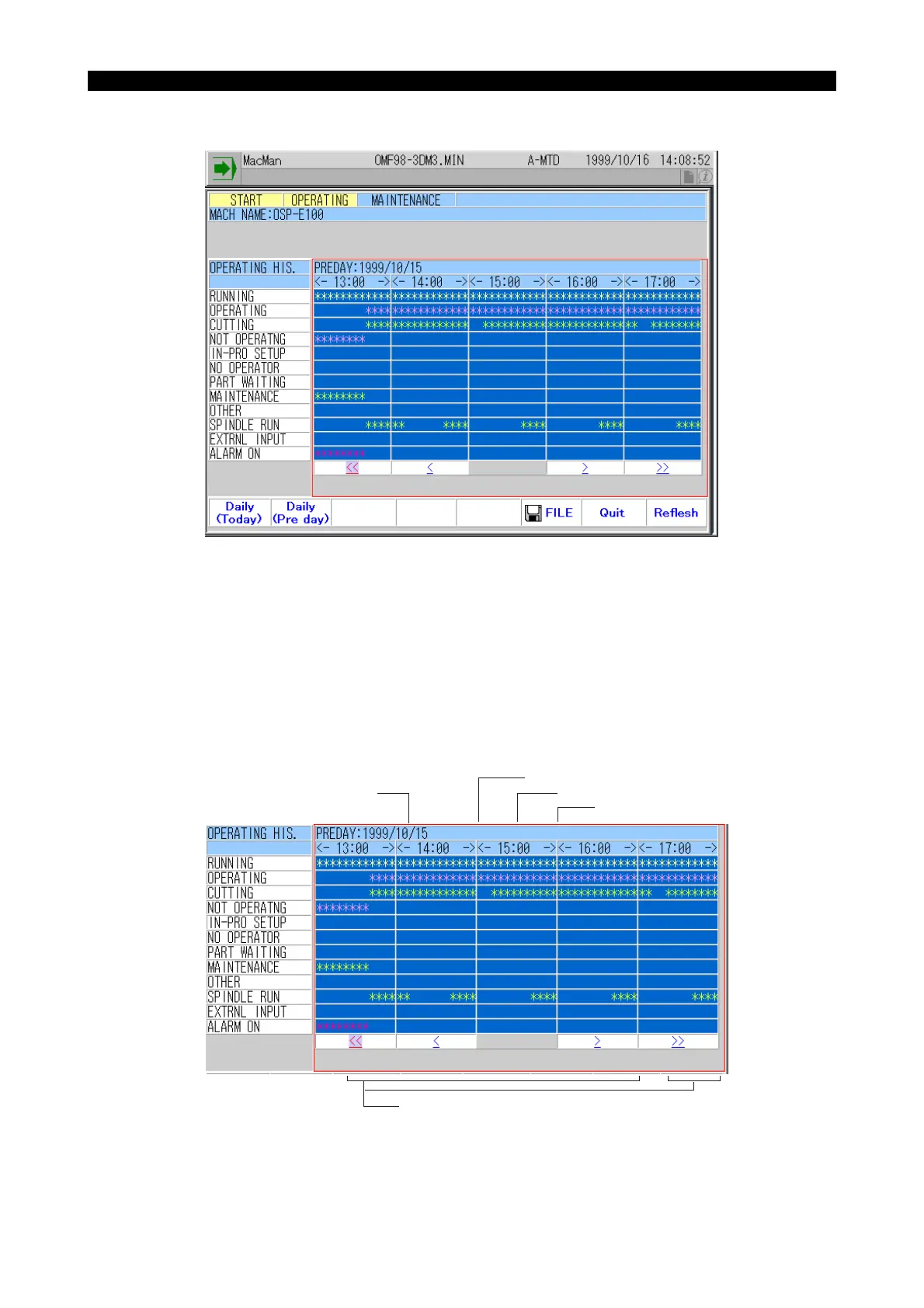
(1) The machine operating status for one day (previous day) is displayed in time chart.
The operating status of the machine (ON/OFF) is checked in every 10 minutes and the results
of the check are displayed on the screen in time chart.
• The term previous day does not always indicate yesterday. If the NC is turned on after it has
been stopped for two days, the previous day means the day three days before yesterday.
• The operating history for 5 hours is displayed on the screen. The display can be scrolled to
view the history of other operating hours by using the "right" and "left" cursor keys.
You can scroll the screen in the same manner as explained in 10-1. "Daily Operating History
(Today)".
EIOSPKKU6005R01
Date of report (previous day)
15:00
15:30
16:00
NC was ON, but Main program was not executed.
Reason: In-process setup



 To Next Page