4345-E P-28
SECTION 8 ALARM HISTORY
2. Changing Logged Alarm Levels
Eeospkkua004
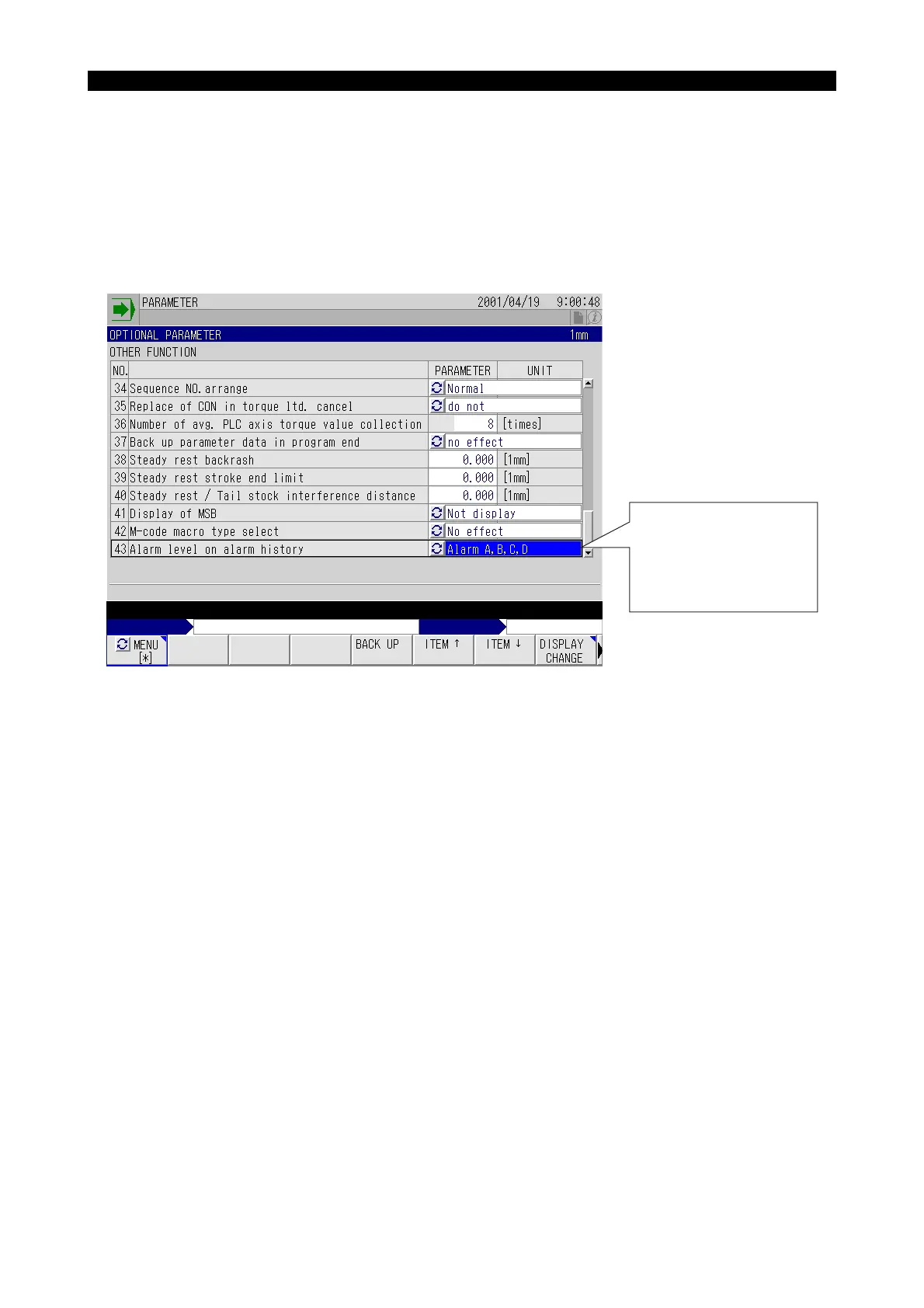
The alarm levels logged in the alarm history can be changed.
The factory-set alarm levels to be logged in the alarm history are alarms A, B, C, and D.
Lathes
Change the alarm levels on the OPTIONAL PARAMETER (OTHER FUNCTION) screen displayed
in the parameter setting mode.
EIOSPKKUA003R01
Select the alarm level from:
Alarm A, B, C, D
Alarm A, B, C
Alarm A, B
Alarm A



 To Next Page