EasyManua.ls Logo

Okuma OSP-U100M - Page 14

Okuma OSP-U100M
511 pages
Print Icon
To Next Page IconTo Next Page
To Previous Page IconTo Previous Page
Loading...
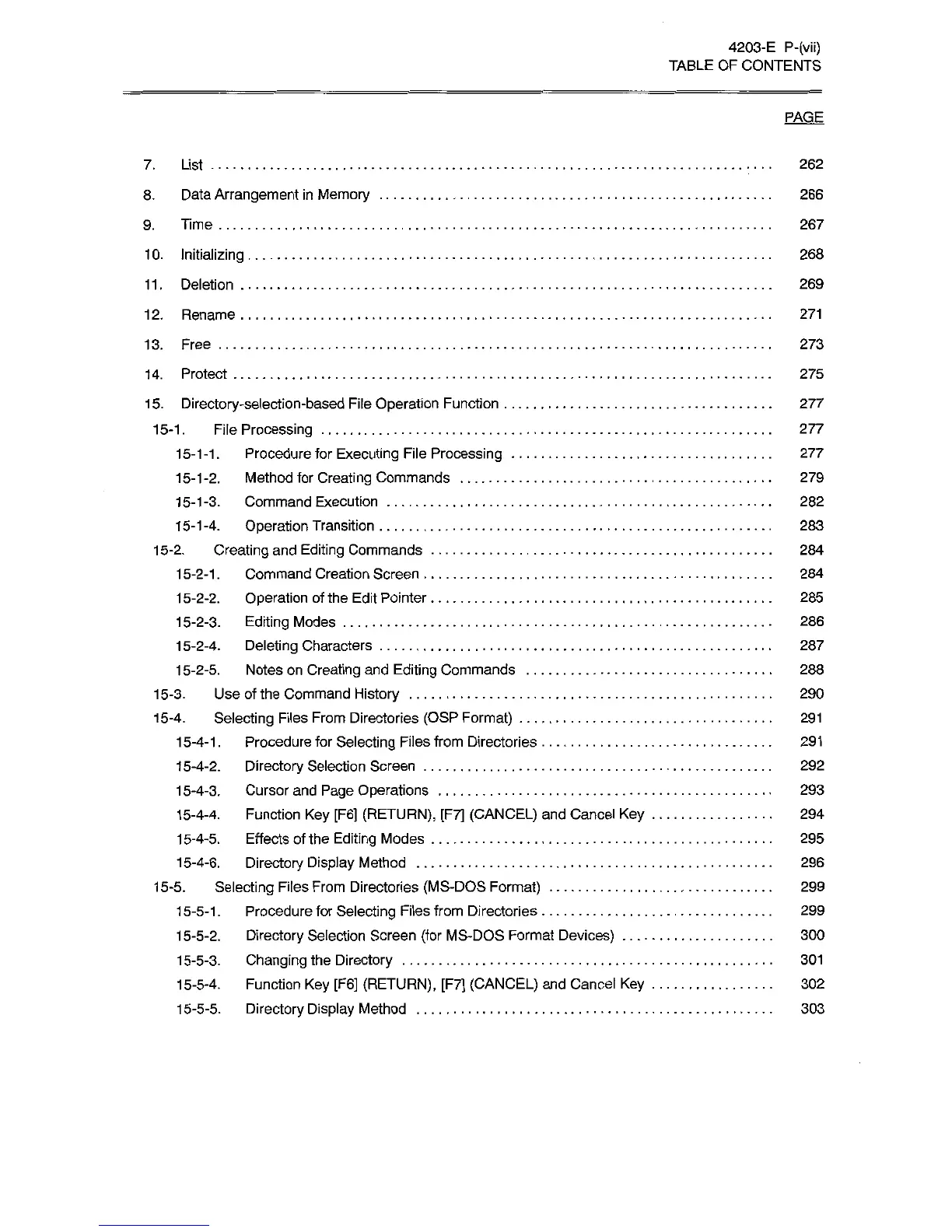
4203-E
P-(vii)
TABLE
OF
CONTENTS
PAGE
7.
List
262
8.
Data
Arrangement
in
Memory
9.
Time
1
0.
Initializing
11.
Deletion
266
267
268
269
1
2.
Rename
271
13.
Free
273
14.
Protect
15.
Directory-selection-based
File
Operation
Function
15-1.
File
Processing
15-1
-1
.
Procedure
for
Executing
File
Processing
15-1-2.
Method
for
Creating
Commands
15-1-3.
Command
Execution
15-1-4.
Operation
Transition
15-2.
Creating
and
Editing
Commands
15-2-1
.
Command
Creation
Screen
15-2-2.
Operation
of
the
Edit
Pointer
15-2-3.
Editing
Modes
15-2-4.
Deleting
Characters
1
5-2-5.
Notes
on
Creating
and
Editing
Commands
15-3.
Use
of
the
Command
History
15-4.
Selecting
Files
From
Directories
(OSP
Format)
1
5-4-1
.
Procedure
for
Selecting
Files
from
Directories
15-4-2.
Directory
Selection
Screen
15-4-3.
Cursor
and
Page
Operations
1
5-4-4.
Function
Key
[F6]
(RETURN),
[F7]
(CANCEL)
and
Cancel
Key
15-4-5.
Effects
of
the
Editing
Modes
15-4-6.
Directory
Display
Method
15-5.
Selecting
Files
From
Directories
(MS-DOS
Format)
1
5-5-1
.
Procedure
for
Selecting
Files
from
Directories
15-5-2.
Directory
Selection
Screen
(for
MS-DOS
Format
Devices)
15-5-3.
Changing
the
Directory
15-5-4.
Function
Key
[F6]
(RETURN),
[F7]
(CANCEL)
and
Cancel
Key
15-5-5.
Directory
Display
Method
275
277
277
277
279
282
283
284
284
285
286
287
288
290
291
291
292
293
294
295
296
299
299
300
301
302
303

Related product manuals