EasyManua.ls Logo

Okuma OSP-U10M - Page 57

Okuma OSP-U10M
511 pages
Print Icon
To Next Page IconTo Next Page
To Previous Page IconTo Previous Page
Loading...
4203-E
P-37
SECTION
1
OPERATION
2.
Outline
of
Controls
on
Operation
Panel
2-1
.
Operation
Mode
Selection
Keys
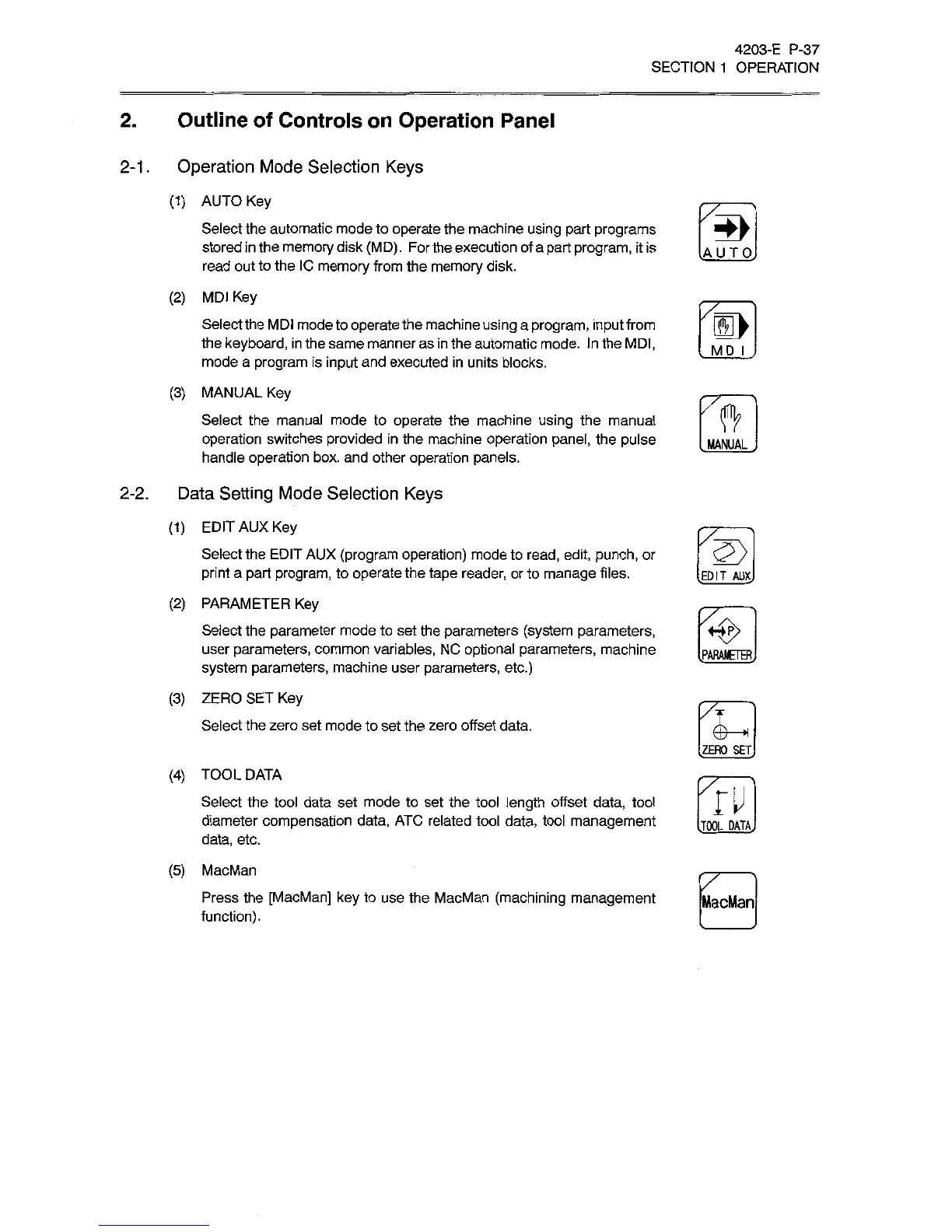
(1)
AUTO
Key
Select
the
automatic
mode
to
operate
the
machine
using
part
programs
stored
in
the
memory
disk
(MD)
.
For
the
execution
of
a
part
program,
it
is
read
out
to
the
IC
memory
from
the
memory
disk.
(2)
MDI
Key
Select
the
MDI
mode
to
operate
the
machine
using
a
program,
input
from
the
keyboard,
in
the
same
manner
as
in
the
automatic
mode.
In
the
MDI,
mode
a
program
is
input
and
executed
in
units
blocks.
(3)
MANUAL
Key
Select
the
manual
mode
to
operate
the
machine
using
the
manual
operation
switches
provided
in
the
machine
operation
panel,
the
pulse
handle
operation
box.
and
other
operation
panels.
lAUTQj
!>
MD
I
ft
MANUAL
2-2.
Data
Setting
Mode
Selection
Keys
(1)
EDIT
AUX
Key
Select
the
EDIT
AUX
(program
operation)
mode
to
read,
edit,
punch,
or
print
a
part
program,
to
operate
the
tape
reader,
or
to
manage
files.
(2)
PARAMETER
Key
Select
the
parameter
mode
to
set
the
parameters
(system
parameters,
user
parameters,
common
variables,
NC
optional
parameters,
machine
system
parameters,
machine
user
parameters,
etc.)
(3)
ZERO
SET
Key
Select
the
zero
set
mode
to
set
the
zero
offset
data.
2>
.EDIT
AUX
<e>
[PARAMETER,
J—
H
.ZERO
SET
(4)
TOOL
DATA
Select
the
tool
data
set
mode
to
set
the
tool
length
offset
data,
tool
diameter
compensation
data,
ATC
related
tool
data,
tool
management
data,
etc.
(5)
MacMan
Press
the
[MacMan]
key
to
use
the
MacMan
(machining
management
function).
ru
[TOOL
DATA,
MacMan

Related product manuals