ENGLISH
EN - 28
D. ECO function active
E. GEAR function active
F. LOCK function active
G. TIMER function active (ON) or not active (OFF)
H. Temperature
Displays the default temperature or time when the timer is set.
When you set the operating mode to FAN ONLY, no temperature setting is displayed.
I. Fan speed
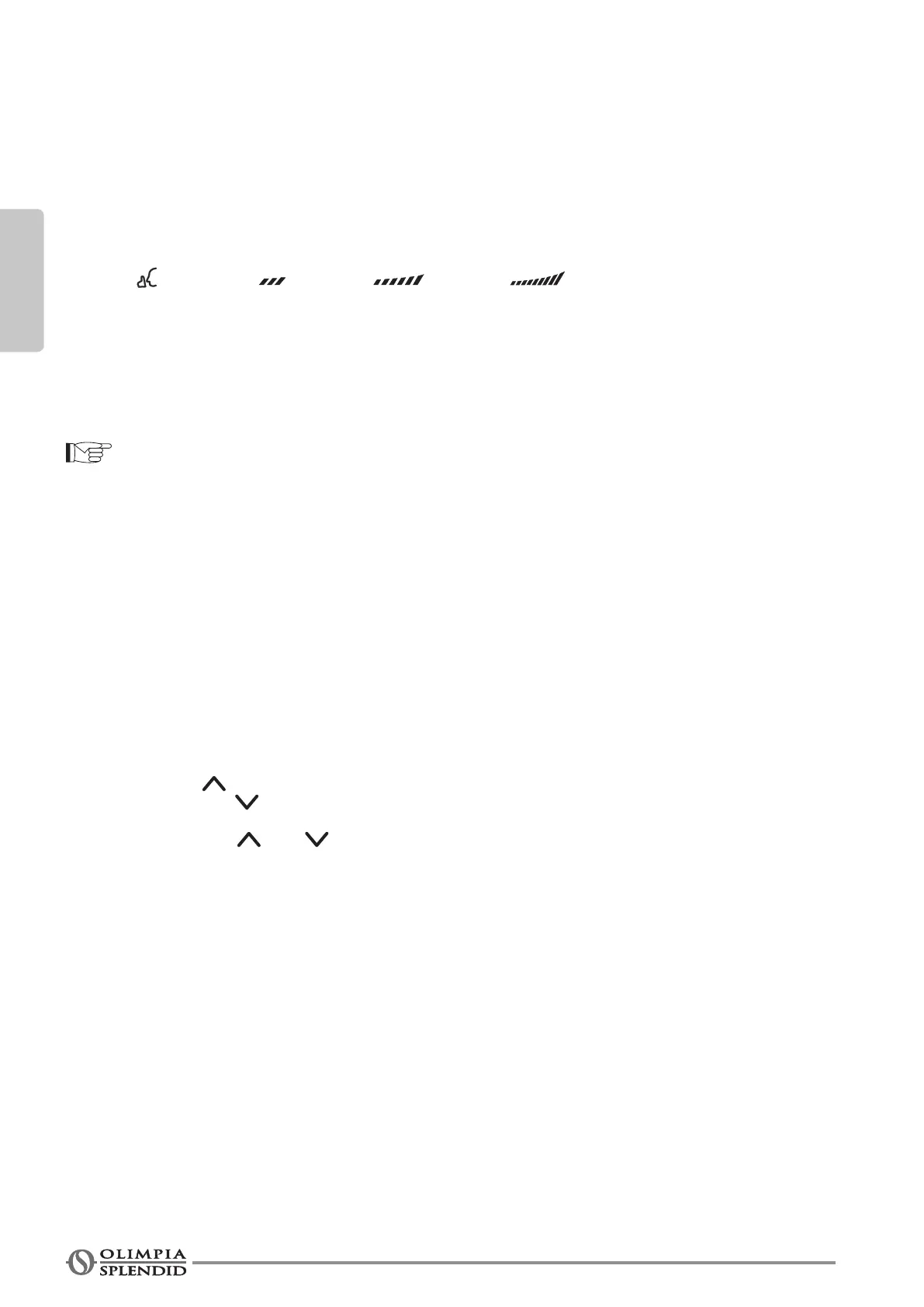
Displays the fan speed set, AUTO and four speed levels can be indicated à
“
“ (SILENT) - “ (LOW) - “ “ (MED) - “ “ (HIGH).
“AUTO” is displayed when the operational mode is “AUTO” or “DRY”.
L. Other functions
L1. Visualization of horizontal oscillation
L2. Visualization of vertical oscillation
L3/L4. Not available for these models
L5. TURBO function active
The remote control display is illustrated just for greater clarity.
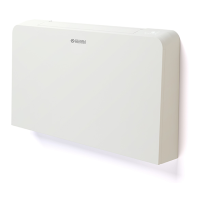
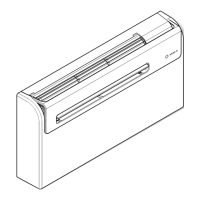
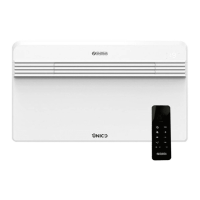
3.4.2-Descriptionoftheremotecontrolkeys(gure34)
1. MODE SELECTION key
Every time this key is pressed, a mode is selected in sequence,
AUTO > COOL > DRY > HEAT > FAN and then back to AUTO.
2. ON/OFF key
Press this key to start the appliance and press it again to stop the appliance.
3. ECO/GEAR key
Every time this key is pressed, a mode is selected in sequence,
ECO > GEAR (75%) > GEAR (50%) > previous settings then back to ECO.
4. TEMP/TIME key
Press the “ ” key to increase the indoor temperature set or to adjust the TIMER in a clockwise direc-
tion. Press the “ ” key to lower the indoor temperature set or to adjust the TIMER in an anti-clockwise
direction.
Press the keys “ ” and “ ” simultaneously for 3 seconds to choose the options (°C or F) which alter-
nates on the display.
5. SET key
Every time this key is pressed, a mode is selected in sequence,
FRESH > SLEEP > FOLLOW ME > AP MODE then back to FRESH.
When the icon of the desired mode appears on the display, press key “OK”toconrm.
6. TIMER key
Press the key to activate (ON) or deactivate (OFF) the TIMER function.
7. FAN key
Usedtoselectfanspeed,ithasvelevelsAUTO,SILENT,LOW,MED,oHIGH.
The fan speed changes every time this key is pressed.
8. SWING key
Press this key to activate operation of the horizontal slits.
Press this key for 2 seconds to activate operation of the vertical slits.
Press it again to stop their operation.


 To Next Page