EN - 12
ENGLISH
3.2.c - Location of the remote control
Keep the remote control (10) in a position from which the signal can reach the receiver of the appliance
(maximumdistanceisapprox.4metres-withchargedbatteries)(gureE).
Thepresenceofobstacles(furniture,curtains,walls,etc.)betweentheremotecontrolandtheappliance
reduces the remote control range.
3.3 - USE OF THE APPLIANCE
Work as follows in order to use the appliance.
3.3.a - Preliminary operations
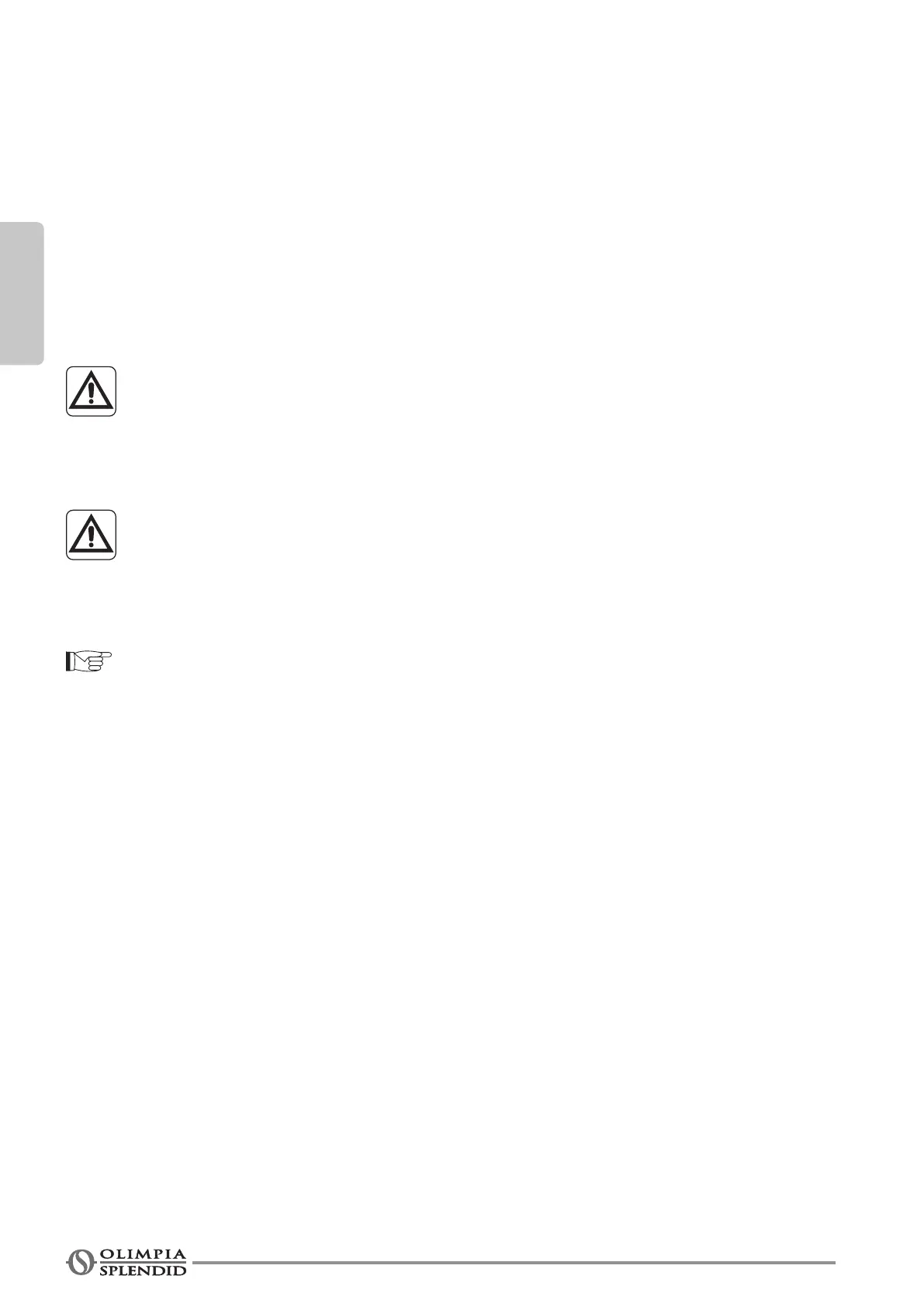
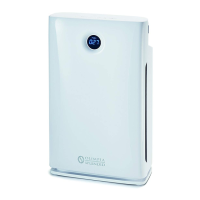
• Place the appliance on a stable and not inclined base, at least 15 cm. from the
wall or from any other object, in order to ensure the correct air circulation.
• Do not obstruct the air outlet/inlet ways.
• Insert the plug into the socket, press the ON/OFF switch (8); the appliance
emits a “beep” and goes into stand-by.
Before electrically connecting the appliance, make sure the plate data correspond
to those of the electricity distribution network.
3.4 - OPERATING INSTRUCTIONS
Each time the keys are pressed, the appliance emits a “beep”.
a. Insert the plug into the socket.
b. Toturnontheappliance,presstheswitch(8)(abeepisheard)(g.F).
b. To activate the appliance, press the ON/OFF key (D1) on the display, or the ON/OFF key (A1) on the
remote control.
c. Toturnotheappliance,seethenextparagraph.
3.4.a - ON/OFF key
Remote control
Instand-bymode(displayo)bypressinganykeyontheremotecontrol,thedisplayturnsonandshows“00”.
By pressing the ON/OFF (A1) key, the appliance turns on and the display shows the speed previously set.
Toturnotheappliance,presstheON/OFF key (A1) again.
Display
By pressing the ON/OFF (D1) key, the appliance turns on and the display shows the speed previously set.
Toturnotheappliance,holddowntheON/OFF (D1) key for a few seconds until the appliance emits the
secondbeep.


 To Next Page