OSD Menu Setup
Getting Started
1 Assemble the Photo Frame bracket on the back to prop the unit up Insert the adapter. .
,.DC plug into the unit first then plug the adapter into an standard outlet
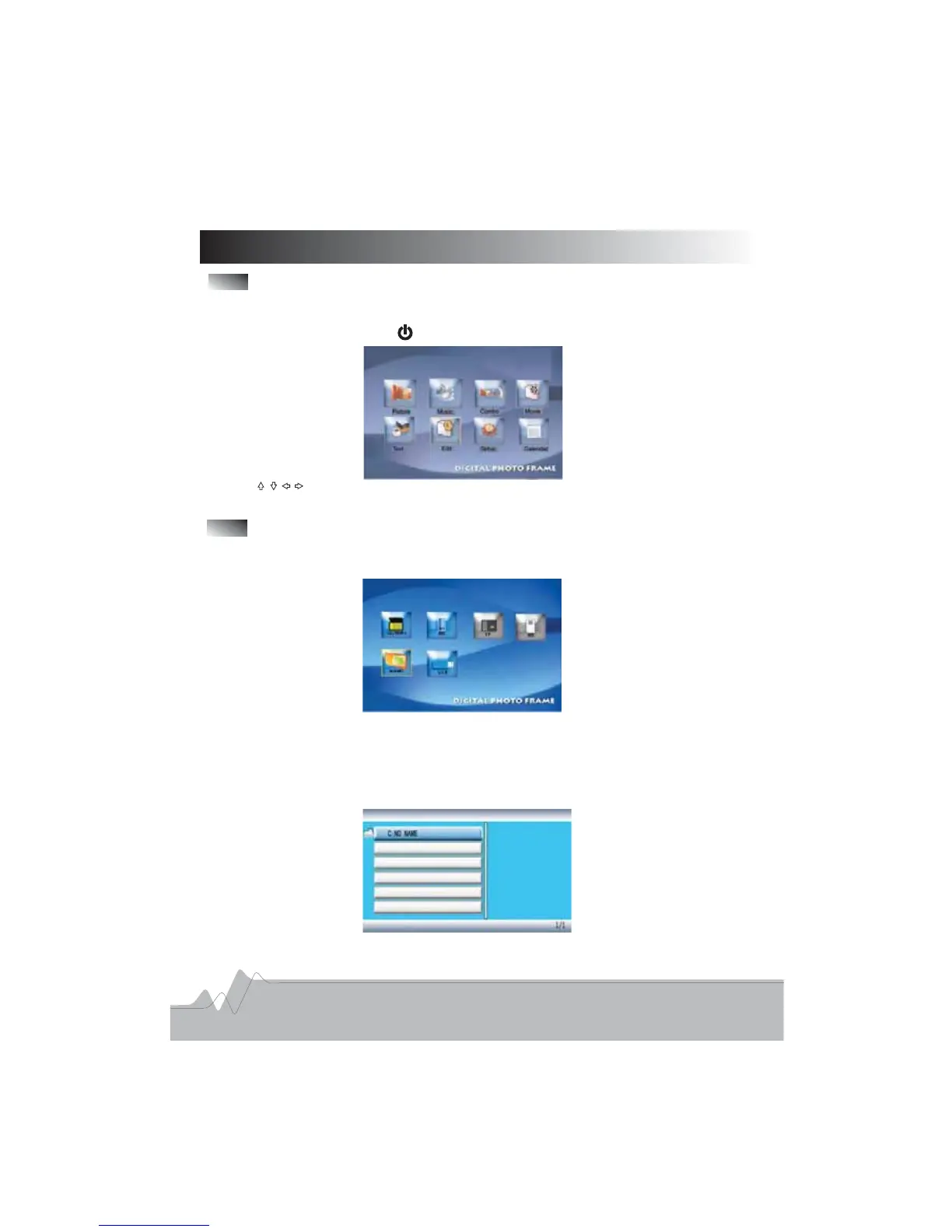
2 Turn on the unit by pressing button on the unit the main menu will appear as below.,:
3 Use direction buttons to highlight an icon and press ENTER button to confirm. .
Viewing Pictures
1 In the main menu choose Picture icon using the direction buttons press ENTER button
this will now bring the memory devices menu
.,,,
:
In this menu the memory cards which are inserted in the unit will be highlighted and
are enable for selection
Do not force the memory cards into the corresponding slot
,,
.
.
2 Use direction button to highlight the cards that you want to play and press ENTER
button the screen will display a list of files or folders
.
,.
7



 To Next Page