HVBT‐5200USERMANUAL
HVBT‐5200_User_Manual_V1
WHATSINTHEBOX
WHATSINTHEBOX
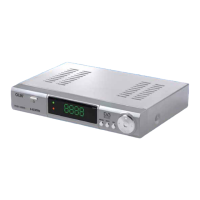
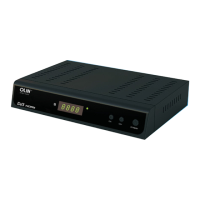
HVBT‐5200HDSetTopBox
1xRemotecontrol
2xAAABatteryforremotecontrol
1xUserManual(ThisDocument)
1XQuickGuide
1XWarrantyCard
1xRCAAVCable
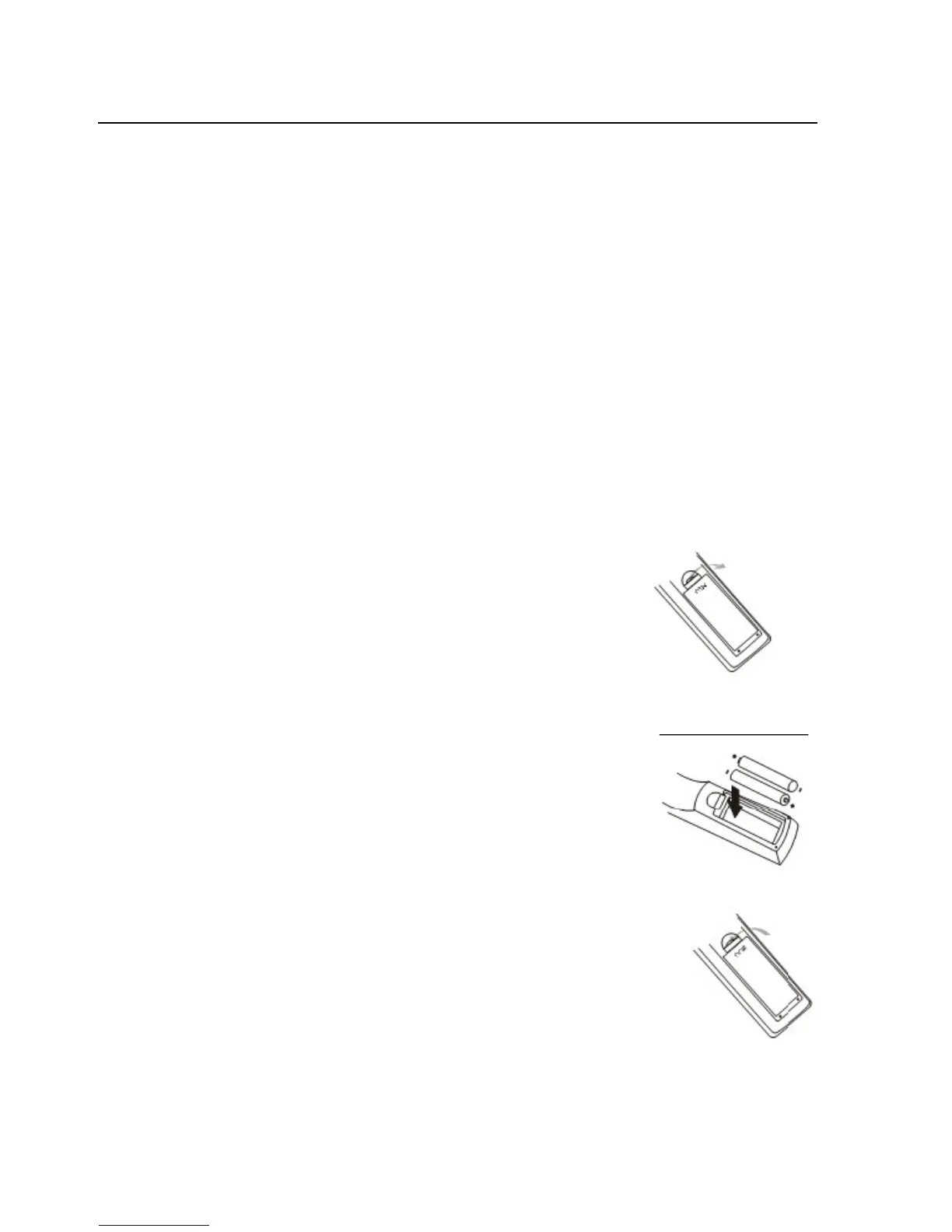
INSTALLINGTHEBATTERIES
1.Removethebatterycompartmentcoveronthe
rearoftheRemoteControl.
2.Insertthe2XAAAbatteries(supplied)intothe
compartmentbeingsuretomatchthepolarities
withthemarkingsinthecompartment.
3.Fitthecoverbackontheremote controland
makesurethatitlocksinplace.
Note:Pleasedonotmixoldandnewbatteriesinthisremote.Remove
batteriesifremote
isnotgoingtobeusedforlongperiods.
-4-


 To Next Page