11
MAIN MENU
MAIN MENU
2.2 Channel Scan
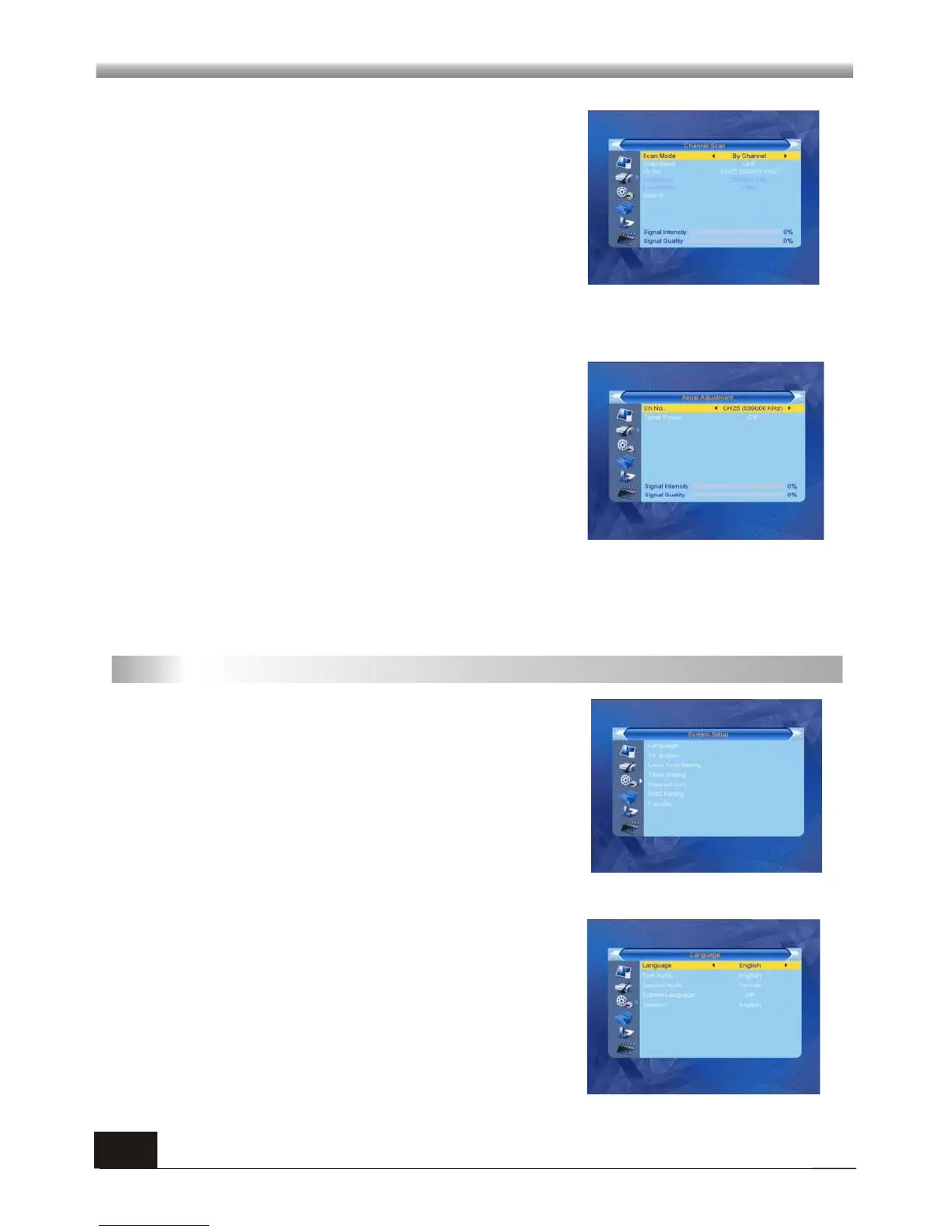
When you enter Channel Scan, the screen will
display as beside.
There are two scan modes for you. You can choose to
scan by channel or by frequency.
Move highlight to search option, and press [OK] key
to start scanning.
Press [EXIT] key to exit the scanning and save the current selection.
2.3 Aerial Adjustment
When you enter Antenna feeding, the screen will
display as beside.
For CH No. option, press [Left/Right] key to choose
the channel.
For Tuner Power option, press [Left/Right] key to
choose Off and On.
2.4 LCN (Logic Channel Number)
Press [Left/Right] key to choose On and Off.
3. System Setup
It contains 7 sub-menus such as: Language, TV
System, Local Timer Setting, Timer Setting, Parental
Lock, OSD Setting and Favorite .
Press [OK] key to enter the selected item.
When you enter the System Setup menu, you will see
the screen like besides.
3.1 Language
1. Press OK key to enter into the Language window.
2. Press MENU key or EXIT key to save and exit.



 To Next Page