MAIN MENU
MAIN MENU
19
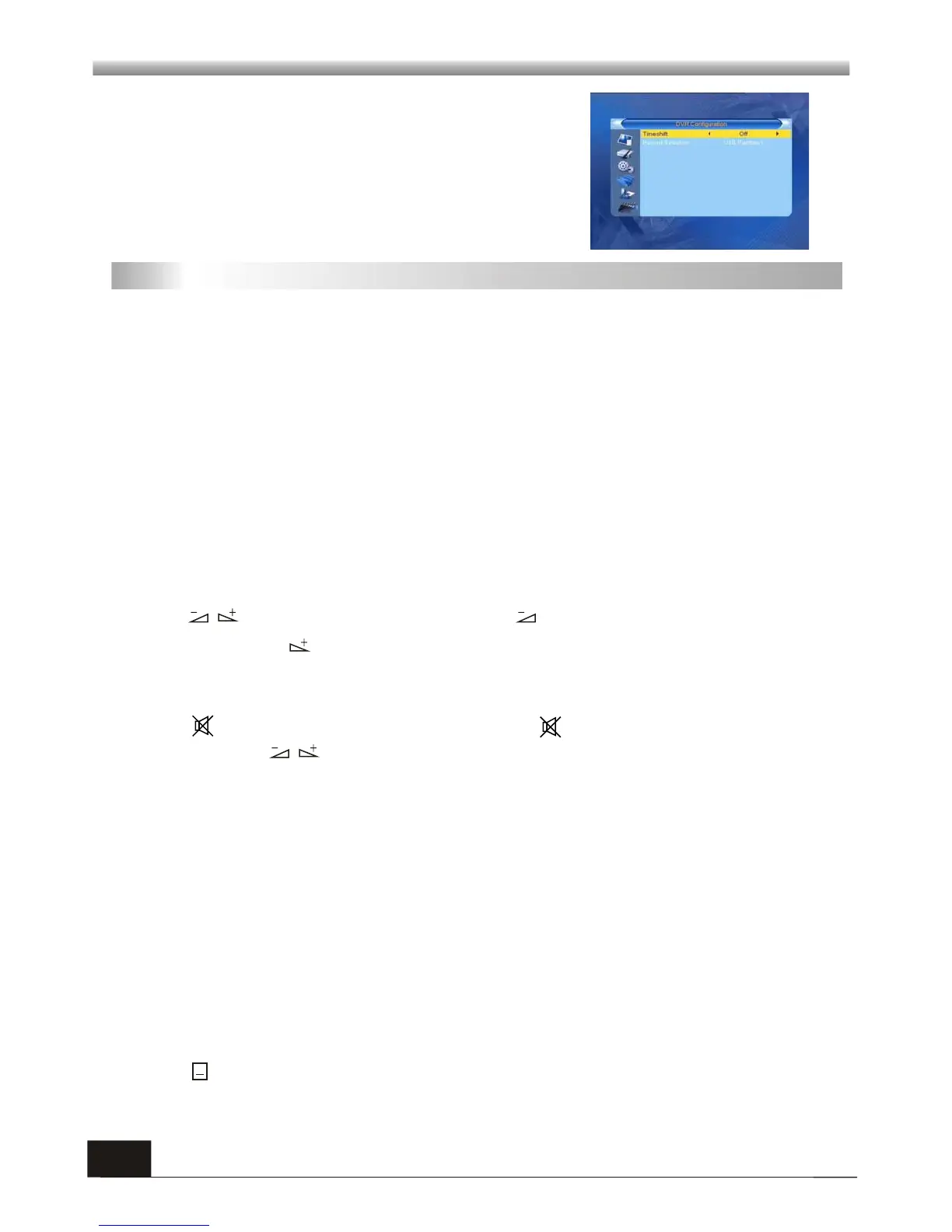
6.7 PVR Configuration
1. Time shift: to enable or disable the function of 'SHIFT'
button on your remote control. The duration of time shift
will be based on your free space of external drive.
2. Record Selection: You can change the default storage
location of recorded file on your removable device.
During the viewing, you can press PAUSE key to stop the picture while the volume
continues. You can play the picture by pressing PAUSE key once again.
7.6 Pause
Press TXT keys to open the teletext on the screen. If there is no teletext, system will
inform "No Data!". Press EXIT key to exit.
Teletext availability is subject to channel broadcasting in each region.
7.7 Teletext
7.8 Subtitle
Use the numeric keys (0-9) to input the number of the desired channel. If the
inputted number is beyond the valid channel number, system will "Invalid number”
and press OK key to close this message.
7.1 Number
In normal mode, press TV/RADIO key to switch between TV mode and Radio mode.
7.2 TV/RADIO
Press PR+, PR- keys to change the channel up or down.
7.3 Up/Down (Channel Change)
Press keys to change the volume. Press keys to decrease the volume by
step 1, while press keys to add the volume by step1.
7.4 Left/Righ (Volume+/-)
7. Hot Key
Press key to close the volume. You can press key once again to restore the
volume, or press keys to open the volume.
7.5 Mute
Press keys to show the subtitle window, use UP/DOWN keys to select and press
OK to confirm.



 To Next Page