MAIN MENU
MAIN MENU
20
1. Press FAV key to pop up the favourite group
window.
2. Press keys to select the favorite group.
Press PR+, PR- keys to select the channel up or
down. Press OK key at the selected channel to view
it in full-screen. Press MENU or EXIT key to exit.
3. If there is no favorite channel, system will inform "
No FAV Channel!" when you press FAV key.
7.13 FAV
1. Press key to enter into the Audio window.
2. Press keys to select between Left, Right,
Mono and Stereo.
3. Changing the audio mode is only connected with
the current channel, not all the channels.
4. Press MENU or EXIT key to close this window.
7.10 Audio
Press key to switch the current channel to the previous channel.
7.11 Recall
1.Press INFO key to enter into the information window.
2. Double press INFO key to check signal quality.
7.12 Info
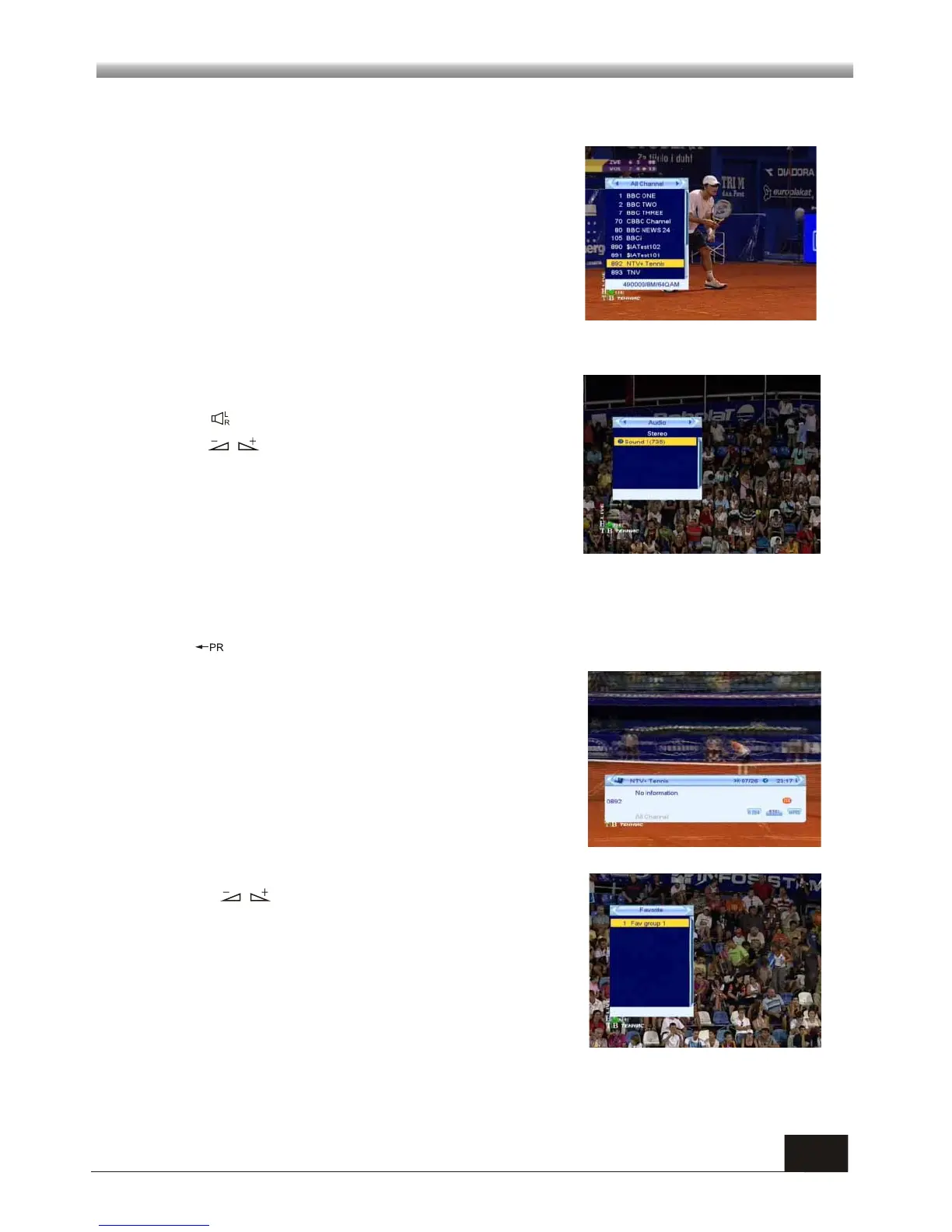
1. During the viewing or listening, press OK key to
pop up the TV program list or the Radio program list.
2. Press PR+, PR- keys to select the channel up or
down, and then press OK key to play this channel in
full-screen.
4. Press MENU or EXIT key to close this window.
7.9 OK



 To Next Page