21
MAIN MENU
MAIN MENU
: Press OK key at this button to move the
cursor to the current time line.
: Press OK key to push the time forward or
backward by half an hour.
: Press OK key to push the time forward or
backward by 2 hours.
: Press OK key to push the time forward or
backward by a day. From the current day, you can
switch among the future 7 days in circle.
4. Press green colour key to enter into the Timer window. You can add the current
program to the Timer. If 8 timers is already, system will inform "Timer is full!'.
3. Detail Information: In the EPG window, press PR+, PR- keys to select
the channel and program, and press OK key to know the detail information of the
current program.
7.14 EPG
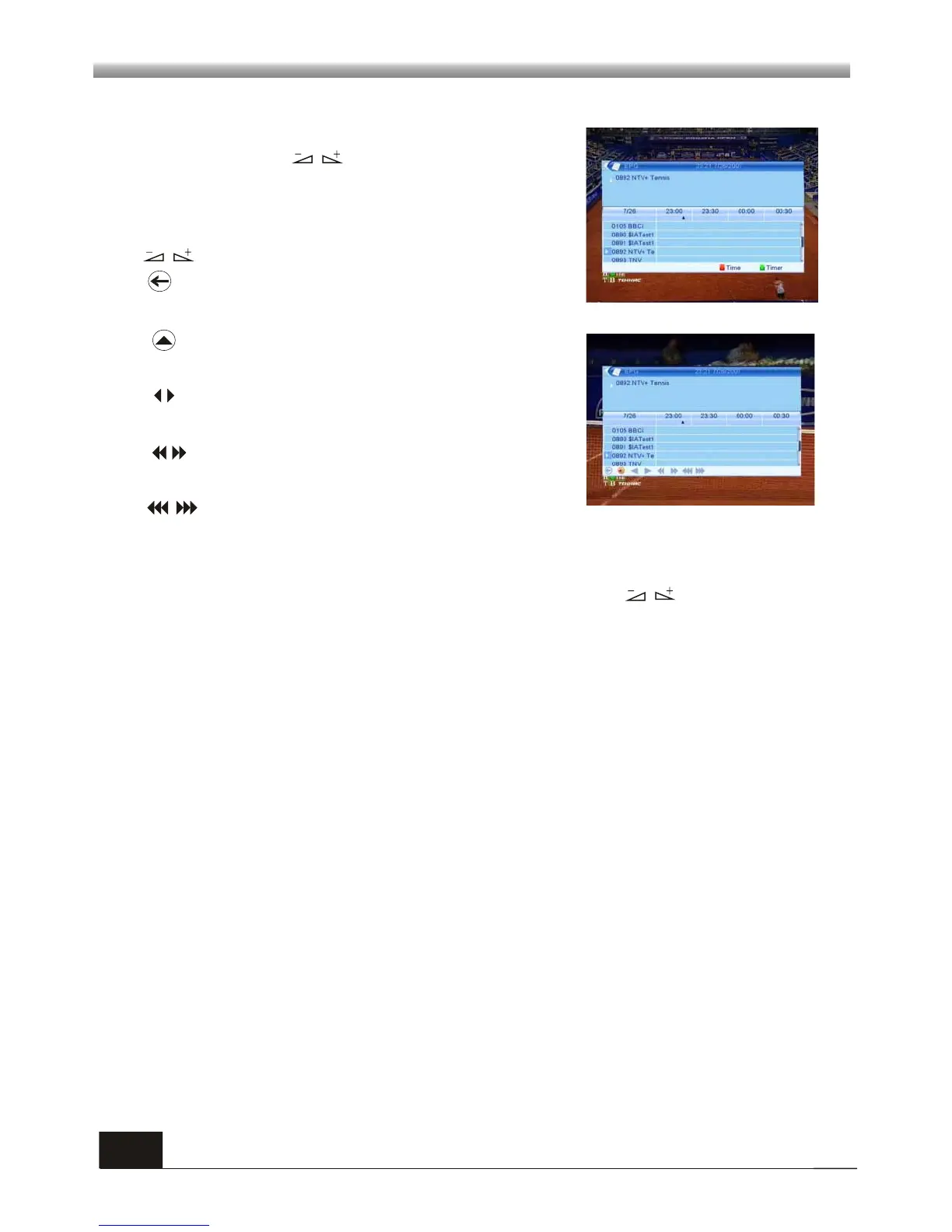
Press EPG key to enter into the EPG window.
1. Press PR+, PR-, keys to select up or down,
left or right.
2. Press red colour key to pop up the Time Bar window.
Press PR+, PR- keys to select up or down, while press
keys to select left or right in the time bar.
: Press OK key at this button to return to the EPG
window.



 To Next Page