7
WELCOME PAGE
WELCOME PAGE
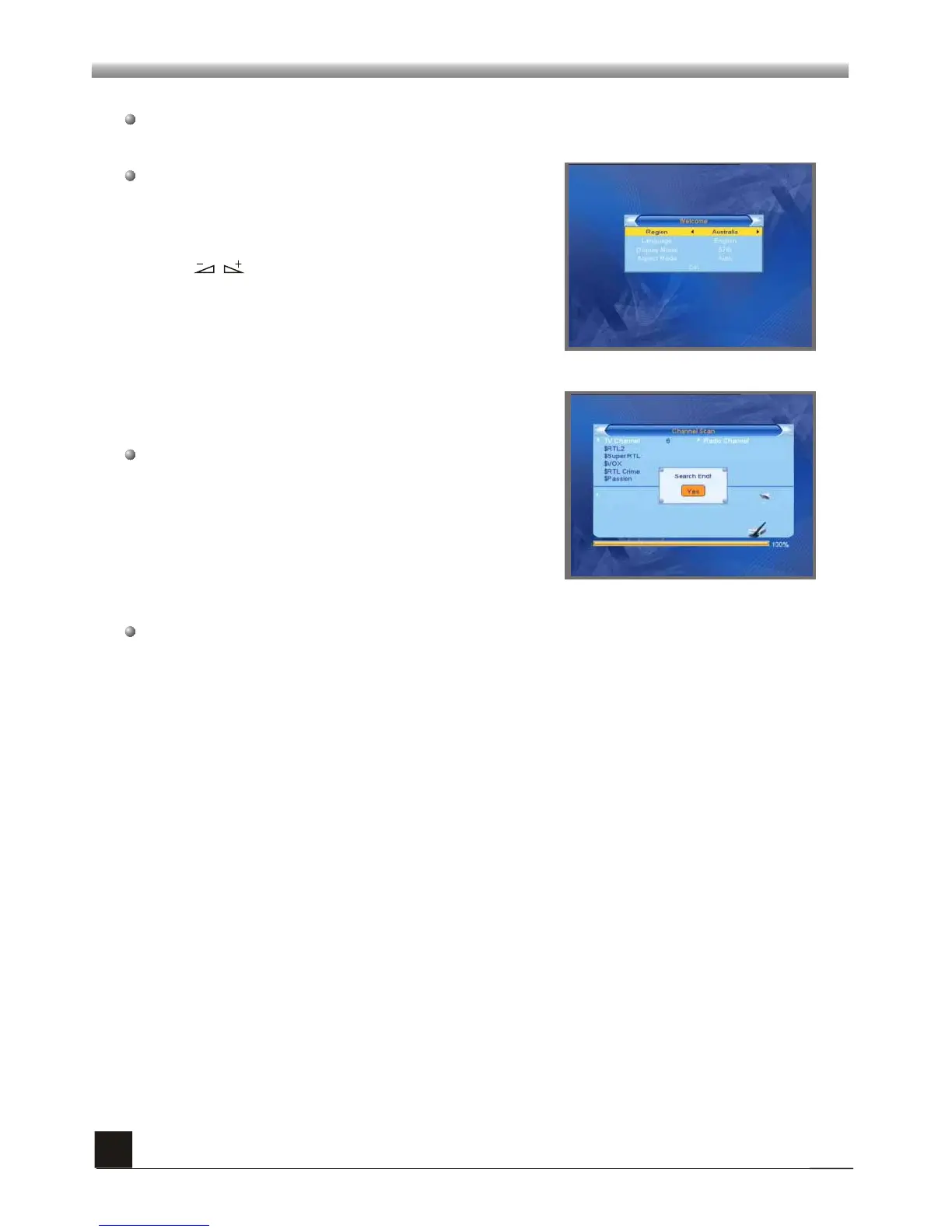
When power on first time, it will show welcome page like below.
Press keys to change Region, Language
and Aspect Mode. Press OK when highlight
Display Mode and select from pop-up window.
Press PR+,PR- keys to move highlight to select
Region, Display Mode, Aspect Mode and
language.
Press [EXIT] key to exit this menu.
Move highlight to [OK] option and press OK key
to enter “ Auto Scan” menu .



 To Next Page