21
SETUP
Rating
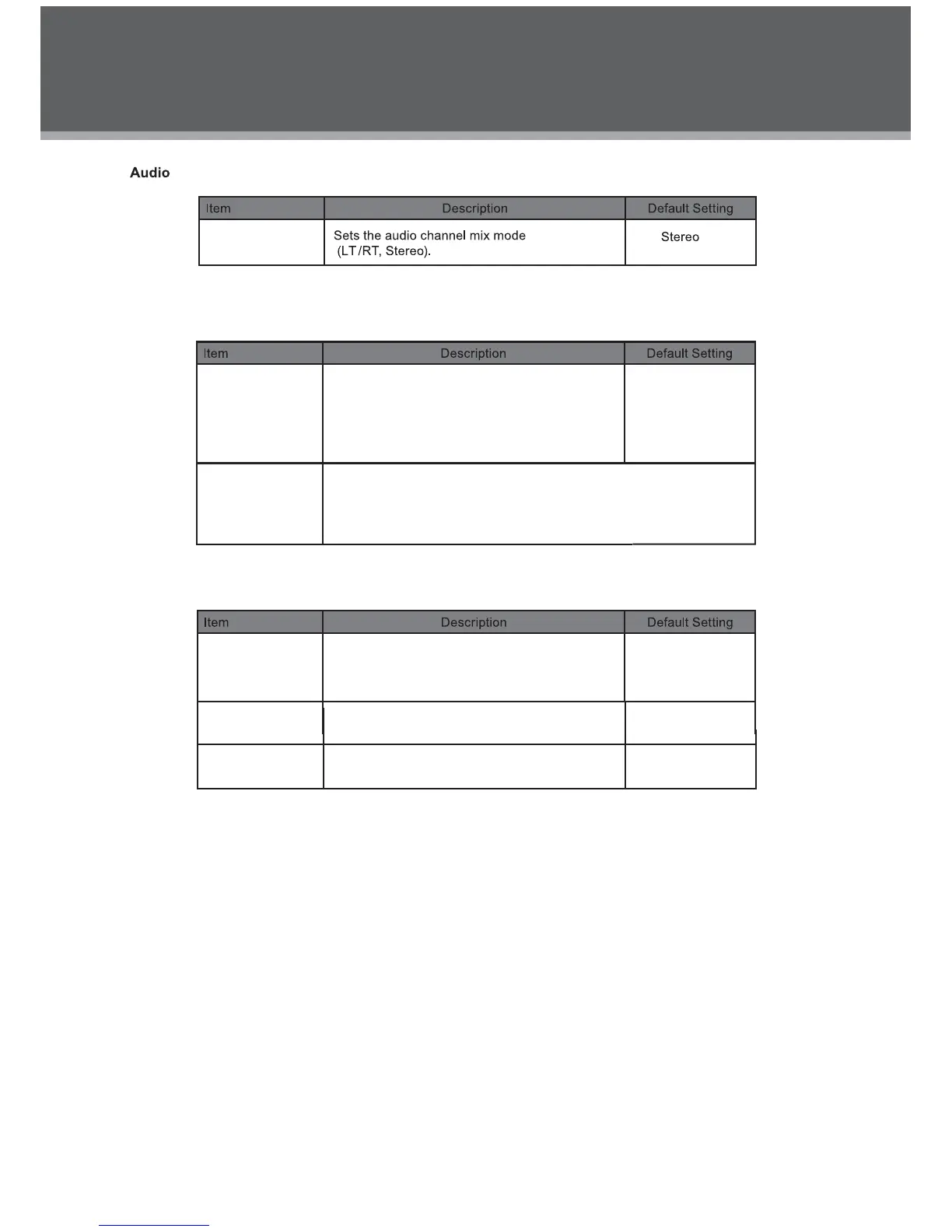
Channel Output
Parental Control
Sets the maturity rating level of the player.
The player will not play any discs rated
higher than this setting.
This setting is password protected (the
default password is: 8888).
Levels 1 to 8.
(8: ADULT is de-
fault)
Set Password
Change the Parental Ctrl password. Enter the old password, and
then the new password.
DO NOT FORGET THE PASSWORD; this password cannot
be reset.
Misc
Use Default
Settings
Resets all settings to their factory default
state. This will not reset the Parental Control
password.
Read
The screen saver prevents burn-in damage
to the player’s screen.
Screen saver
On
On
Disc Resume To set the Disc Resume on/off



 To Next Page