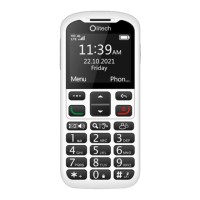
key. If any other input method is displayed
(except R9), to enter a number, press the
number key in quick succession until the
number is highlighted along the bottom of
the screen.
Abc abc ABC (Individual letters)
When Abc, abc or ABC is selected,
individual letters are manually entered by
pressing the number key associated with
that letter 1, 2, 3 or 4 times in quick
succession. When pressing the number key,
the letters will appear along the bottom of
the screen. Once a letter has been
highlighted for 2 seconds it will be
automatically added to the text field. The
associated number for the key will appear
following the lower case letters. If typing a
lower case letter, the capital letter option will
also be available to select. E.g. when the
number 3 key is pressed (not at the start of
a sentence or if ABC is selected), the
following will be seen along the bottom of
the screen: d e f 3 D E F. In this example, if
the number 3 key is pressed in quick
succession 3 times, f will be highlighted; if
the number 3 key is pressed in quick


 To Next Page