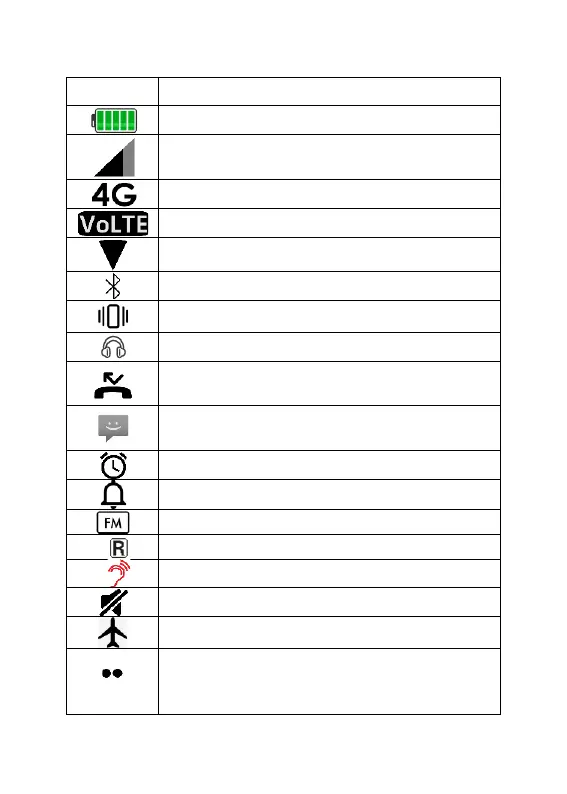
Shows charging status & battery level
Indicates mobile phone
reception/service strength
Phone is using the 4G network
Phone is connected to WLAN/Wi-Fi
Bluetooth function is active
Indicates silent mode is activate
Headphones are plugged in
You have an unacknowledged missed
call (on main screen)
You have an unread text message
(on main screen)
Overseas roaming is active
Amplify receiver volume is on
Represents that there are more icons
to display then the space allows for;
not all icons are being displayed.



 To Next Page