12
Q U I C K S T A R T G U I D E | O L I V E 4 H D
4.4 Deleting Music
To delete music simply play the track and press the
SELECT Button. Choose DELETE in the pop-up window
and then select to delete the track or the complete album.
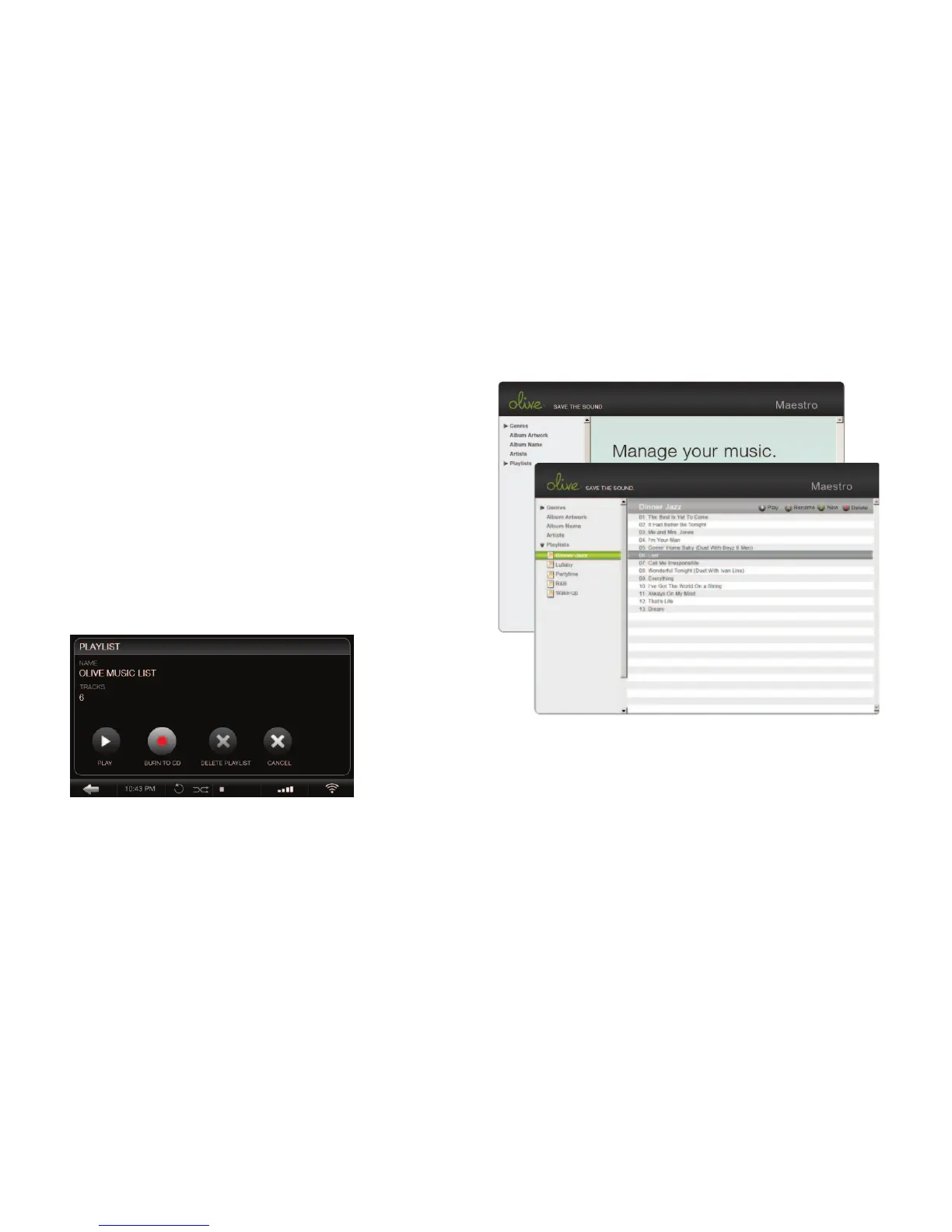
To delete a playlist simply highlight the speci c playlist
and press the SELECT Button. Choose DELETE in the
pop-up window.
4.5 Burning CDs
You can burn CDs both from albums as well as playlists. To
burn an album to CD play a track and press the SELECT
Button. Choose BURN ALBUM and insert a blank CD
when prompted. To burn a playlist to CD, highlight the
speci c playlist and press the SELECT Button. Choose
BURN TO CD and insert a blank CD when prompted.
4.6 Editing Music Information
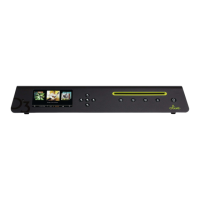
To edit the metadata of your music (album title, artist,
tracks, artwork etc.) the Olive 4HD features a special
web-interface called Maestro.
To access this interface please launch the web-browser
on your PC/Mac and enter the following address:
http://xx.x.x.xx:8163/maestro.php
(Replace the xx.x.x.xx with the Olive 4HD IP address).
Visit the support section at www.olivehi .com for more
details on the iMaestro application.
Your PC/Mac must be in the same network as your Olive.
Currently only the Firefox browser is supported with Maestro.
Download the browser for free at www. refox.com.
i


 To Next Page